Selecting a Project
When you select a Project, the Inbox, Planning, Tasks and Search sections use the Project as the scope. All Tasks assigned will be part of the selected Project. The selected Project is also set as the Project context across different modules in the application like Documents, Incidents,etc.
You can select a Project using the Project Selection dropdown.
 |
The Project Selection page opens. All available Projects are displayed as cards.
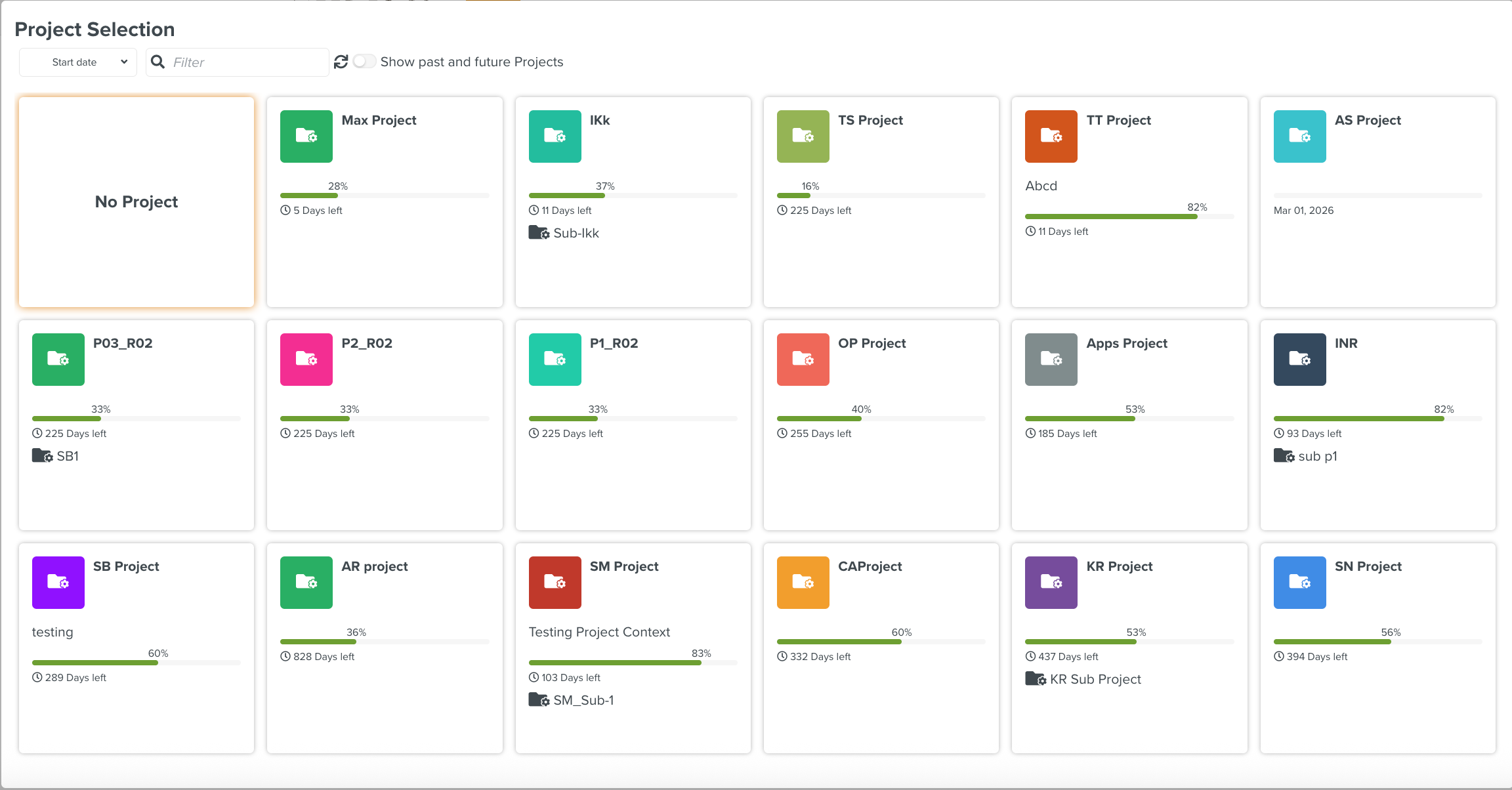
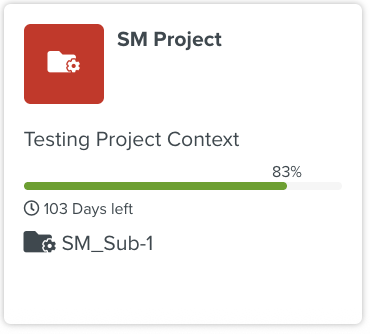
A Project card has the following details:
|
|
When you select a Project, the Project name appears in the sub-header as shown below.
 |
 |
You can select multiple Projects if required.