Generating Reports from a Manual Revision
You can generate reports from a Manual Revision. These reports are used to get a specific view of the Manual Revision components and data.
To generate a report from a Manual Revision:
From the main menu, go to > > .
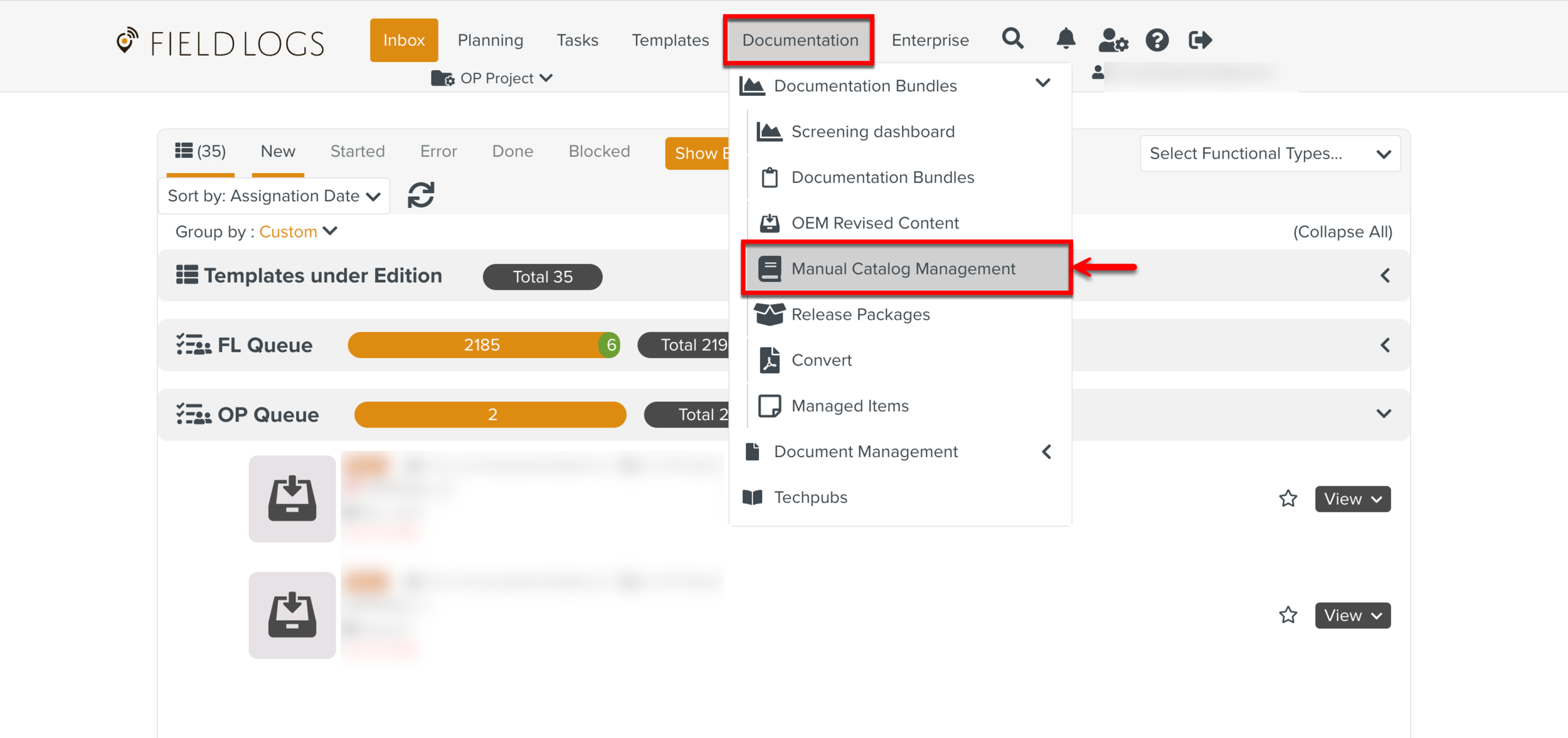
The Manual Catalog Management screen appears.
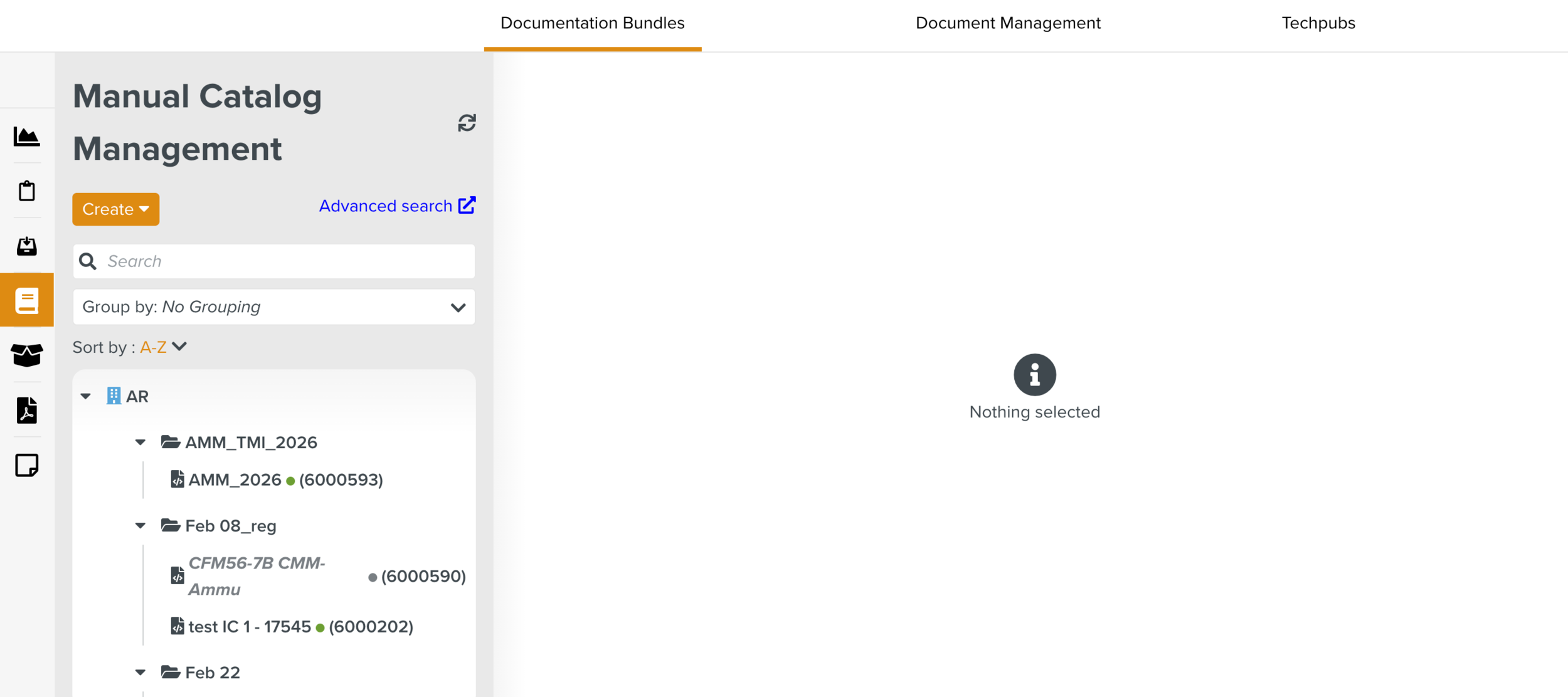
Select the required Manual Describer and navigate to the tab Manuals.
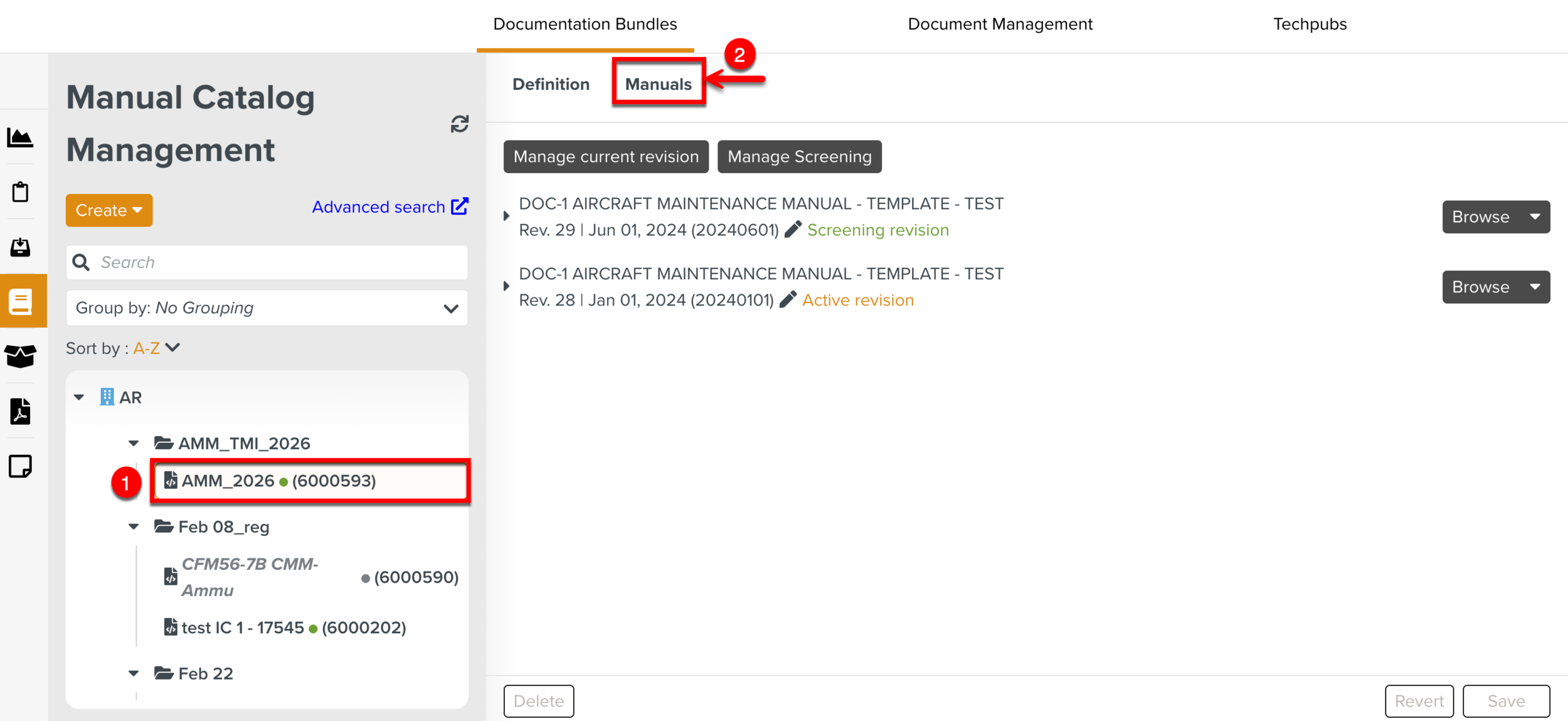
Expand the button of a Manual Revision and click Generate Report.
A dialog appears as shown.
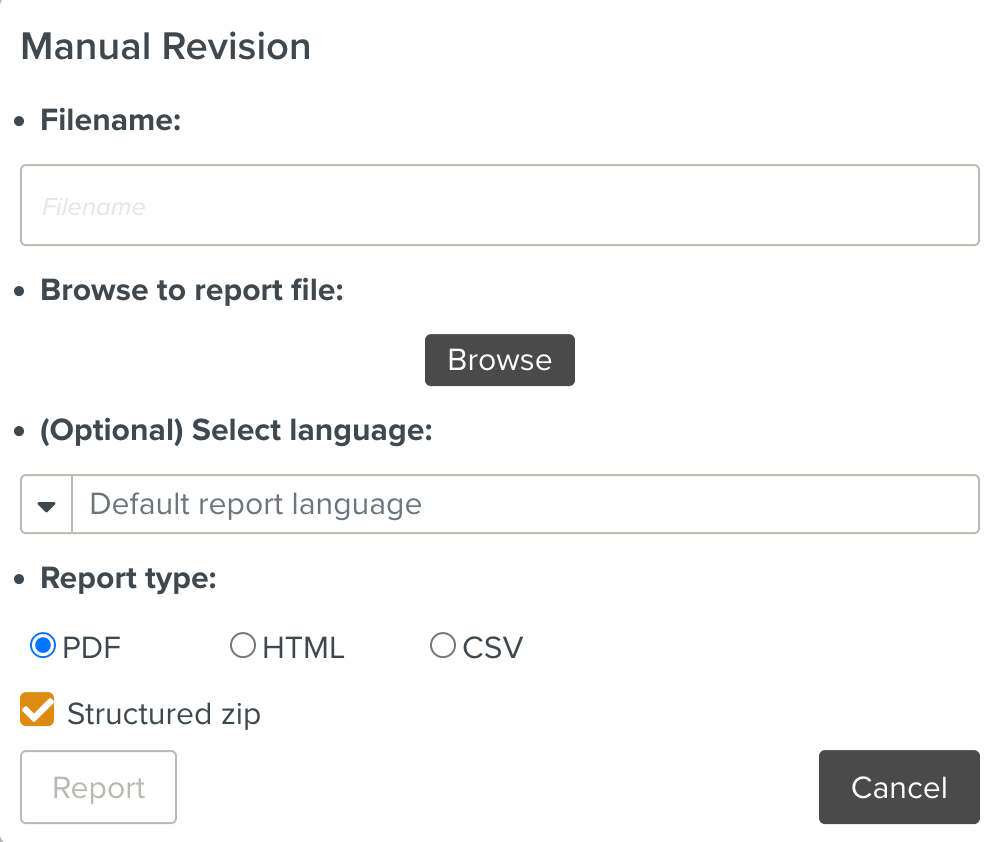
Enter the details as indicated below.
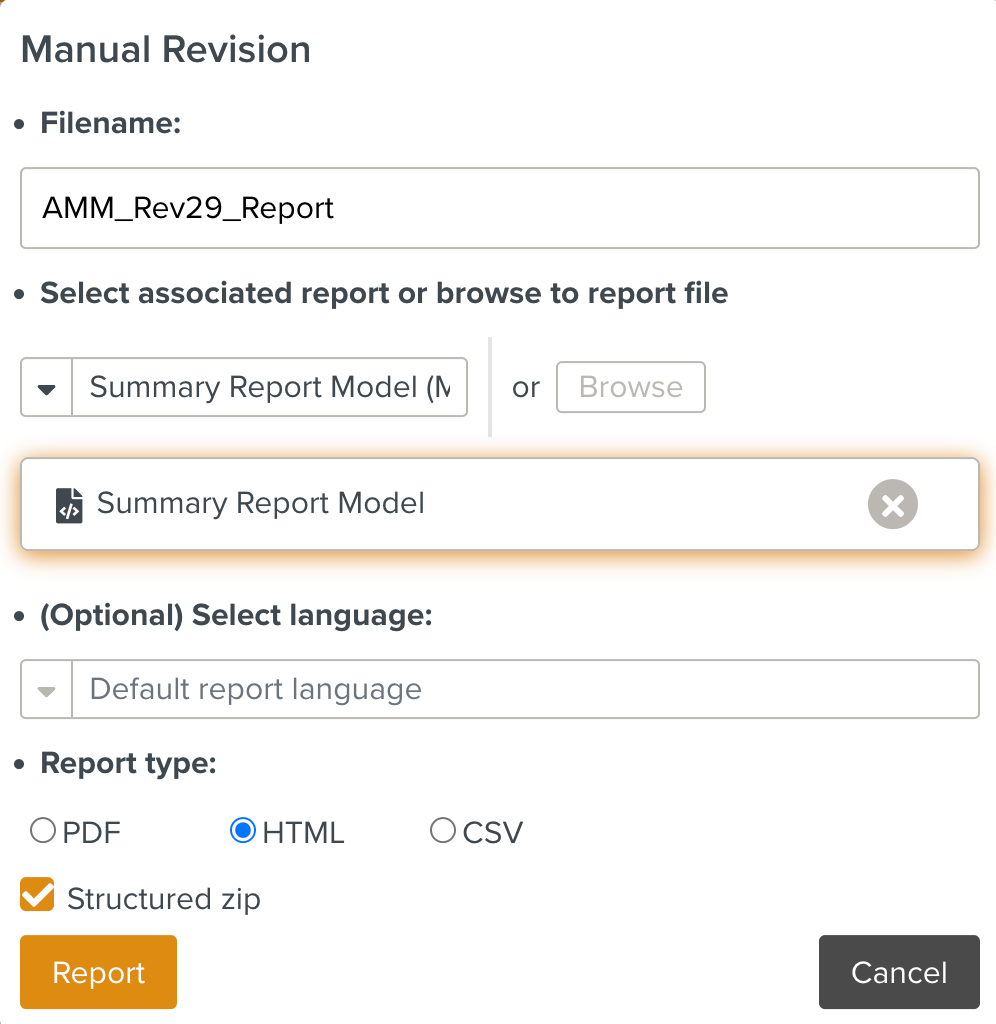
: Enter the desired name of the Report. This is optional. By default, it takes the name of the associated Report Package.
: Select an associated Report Model from the dropdown.
You can also click to select the
.ftlfile or.zipfile from your local device. This extracts the information presented in the Report.: Select the desired language of your Report. This is optional.
By default, the Default report language is applied.
: The recommended Report type is HTML.
: Check to generate a zip of reports organized into hierarchical folder structure.
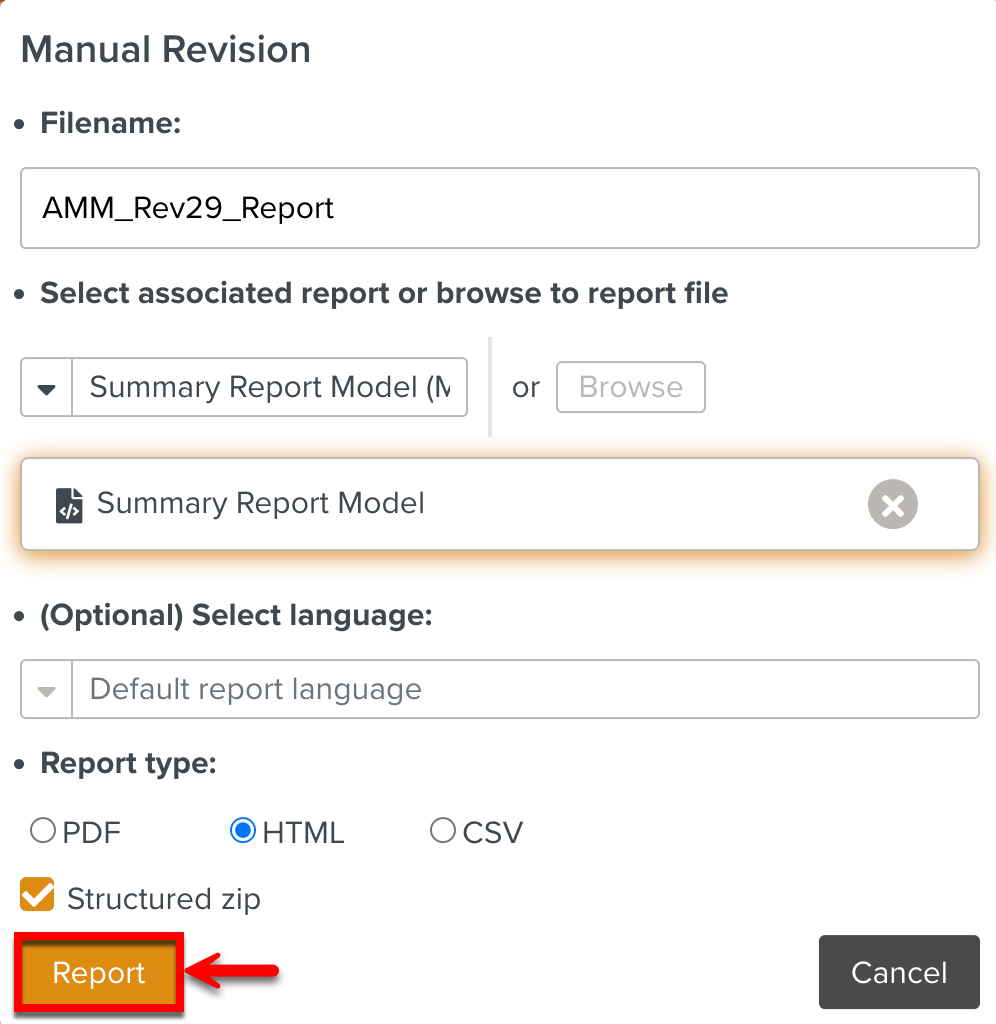
Click to download the report in the specified format.
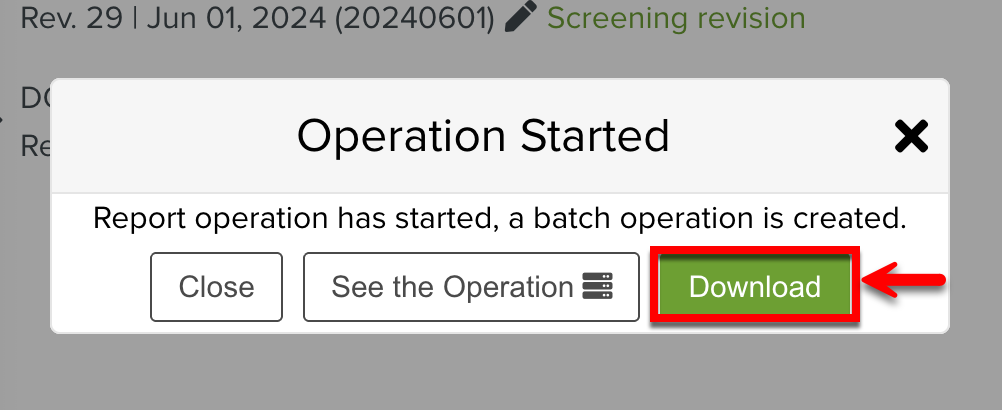
This starts a Batch Operation. You can download the report by clicking .
Some Sample Reports
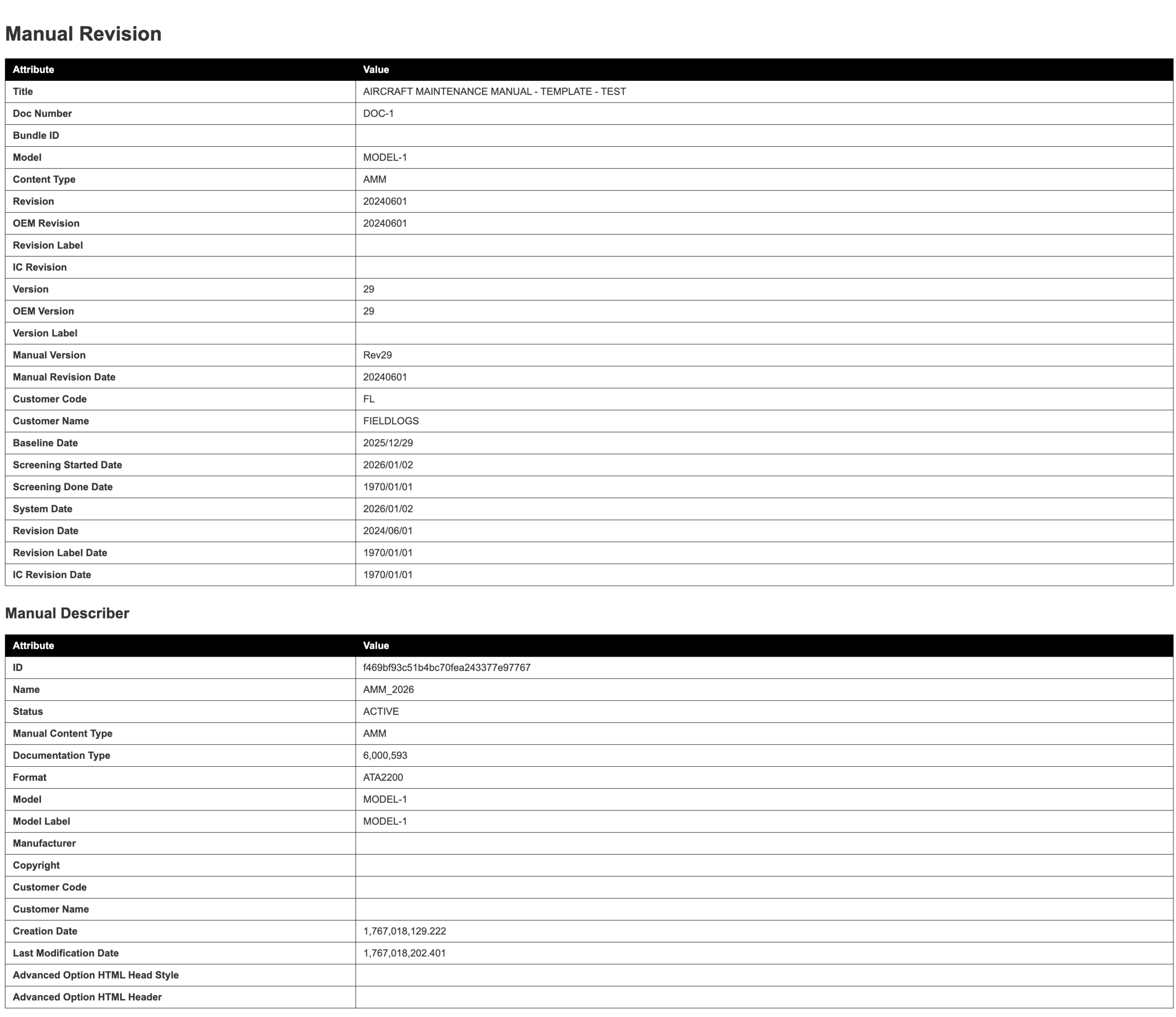
The Report below provides a quick summary of high level attributes of a Manual Revision.
 |
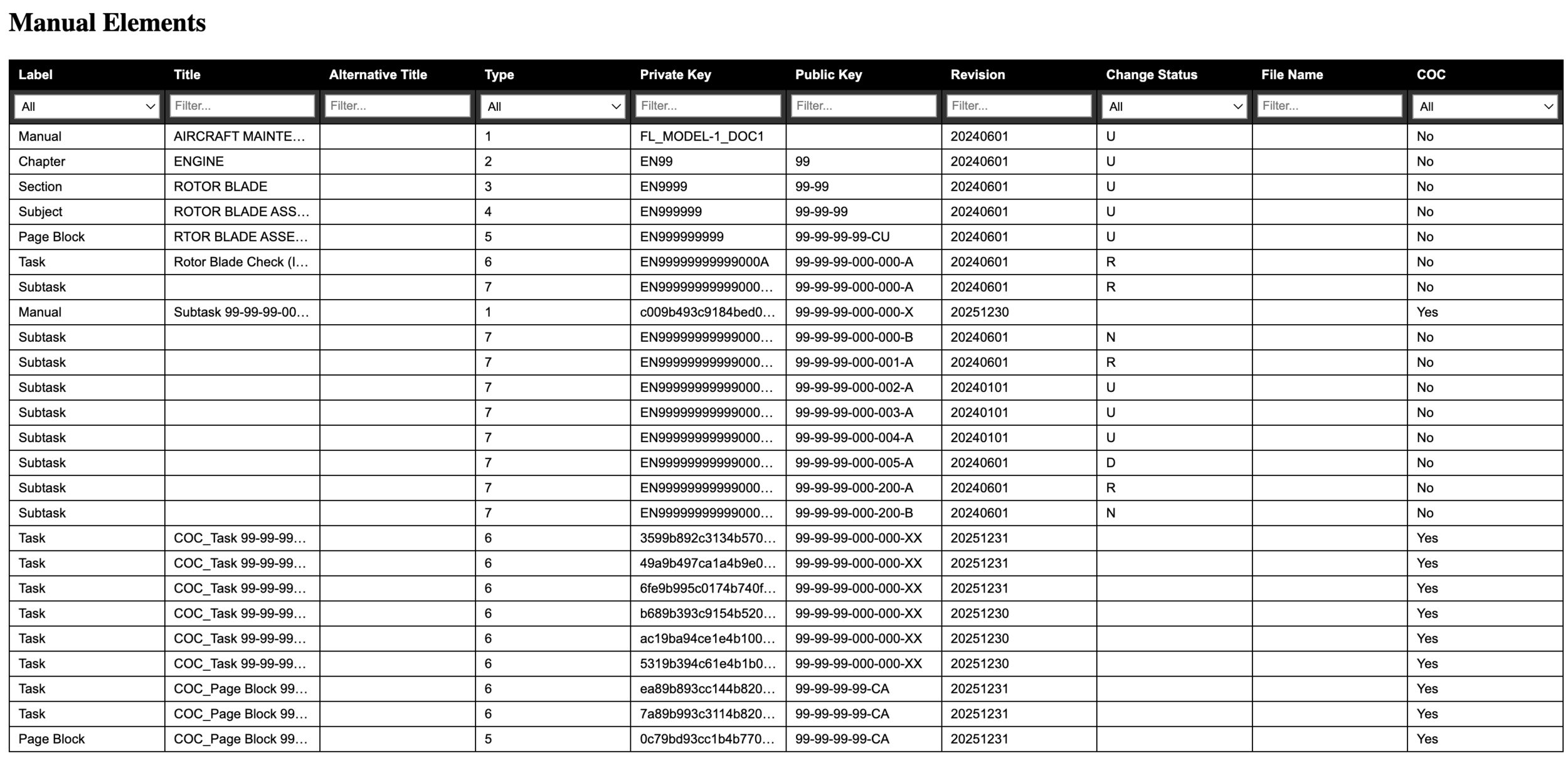
The Report below presents the detailed data of the Manual Elements in the Manual Revision.
 |
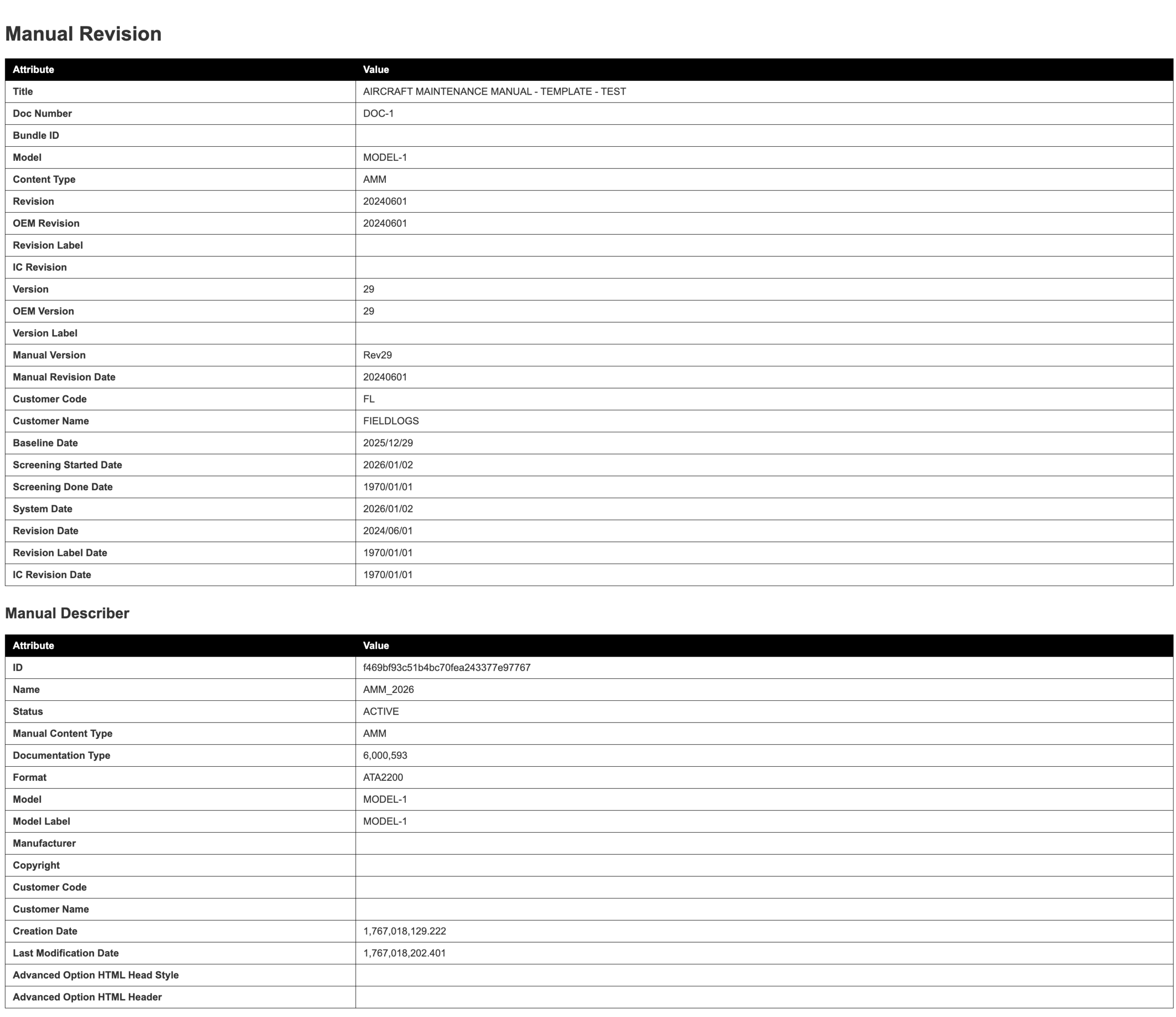
The Report below provides a quick summary that lists all COC Elements in the Manual Revision.
 |