Using Notifications
FieldLogs Notifications ensure timely alerts across different operational modules. These automated notifications avoid delays and ensure critical updates are promptly received.
Notifications are supported in the following modules:
Manual Describers
Documents
Operation Plans
Tryouts
Users can be notified via email or in the FieldLogs application.
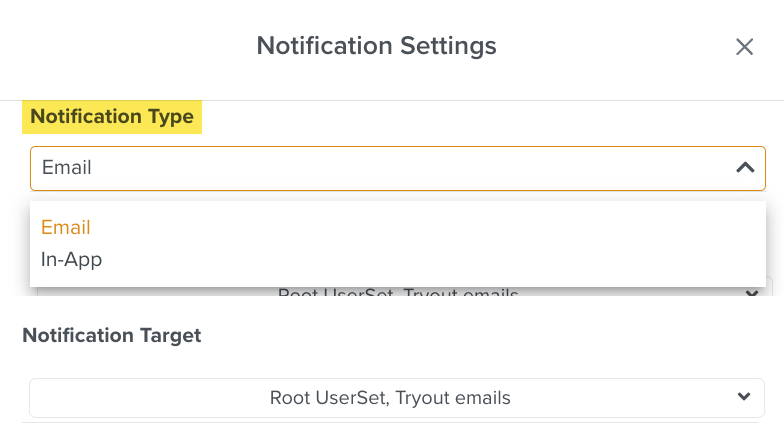 |
Email notifications are sent to the email IDs of the User Sets provided in the Notification Target. Please ensure valid email IDs are used.
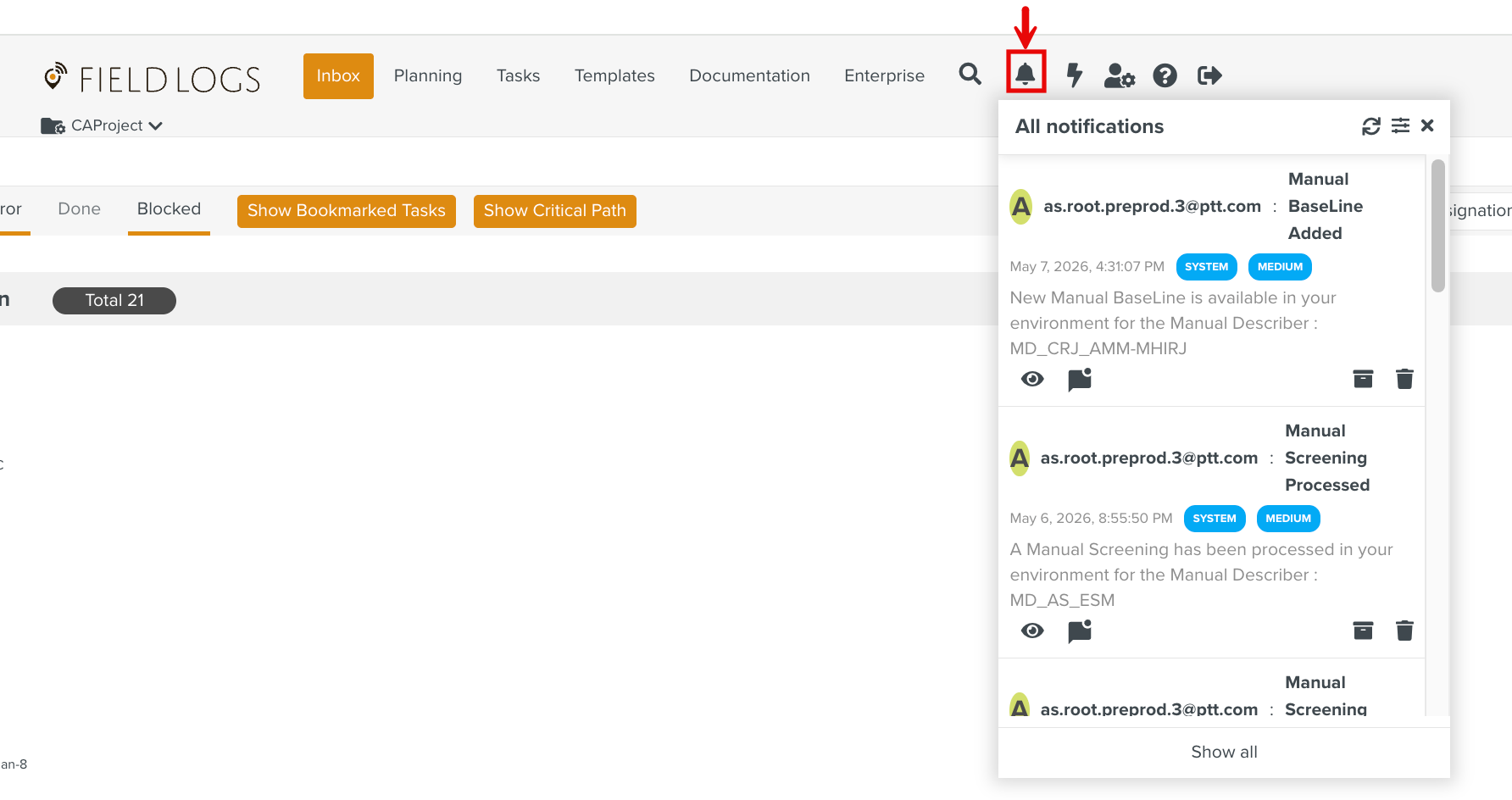
The In-App notification feed can be accessed from the main menu as shown below.
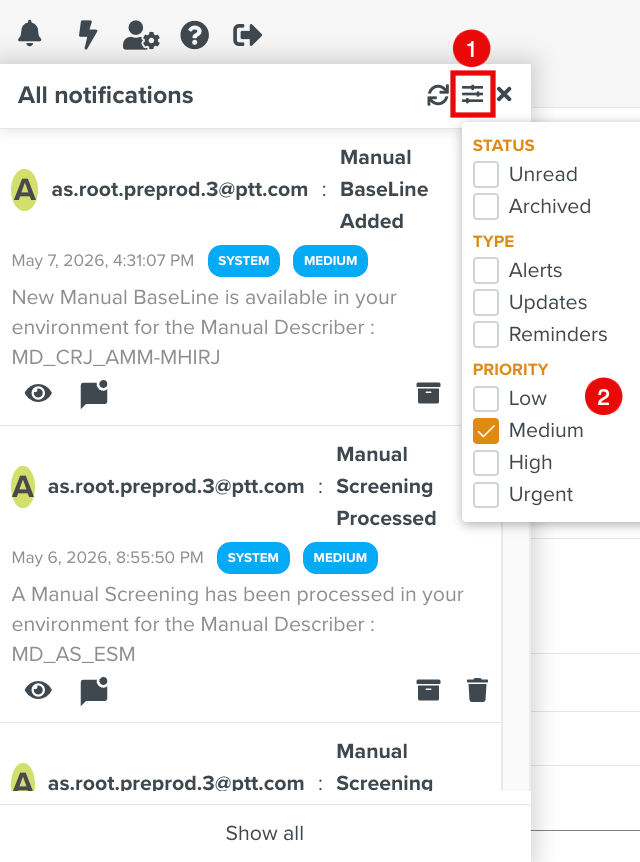
You can filter the feed as shown below.
 |
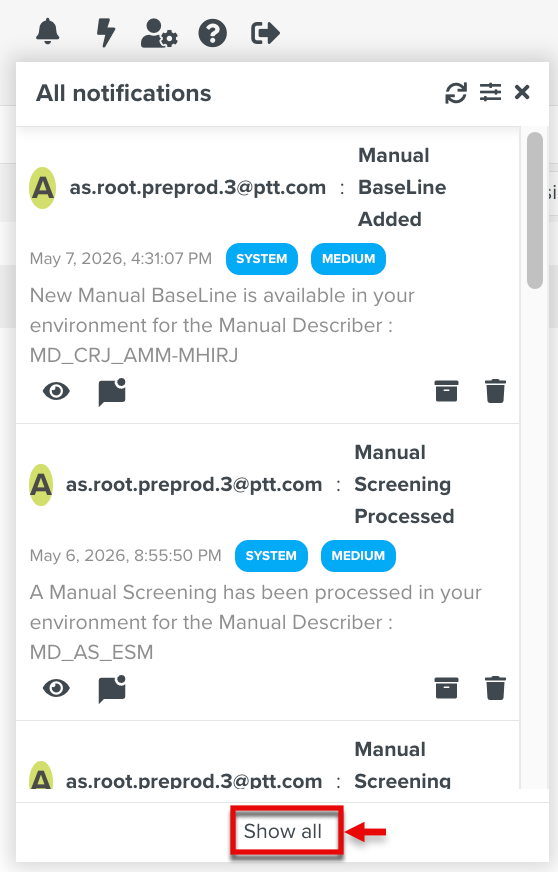
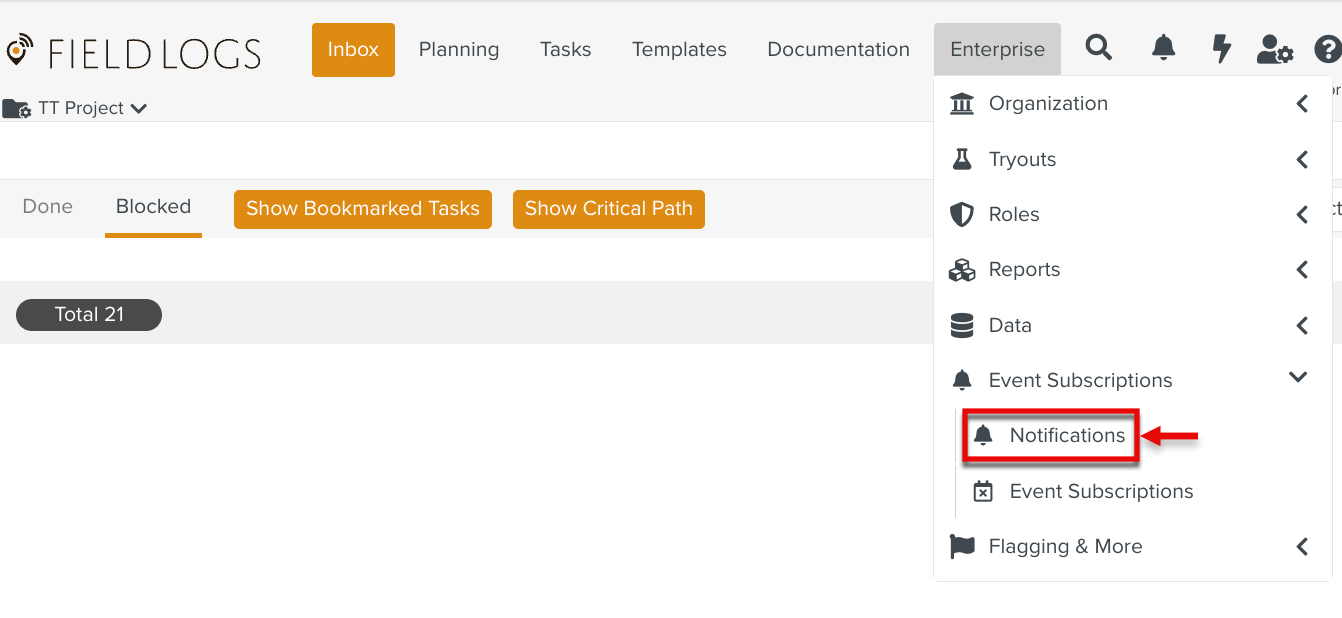
You can navigate to the Notifications page by clicking from the feed panel, or from the main menu as shown below.
 |
 |
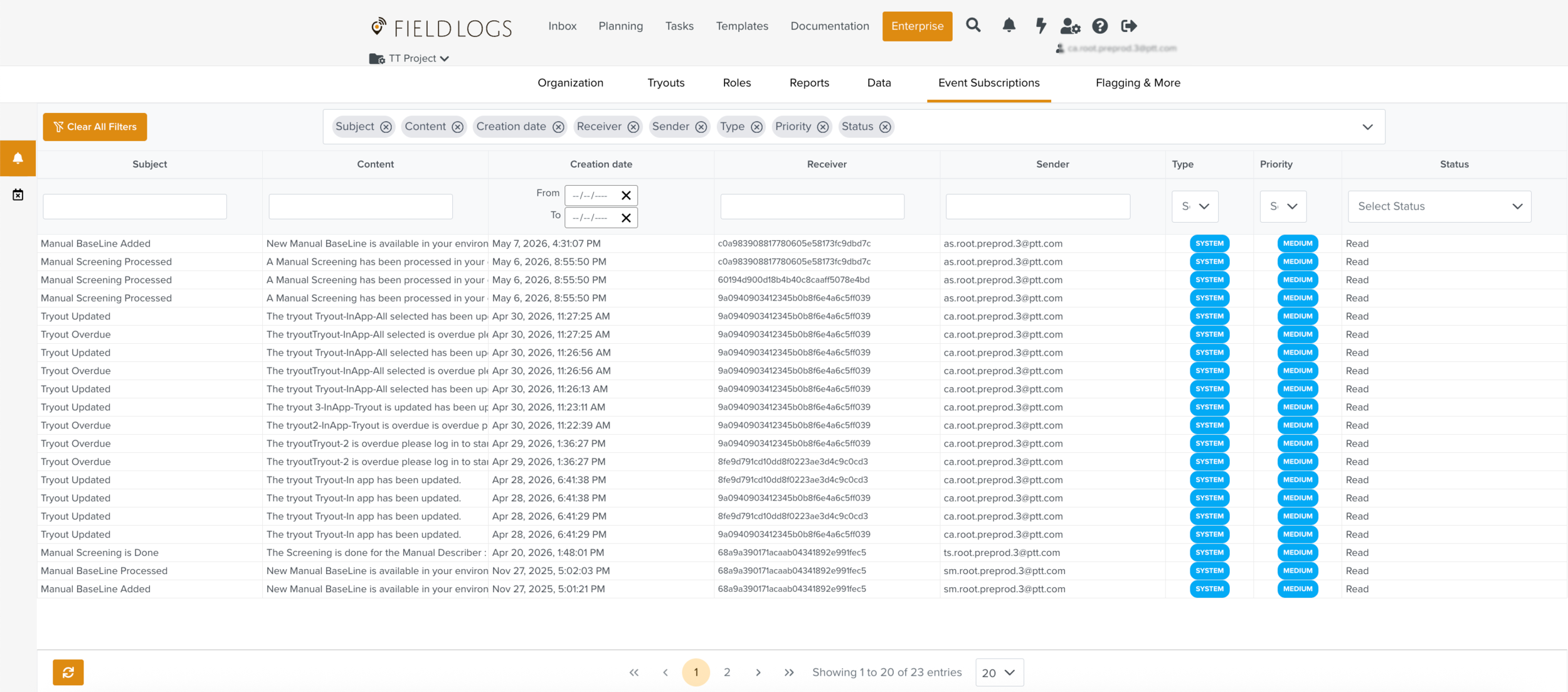
The Notifications Page shows all the Notifications raised in the system.
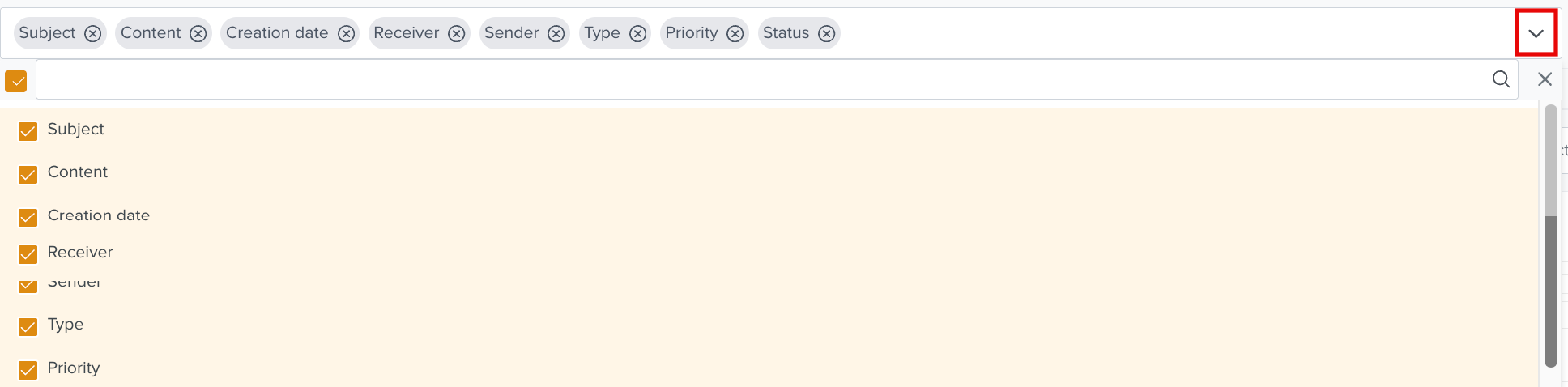
You can hide or show the required columns using the highlighted dropdown.
 |
Results can be filtered as shown below.
 |
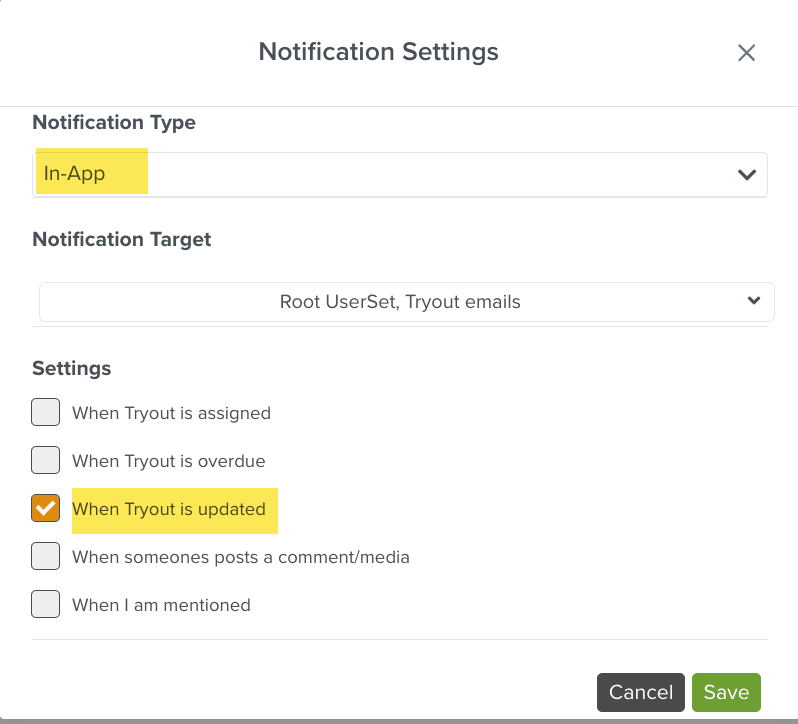
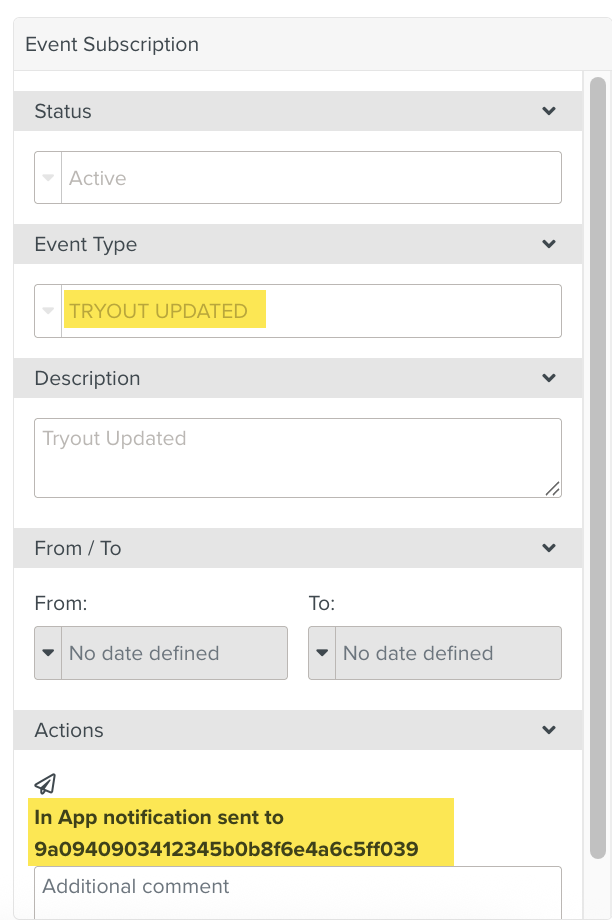
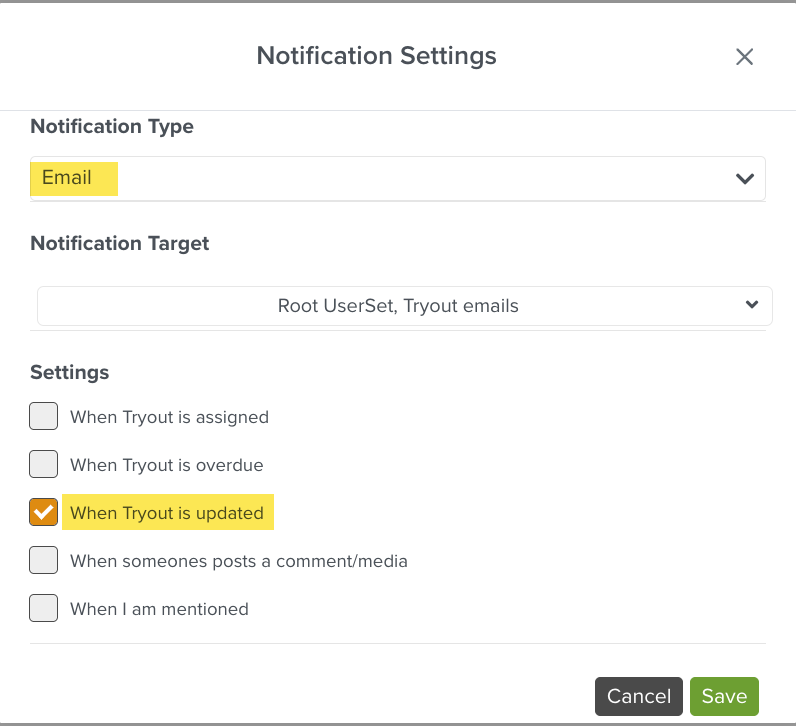
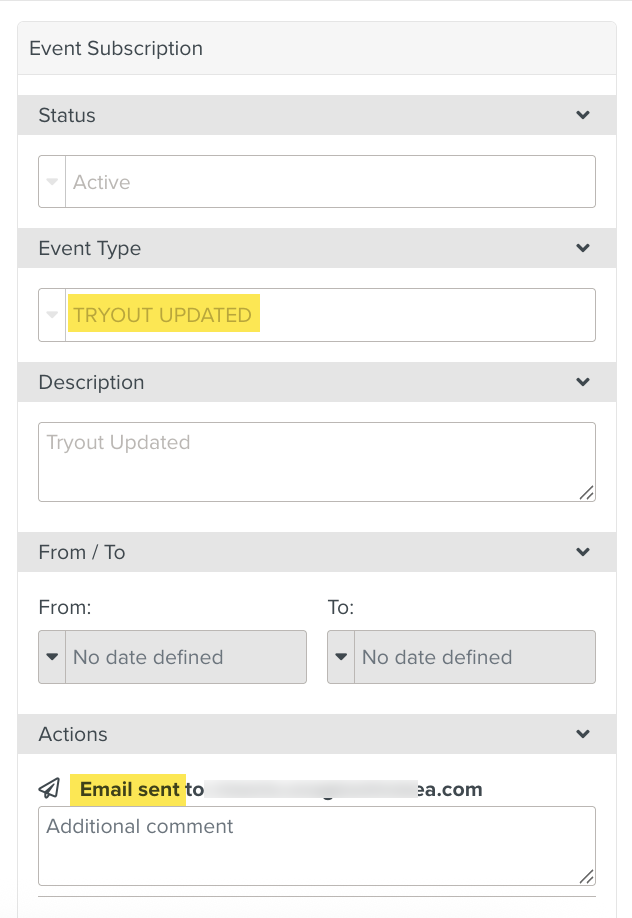
When a Notification is set up, a corresponding Event Subscription is created.
The example below shows an Event Subscription created for TRYOUT UPDATED when an In-app notification is created.
 |
 |
The example below shows an Event Subscription created for TRYOUT UPDATED when an email notification is created.
 |
 |