Searching the Enterprise
You can perform a keyword search on the different sections of Enterprise using the spy glass  icon on the left pane.
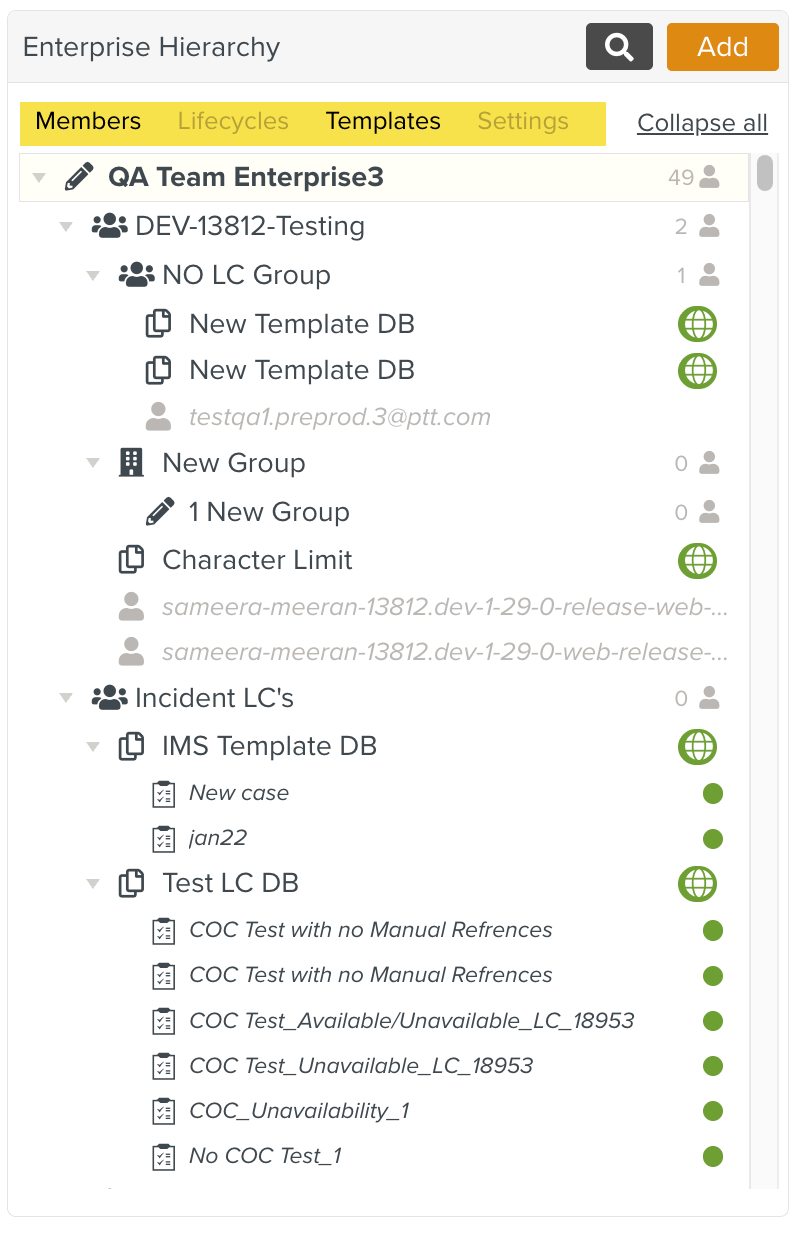
Search can be applied on different tabs - Members, Lifecycles, Templates, or Settings. The applied search is limited only to the selected sections. You can also perform a search across all sections by selecting all the tabs, or narrow the search to specific sections by selecting them individually or in combination.
 |
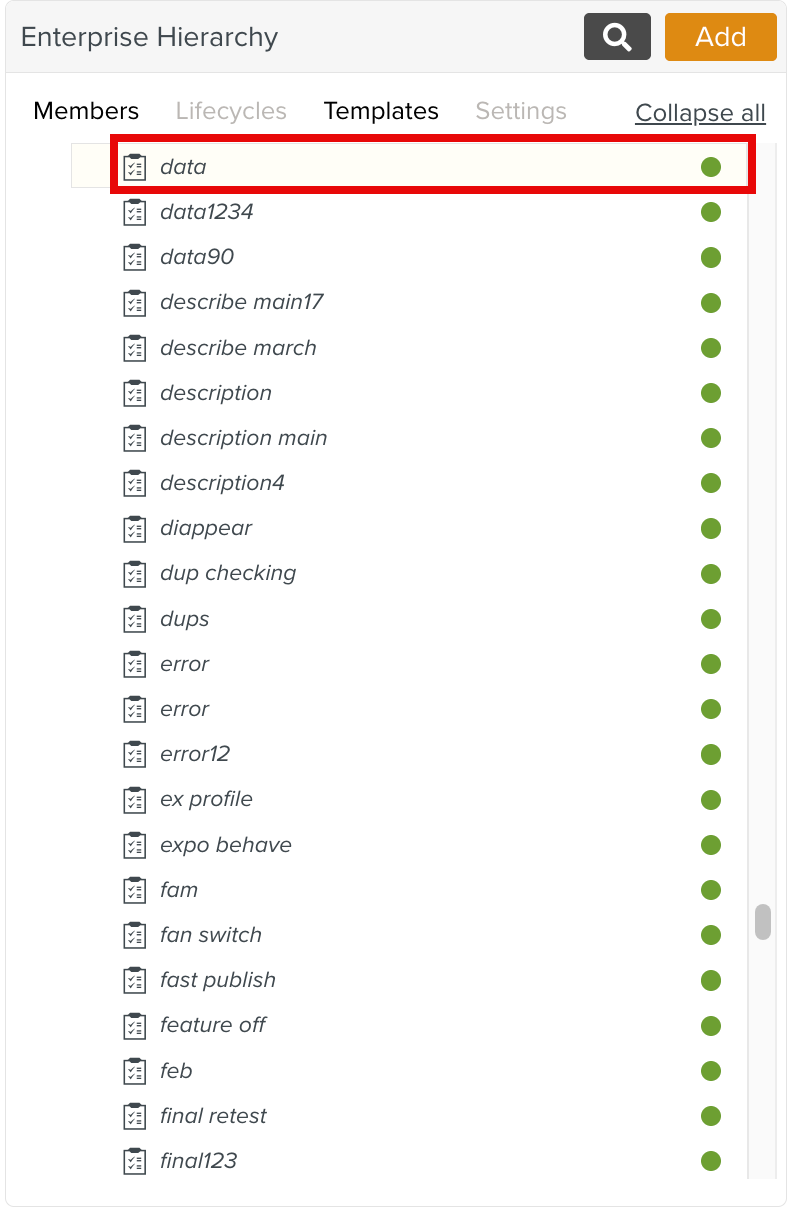
When multiple or duplicate entries match the search criteria, the system prioritizes and highlights the first result in the list.
 |
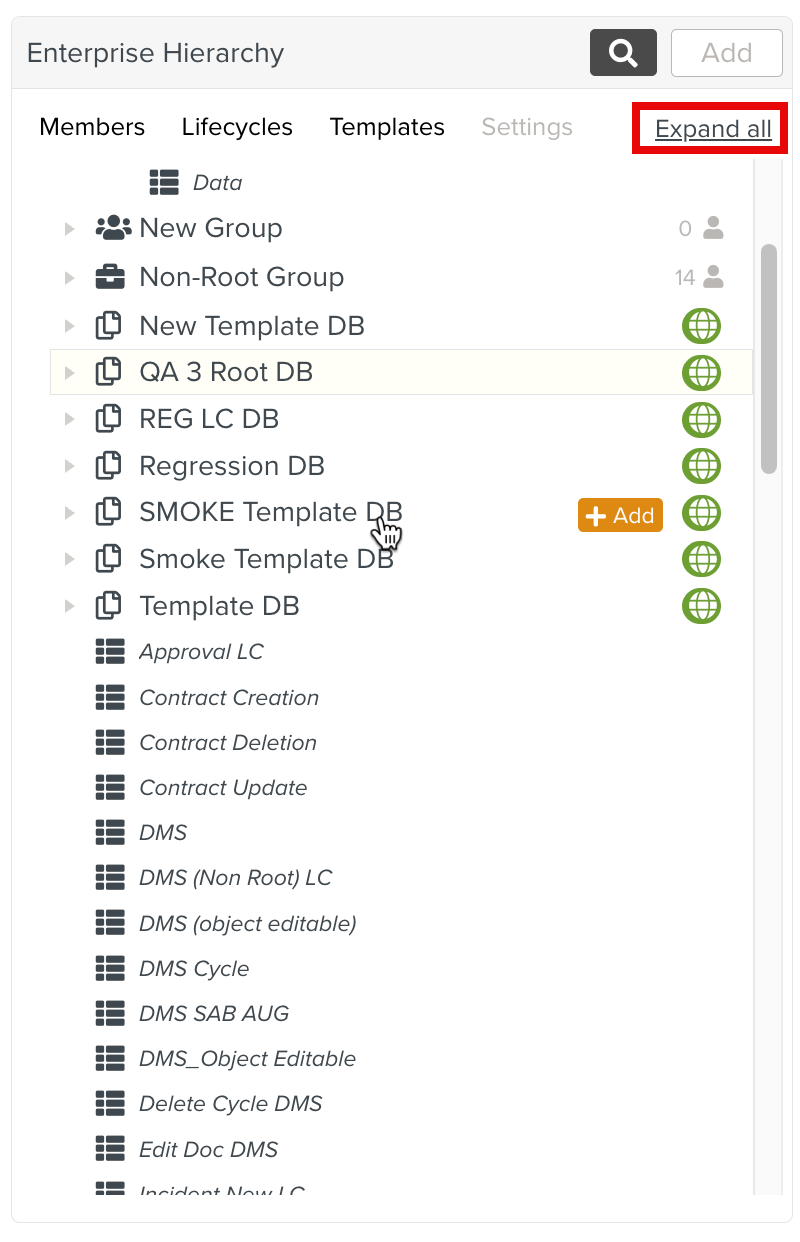
The search returns accurate results regardless of whether the Enterprise list is expanded or collapsed.
 |
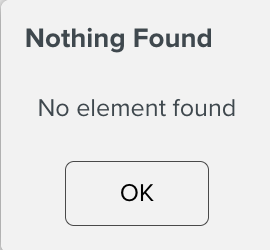
If no search results are found, The below message is displayed.
 |