5 - Searching Tasks
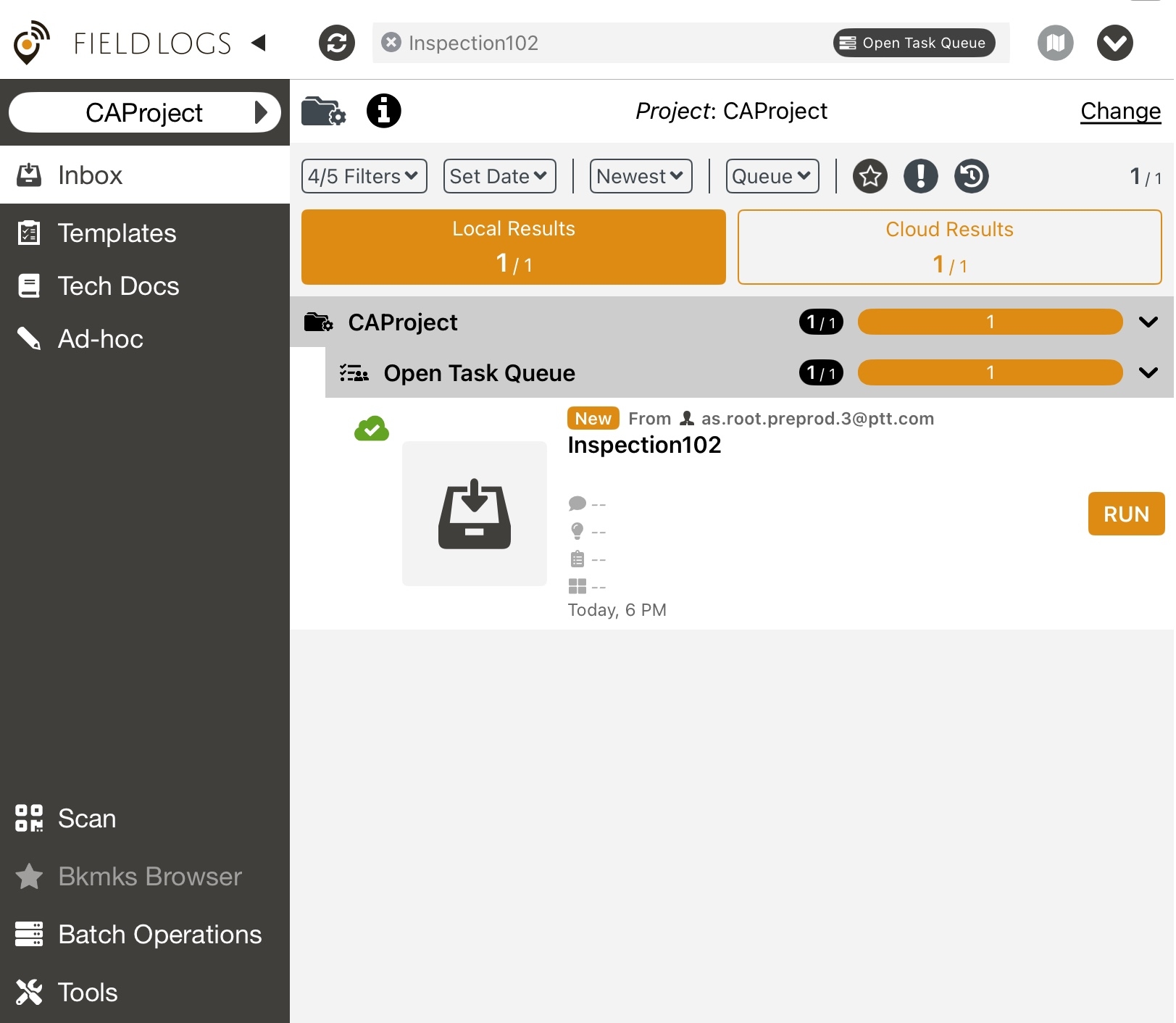
This QR code searches for Tasks based on search criteria. When this QR code is scanned, the search is performed. The results are presented.
 |
A sample JSON for this action is as follows:
{ "action": "5", "criteria":{"34":"12345e","7":"Operation001","1":"MOD_DIS"}, "options":{"f":"3","ls":"9","g":"2","b":"false"}, "projectId": "12345d" }
The attributes in the JSON are described below.
Attribute | Type | Required | Description | |
|---|---|---|---|---|
| Integer | Y | Use the action code "5" | |
| Map<Key, Value> | Y | ||
| Map<Key, Value> | N | ||
| String | Y | Unique Identifier of the Project. (Default = Currently Selected Project)
|
The search criteria is defined as a Map of key-value pairs. The Key is a numerical code that indicates a property used for the search. The Value contains the expected value. The table below lists all the possible Key values. The Value indicates the expected value.
For example, a search criteria {“7:”test“, “35“:3} indicates that Tasks that contain a keyword test and priority 3 are searched for.
The table below lists the codes for all the available properties that can be used.
Criteria Code | Description |
|---|---|
0 | Country |
1 | Category |
2 | Type |
3 | Language |
4 | Map Region |
5 | Suite |
6 | Package |
7 | Keywords |
8 | Date |
8 | Scope |
10 | Template |
11 | Bounding Box |
12 | Owner ID |
13 | Entity Path |
14 | Lifecycle ID |
15 | Data ID |
16 | Repository ID |
17 | Runnable Type |
18 | Component Type |
19 | GPS Point Distance |
20 | Entity ID |
21 | Model ID |
22 | Relative Date |
23 | Task Identifier |
24 | Publication ID |
25 | Modification Date |
26 | Task ID |
27 | Project ID |
28 | Task Status |
29 | Assigner |
30 | Assignee |
31 | Team |
32 | Reading Data Package Scope |
33 | Include Archived Data |
34 | Queue |
35 | Priority |
36 | User Template Tree View. If the user ID is set, this will filter Published templates or Templates owned by the user. |
37 | External Id. This can be used when Templates are filed by External ID. |
38 | Flag ID. This can also be a list of items separated by ; Flag Group IDs are not considered. |
39 | Reason Code ID. This can also be a list of items separated by ; ReasonCode Group IDs are not considered. |
40 | Flag Severity Level |
41 | Resolved Event Id. Filters by resolved flag/ExecEvent Id. |
42 | Resolved Reason Code. |
43 | Operation Plan Execution Id. This can be a list of items separated by ; |
44 | Operation Plan Counter Execution Id |
45 | Operation Plan Trigger Execution Id |
46 | Asset Path Level |
47 | Asset Number |
48 | Full Asset Path |
49 | Template Master Id |
50 | Module Library Id |
The following options can be applied while searching.
Option | Datatype / Format | Description |
|---|---|---|
| Integer / String. It can also be an array of integers or strings. Eg., | The following values indicate the different statuses of the Tasks
|
| Integer | Local Sorting or Cloud Sorting.
|
| Integer | Grouping options.
|
| Boolean | Is the Task bookmarked?
|