Selecting a Manual in Techpubs
The page Select a Manual displays the Manual Describers organized under the Technical Manual Indexes (TMIs). TMIs in turn are listed under the corresponding Consumers as shown below.
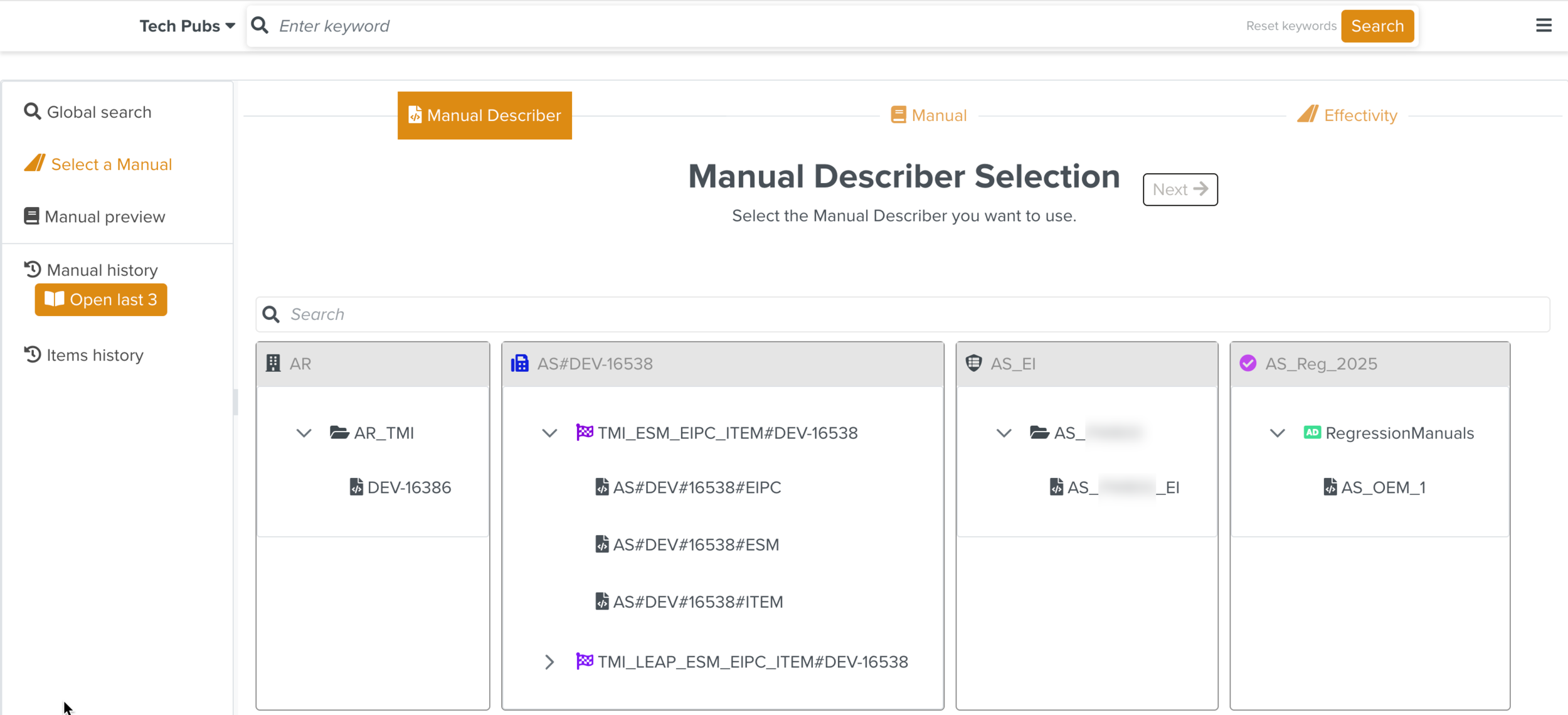
This page allows you to select a Manual from Manual Describers which you can filter based on Effectivity.
The selection workflow has the following three stages:
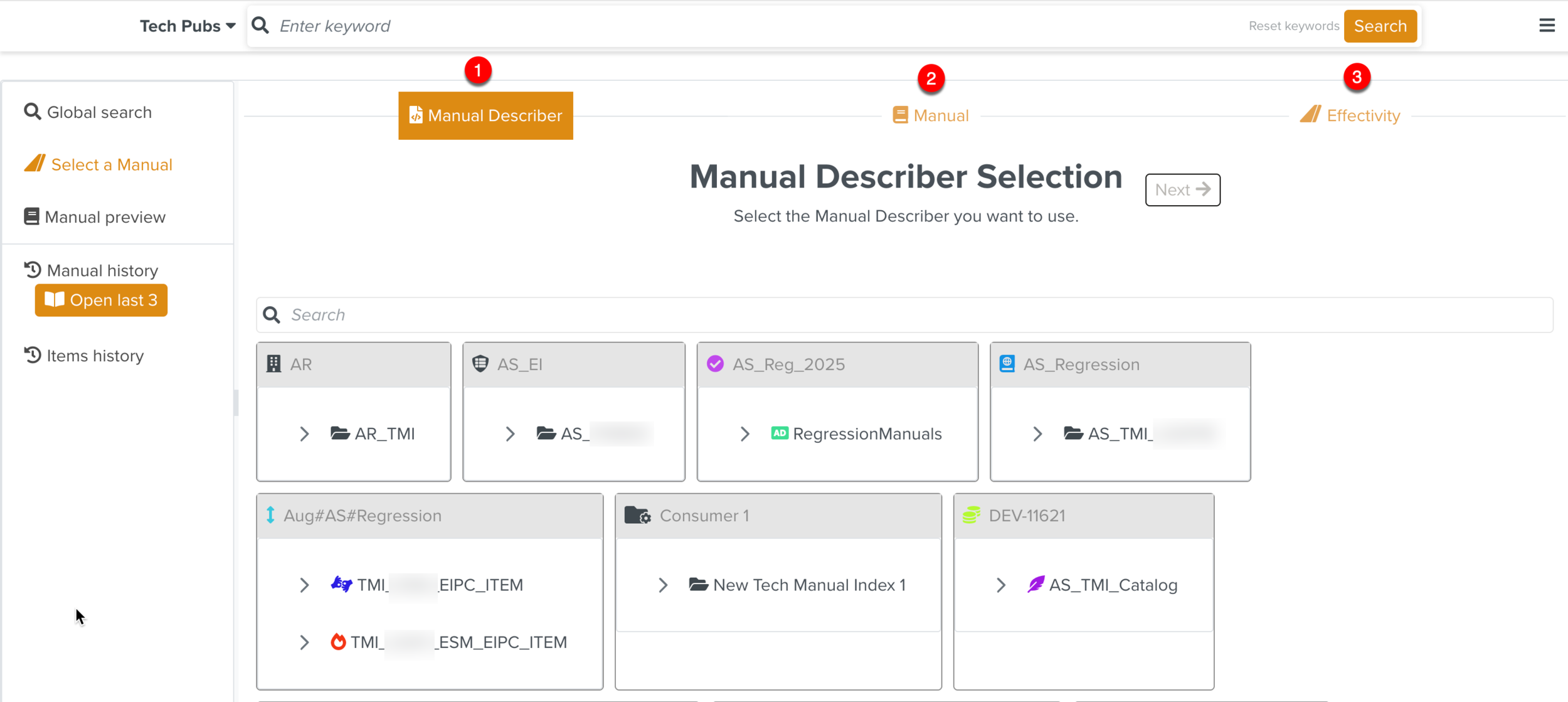 |
Manual Describer: Select the Manual Describer under the Technical Manual Index presented in separate Consumer tiles.
Manual: Select the required revision of the Manual to be viewed.
Effectivity: Specify the Effectivity to filter the Manual content.
To select a Manual from the Techpubs search:
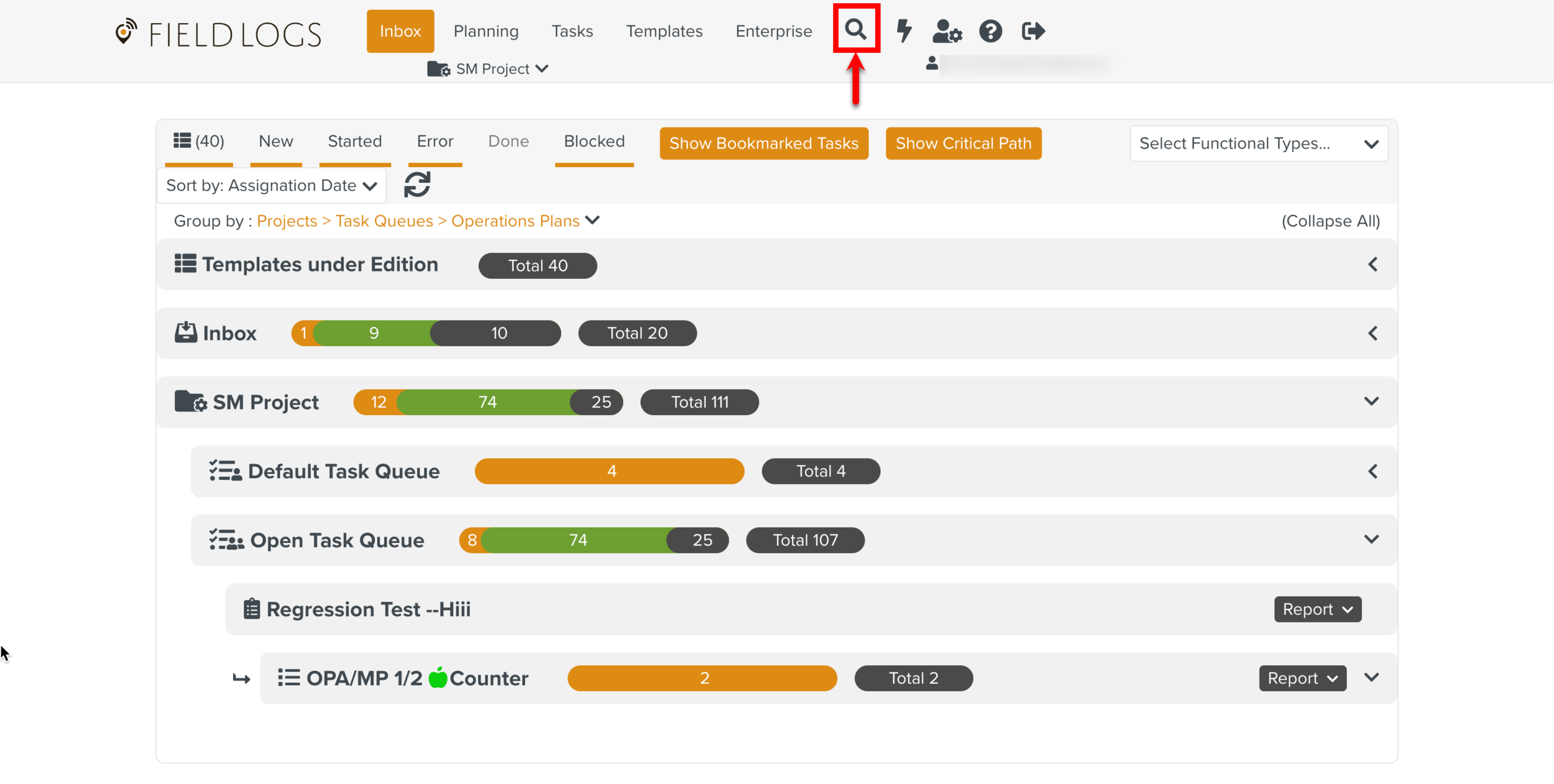
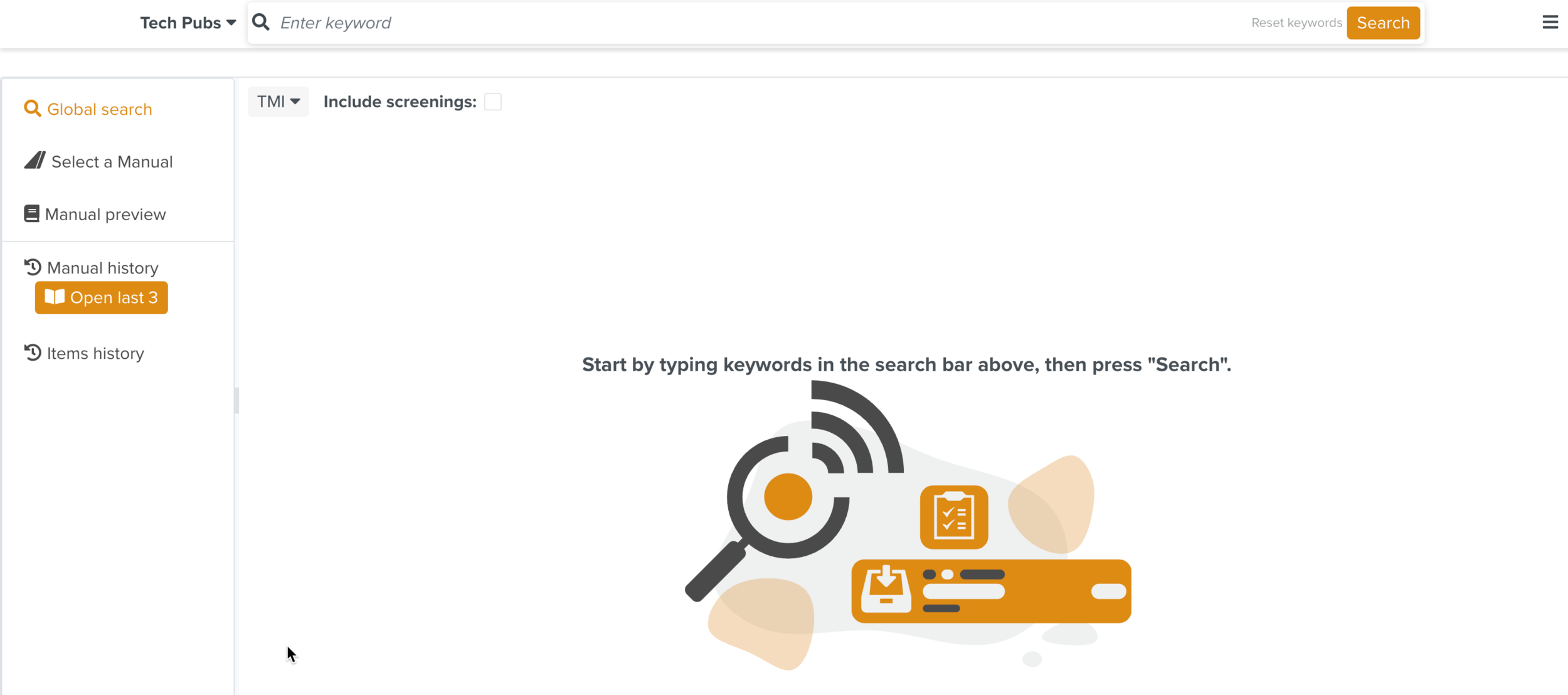
From the main menu, go to > .
The section Manual Describer Selection opens. In each Consumer tile, you can view the associated Technical Manual Indexes.
Note
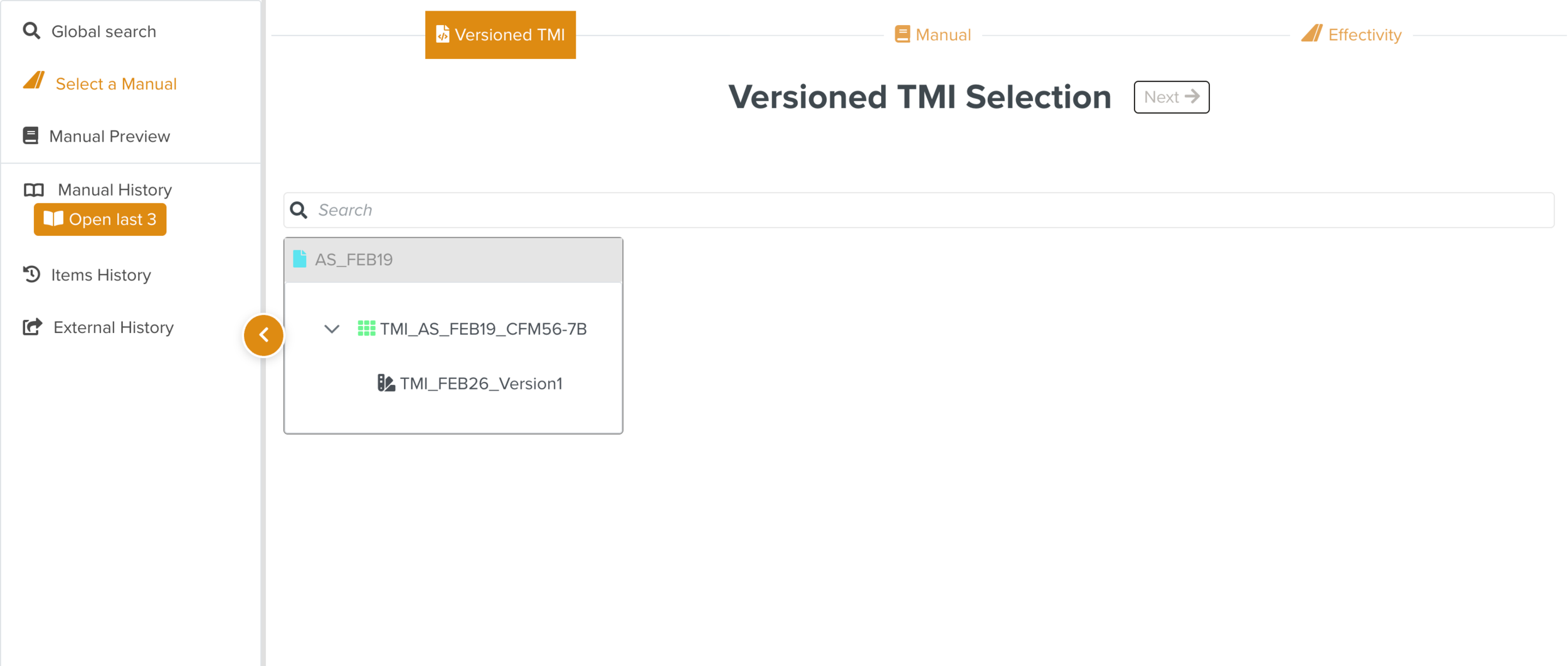
If there is even one active Versioned Technical Manual Index (TMI) in the Manual Catalog Management, then only the Manuals under the Versioned TMIs are available for selection. The Versioned TMI Selection section is displayed instead of the Manual Describer Selection.
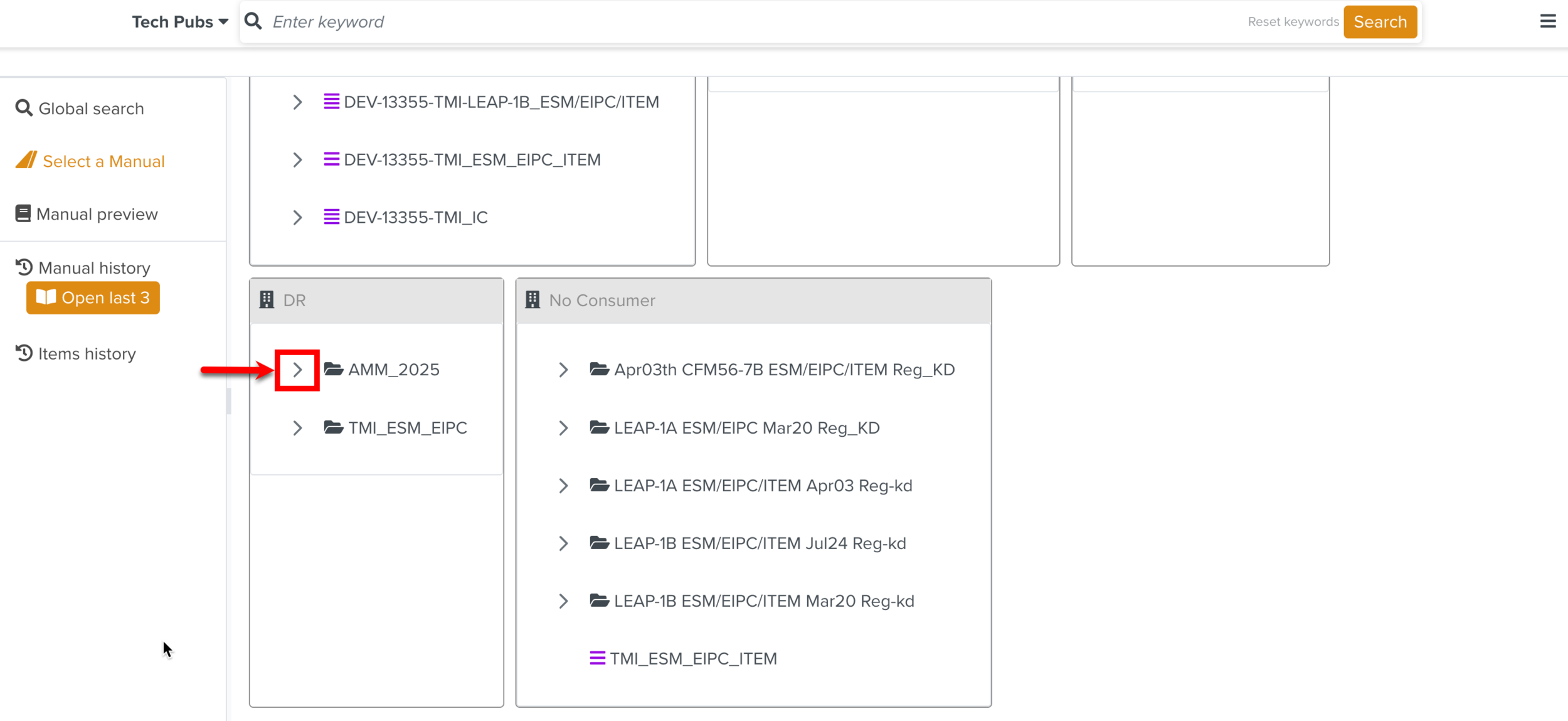
Expand a Technical Manual Index to select the required Manual Describer.
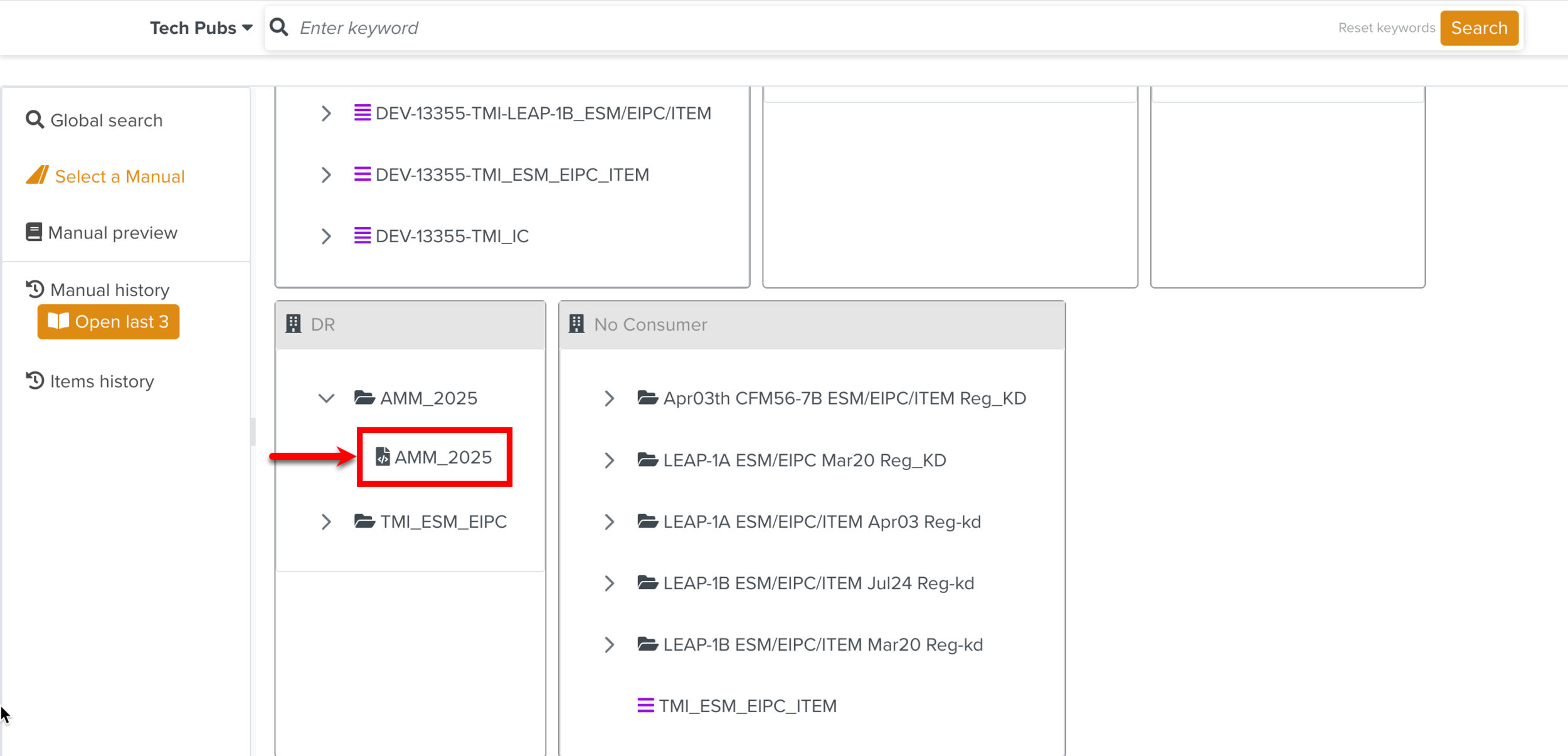
In the above example, the Manual Describer AMM_2025 is selected.
Click .
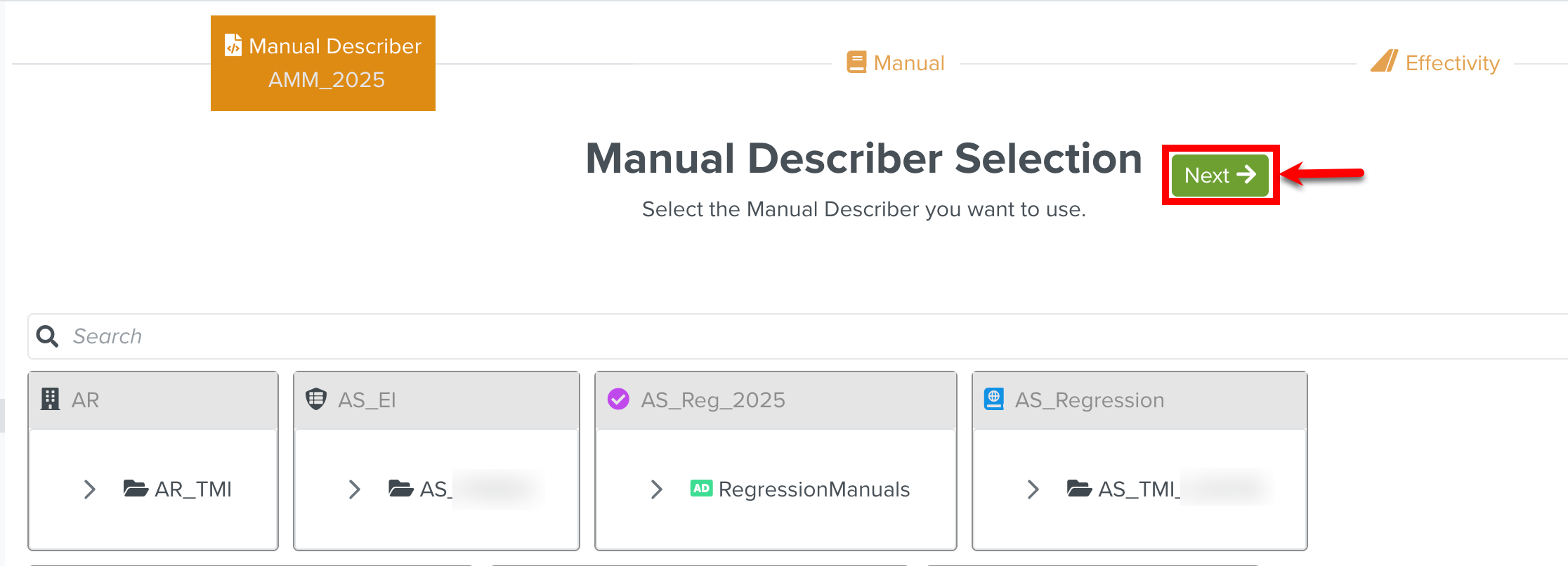
The selection workflow moves to the next stage, Manual.
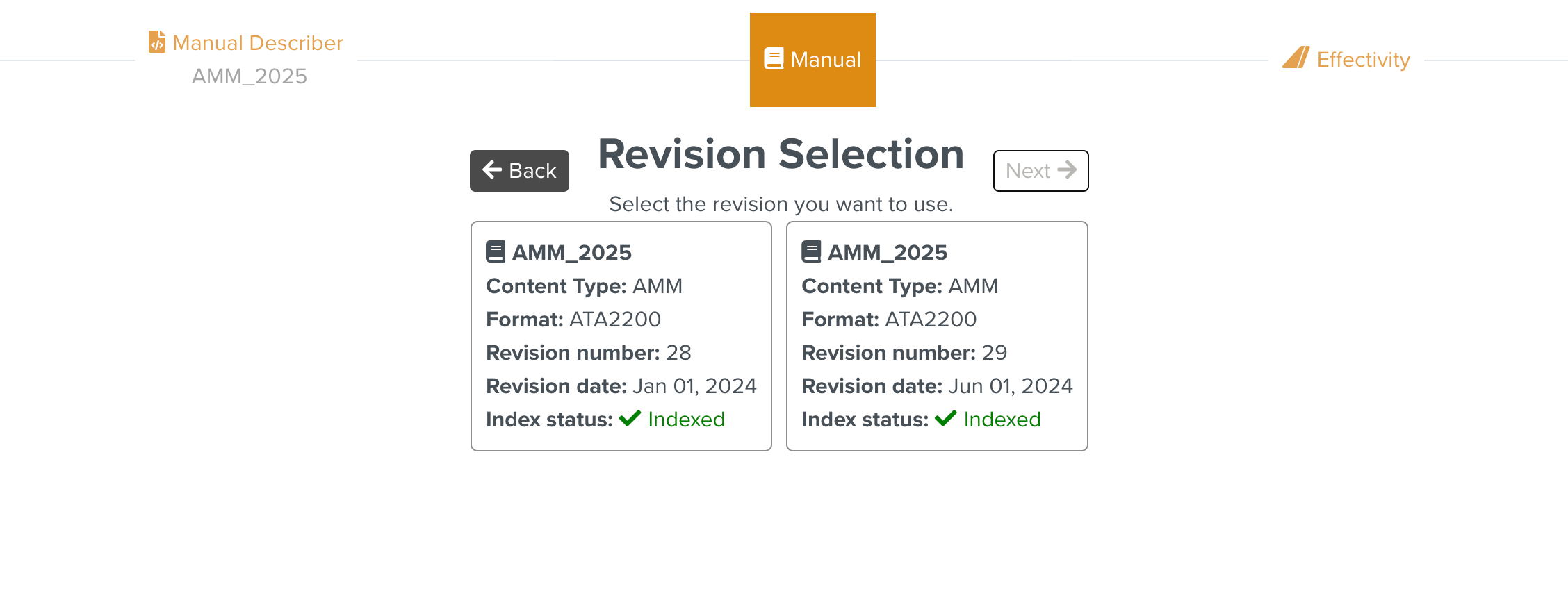
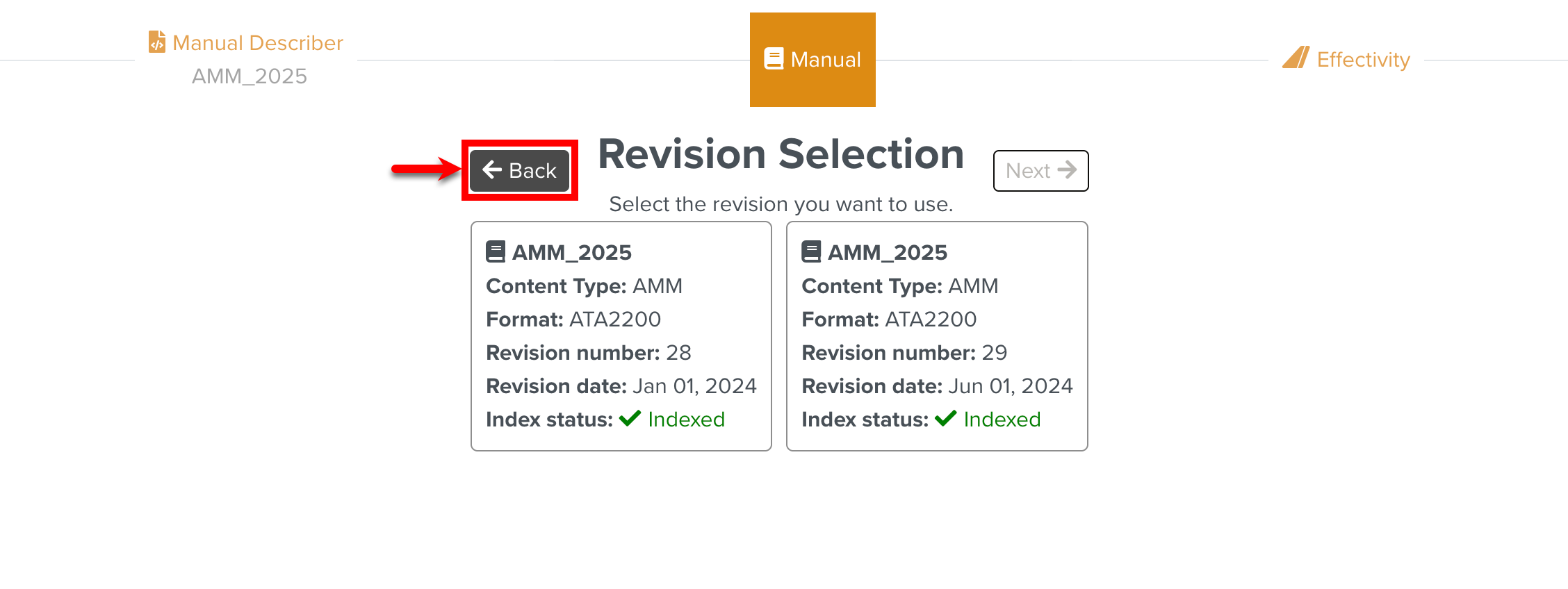
[Optional] Select the required revision of the Manual.
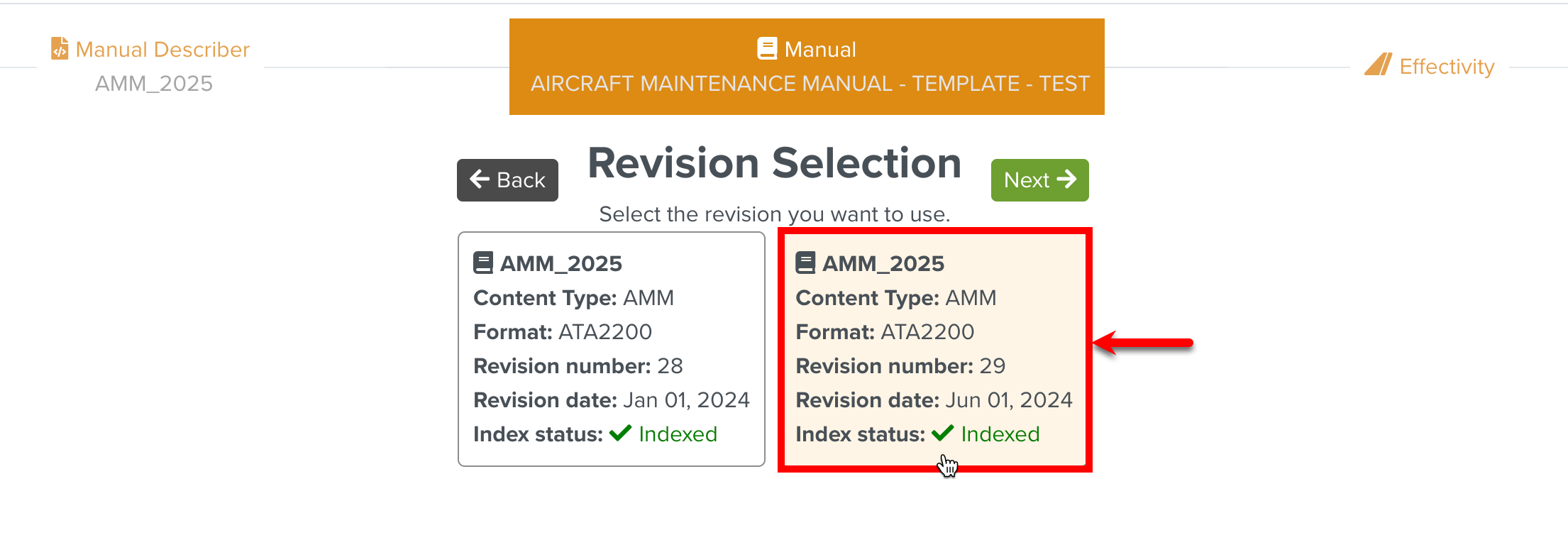
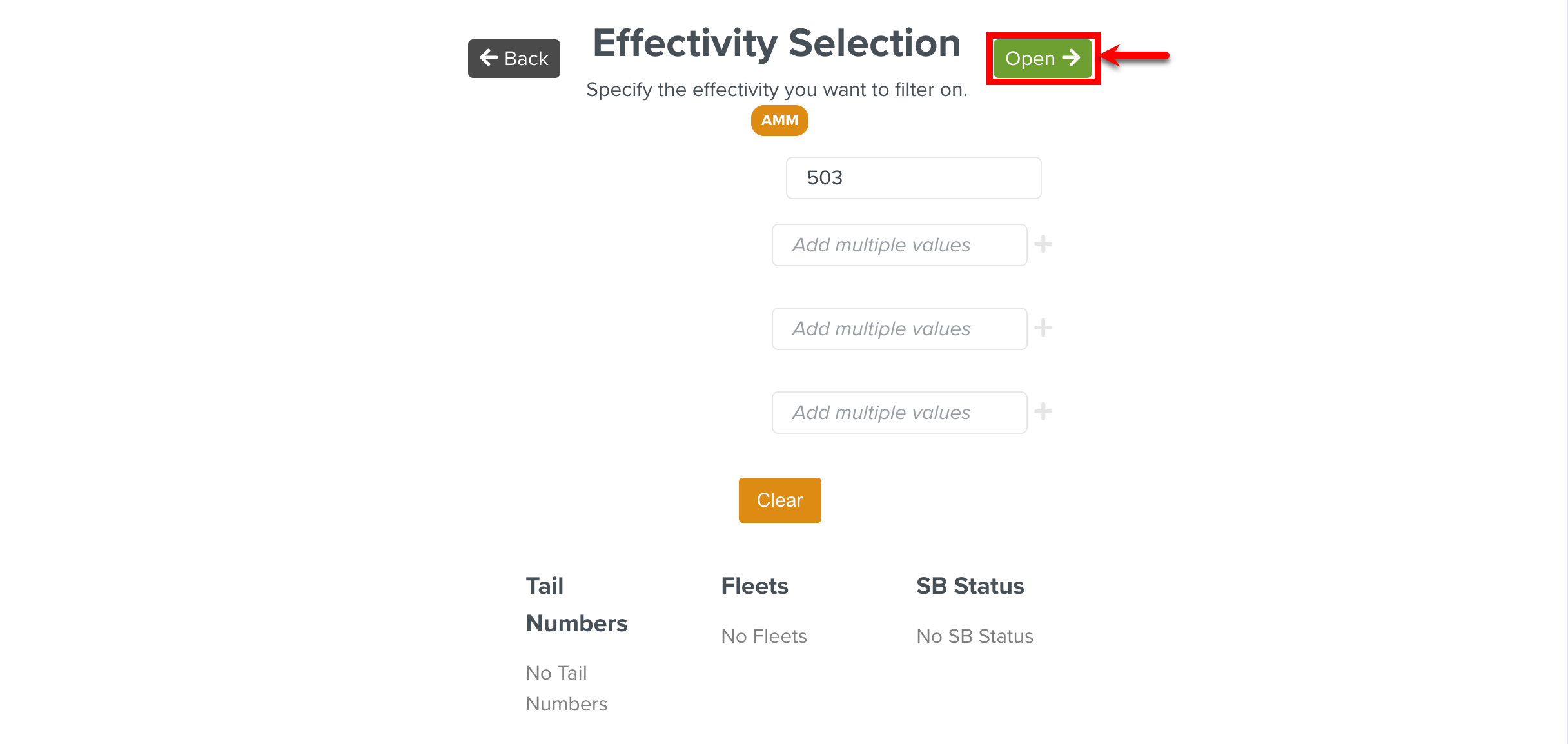
The selection workflow moves to the next stage Effectivity. The page Effectivity Selection appears.
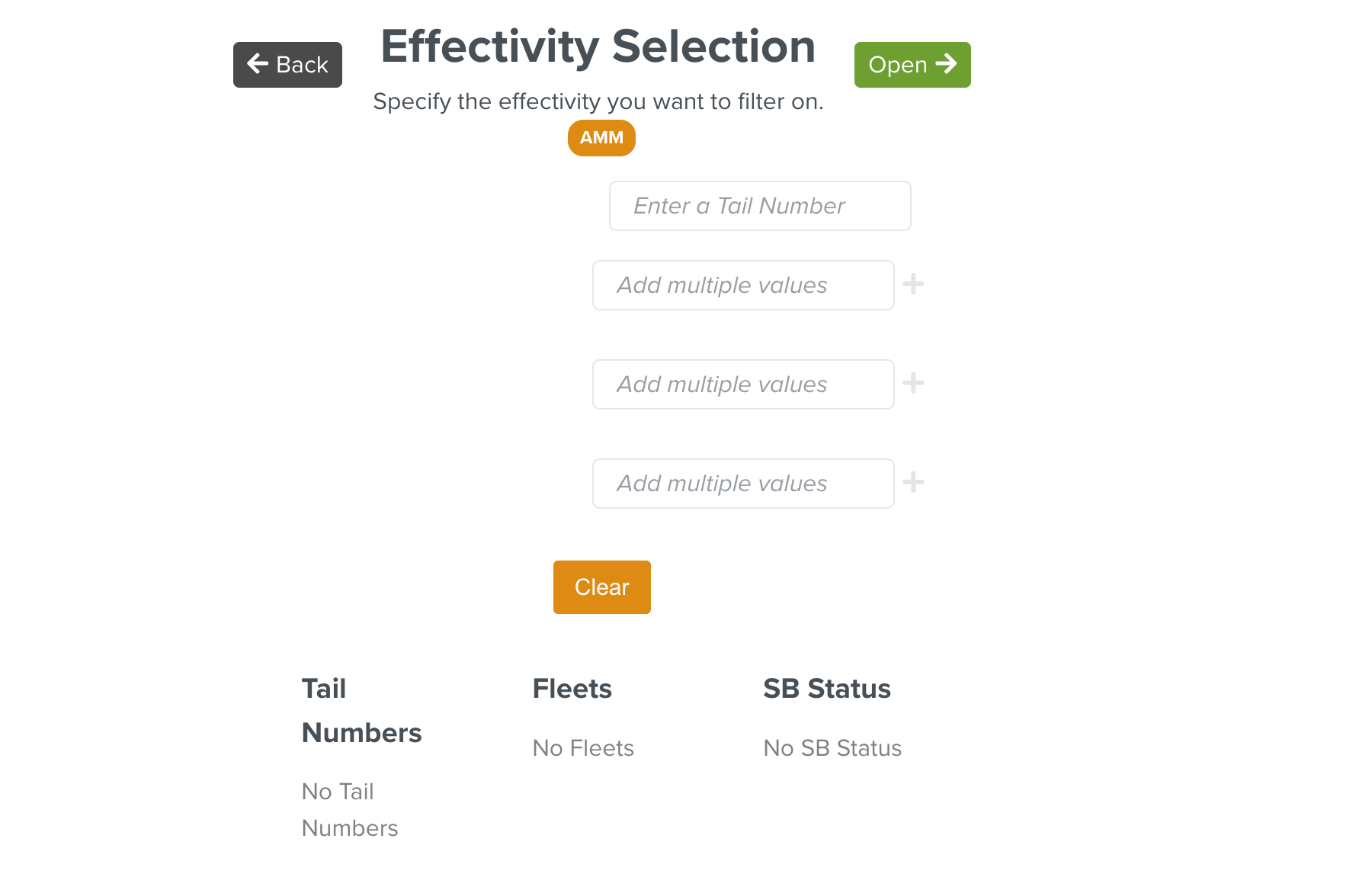
[Optional] Specify the Effectivity to filter the Manual content based on the specified Effectivity values.
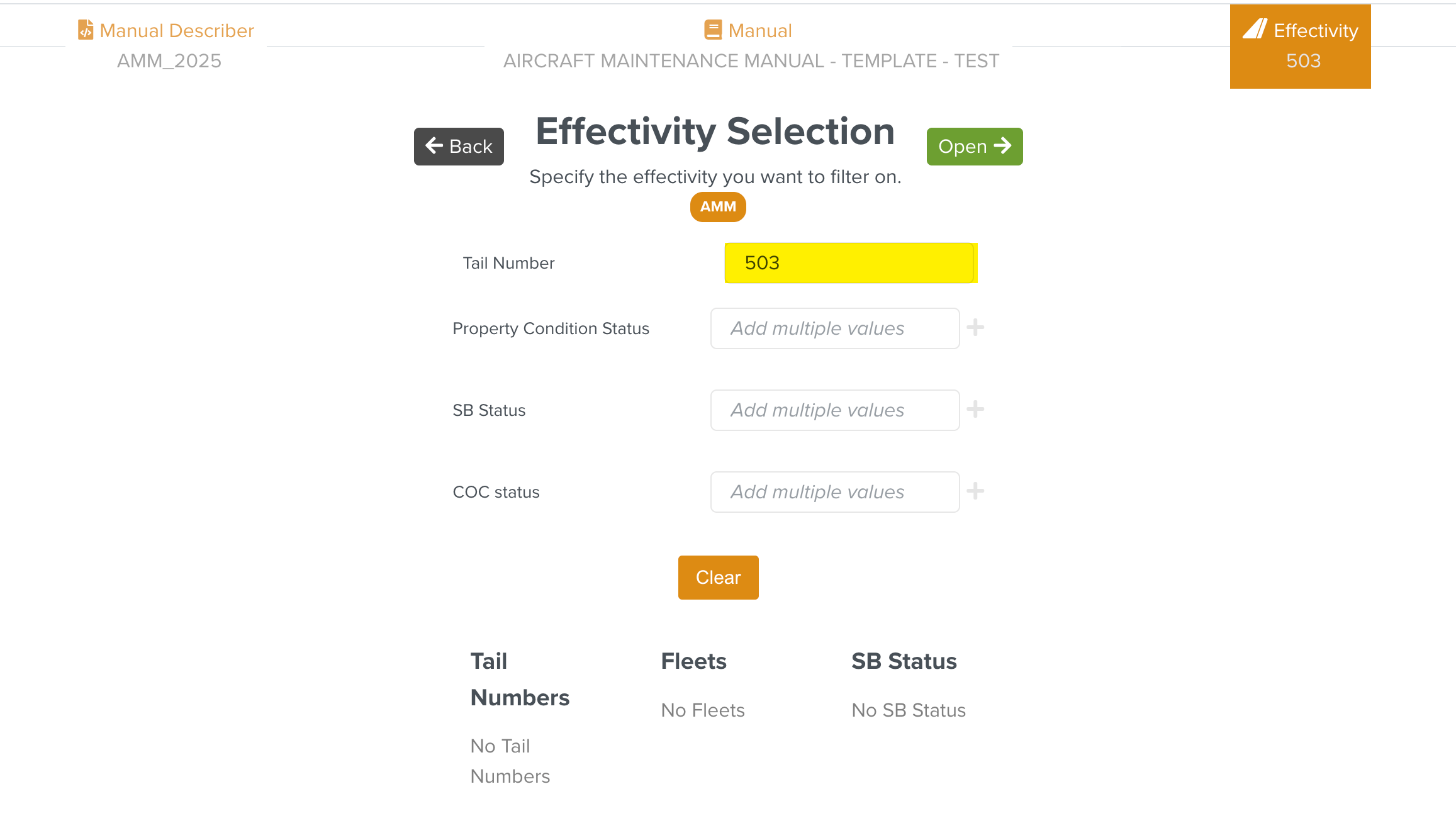
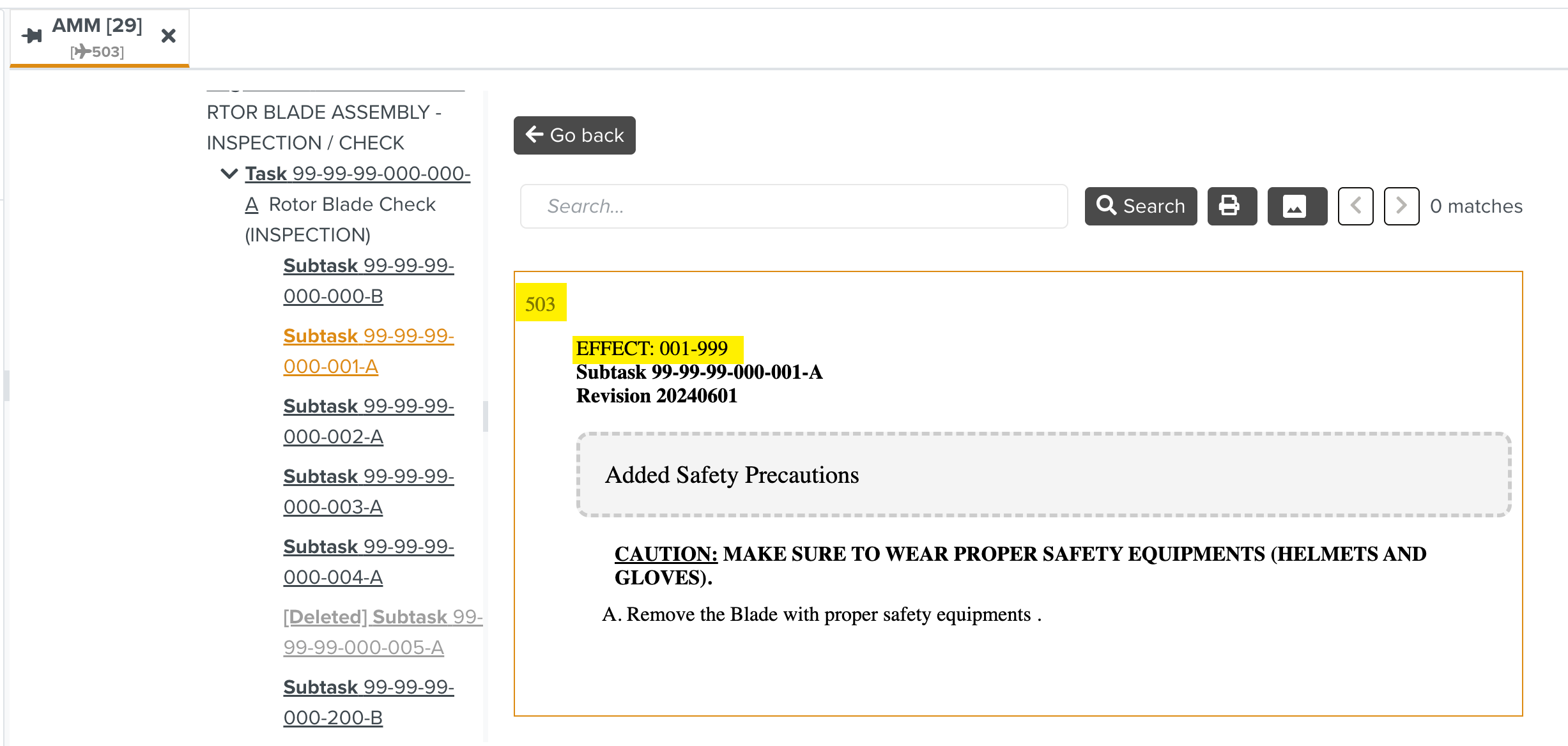
In the above example, the Tail Number value is set to 503. The Manual content specific to that Tail Number will be filtered and displayed.
Click .
The Manual appears in a new tab in the Manual preview.
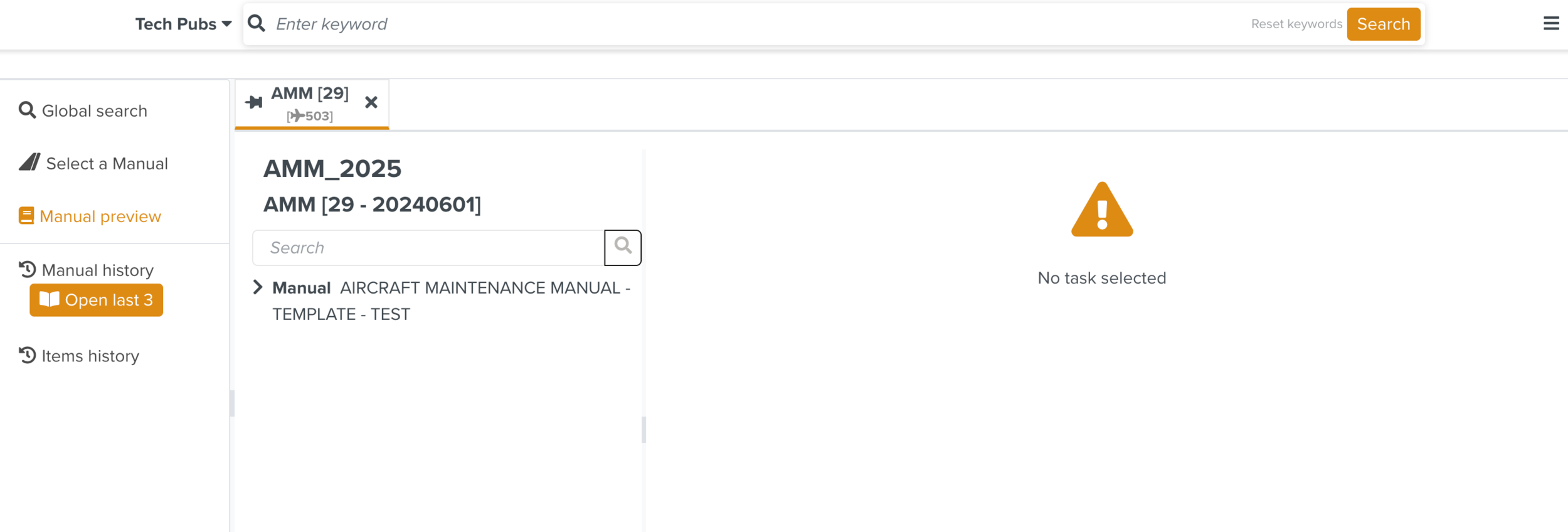
The structure contains the Manual content where the selected Effectivity is applied. You can select an element to view the content.
Note
During the stages Revision and Effectivity Selection, you can click to move back to the previous stage if required.
 |