Creating a Resource
Resources are created to integrate business intelligence dashboard into the FieldLogs system. The Resource Manager allows you to group, manage, and maintain the Resources.
To create a new Resource:
From the main menu, go to > > .
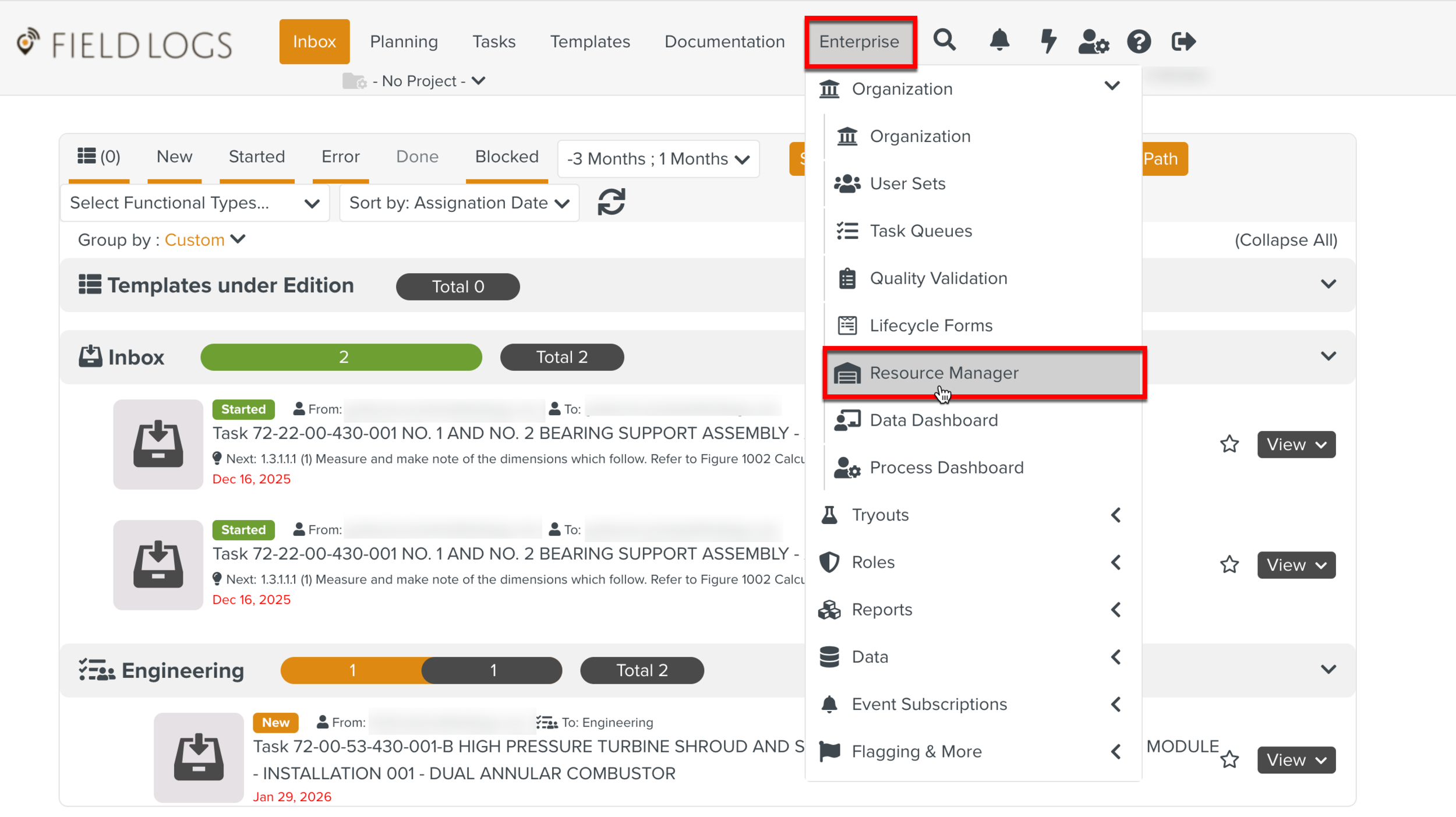
The page Resources opens.
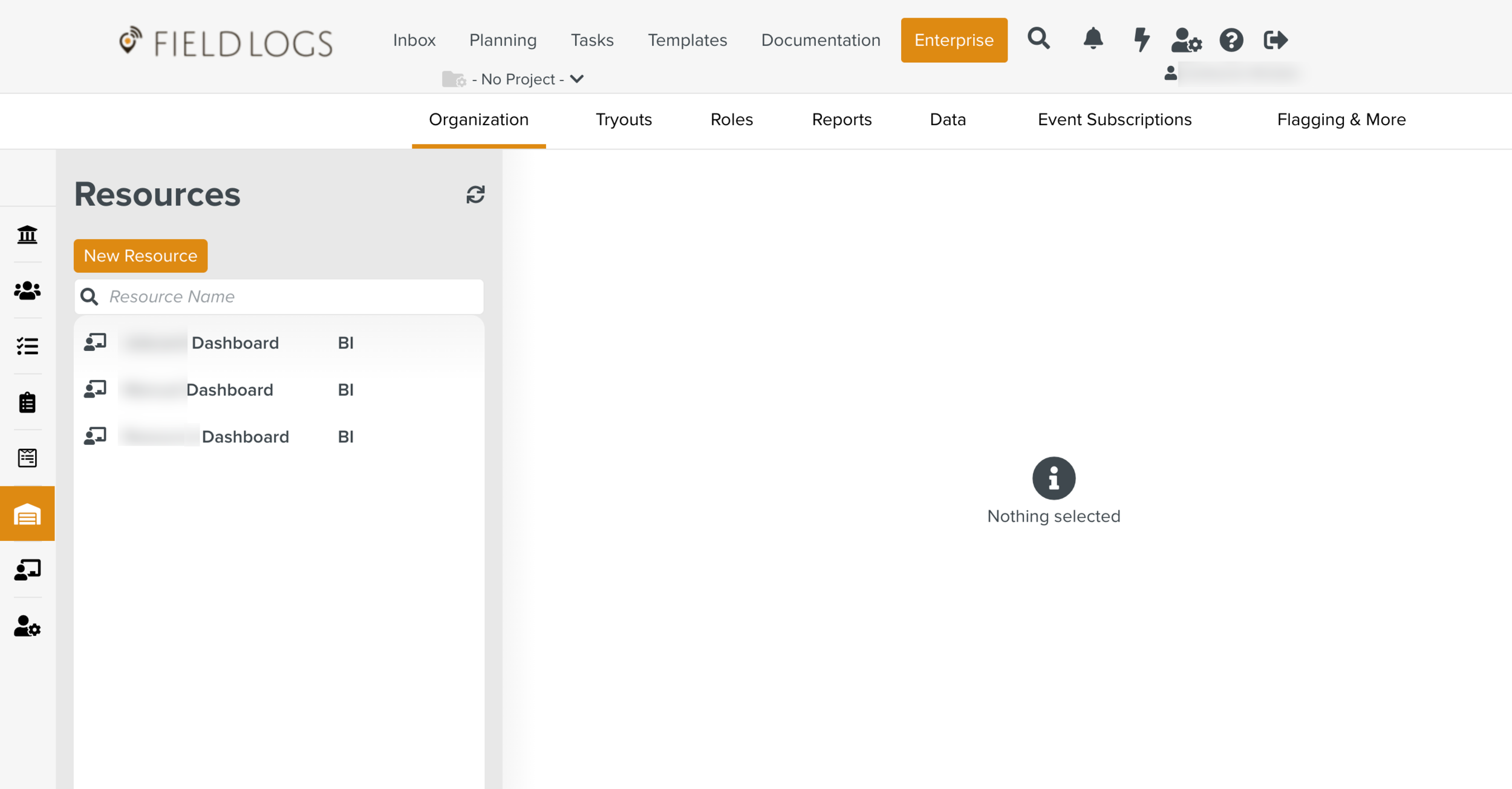
Click button.
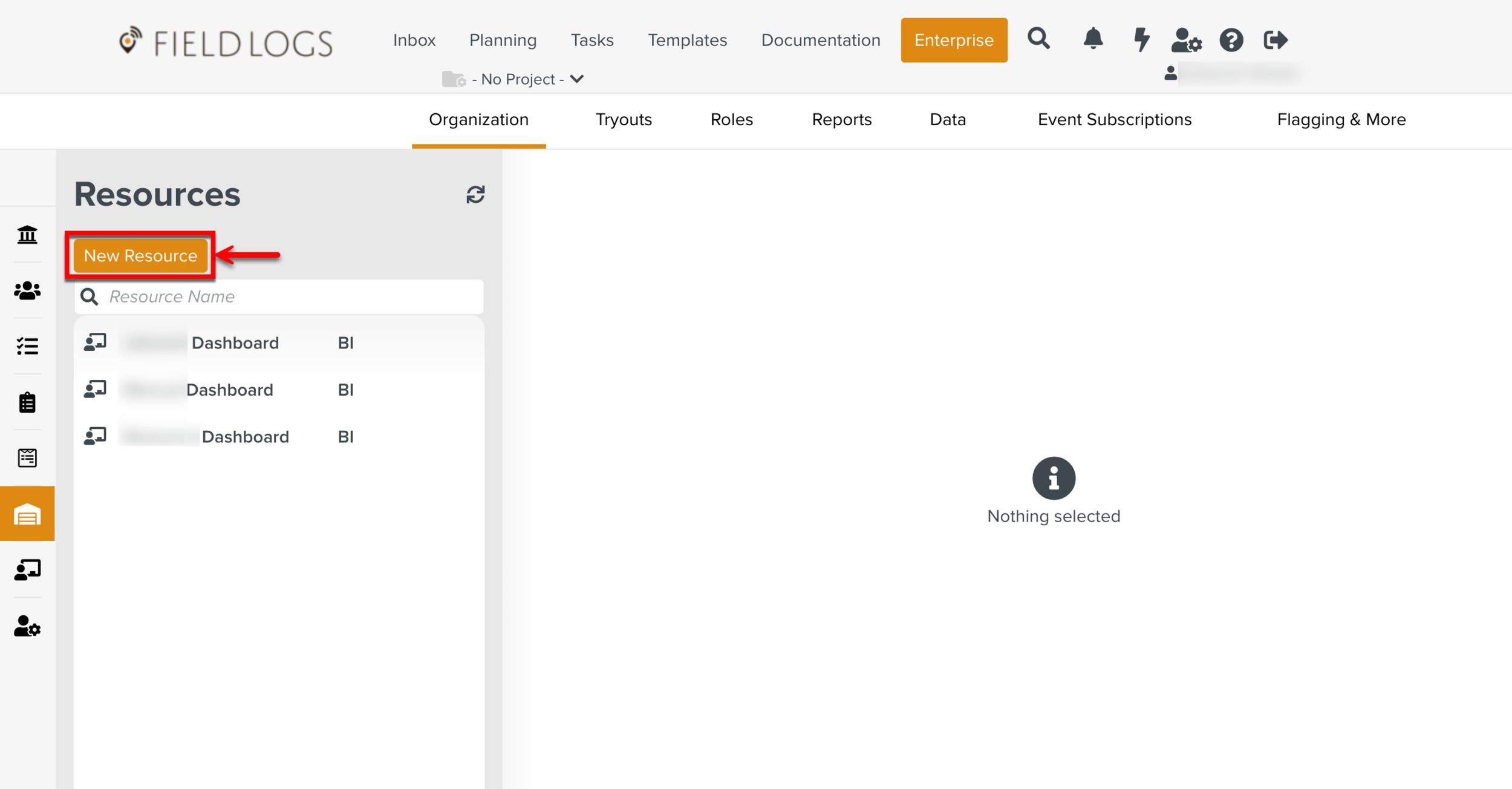
The page Create Resource appears.
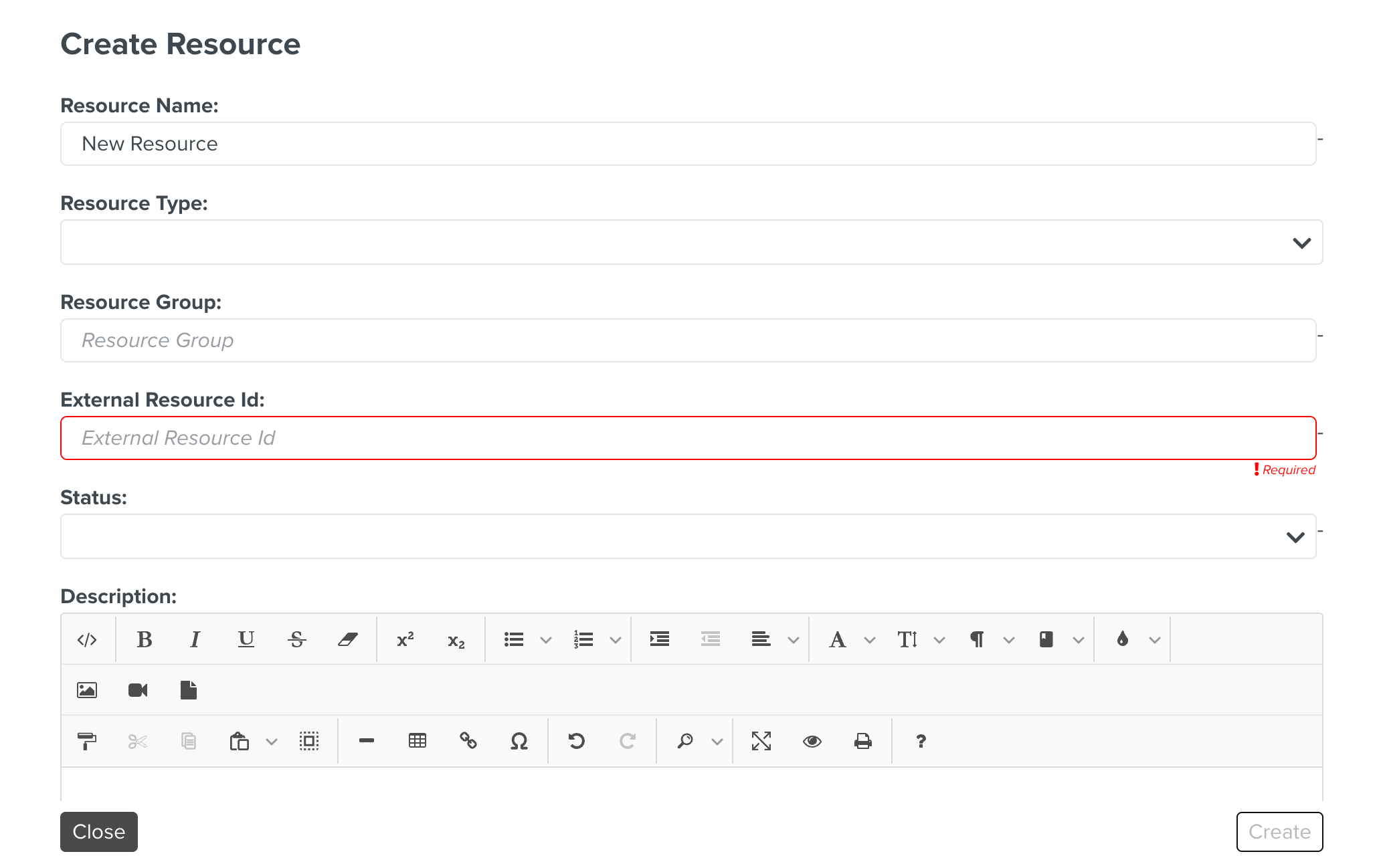
Enter the Resource Name.
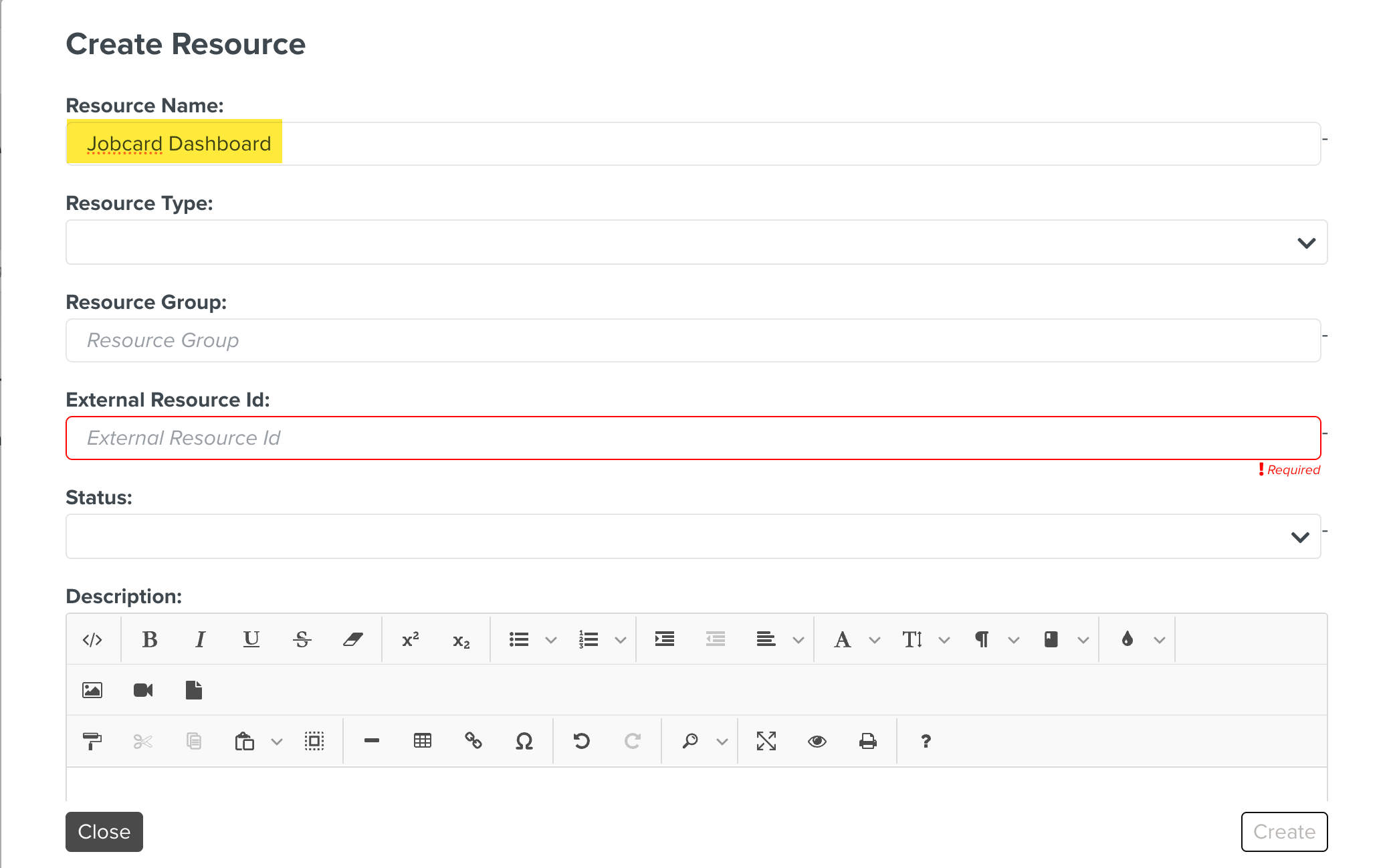
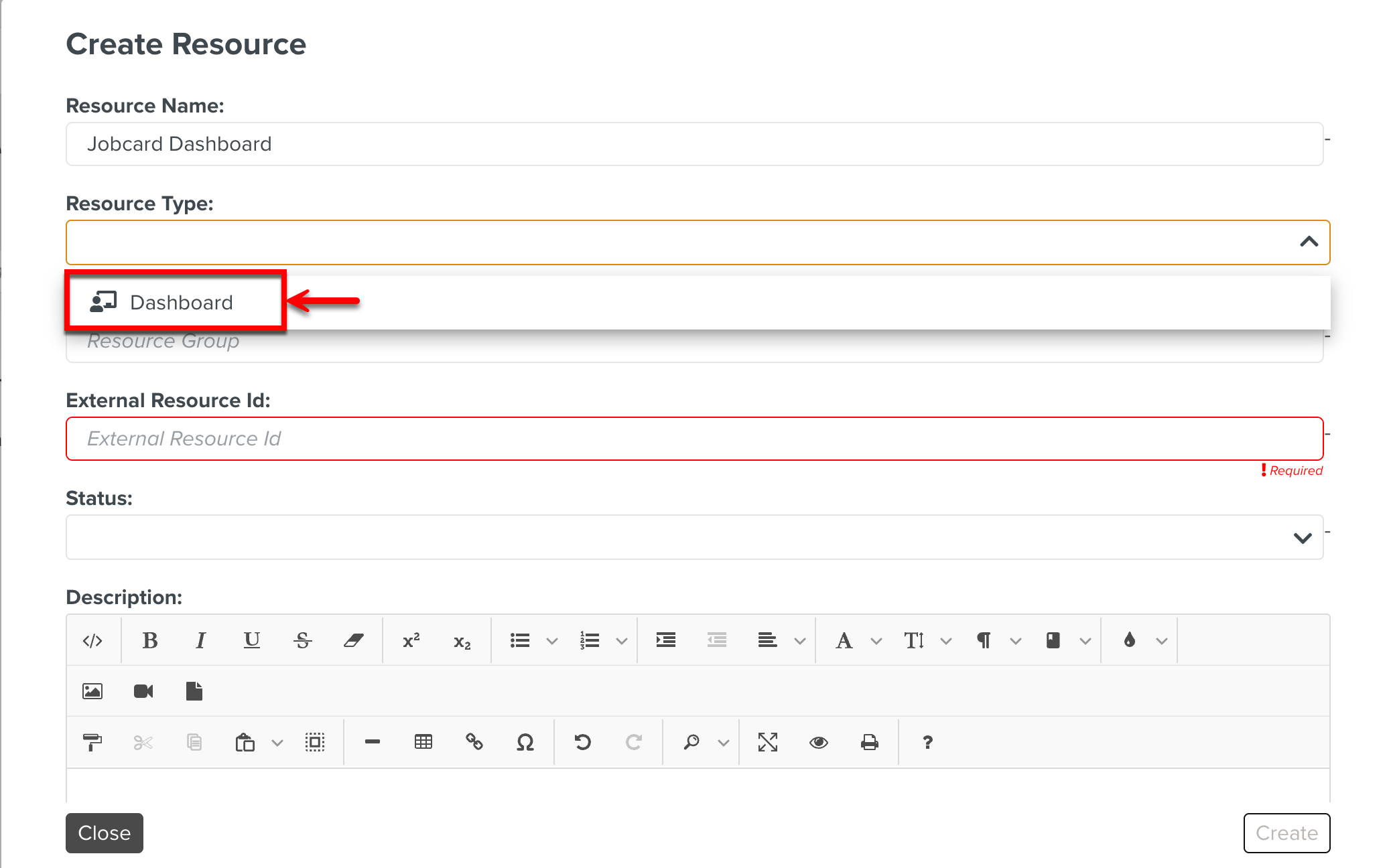
Select the Resource Type.
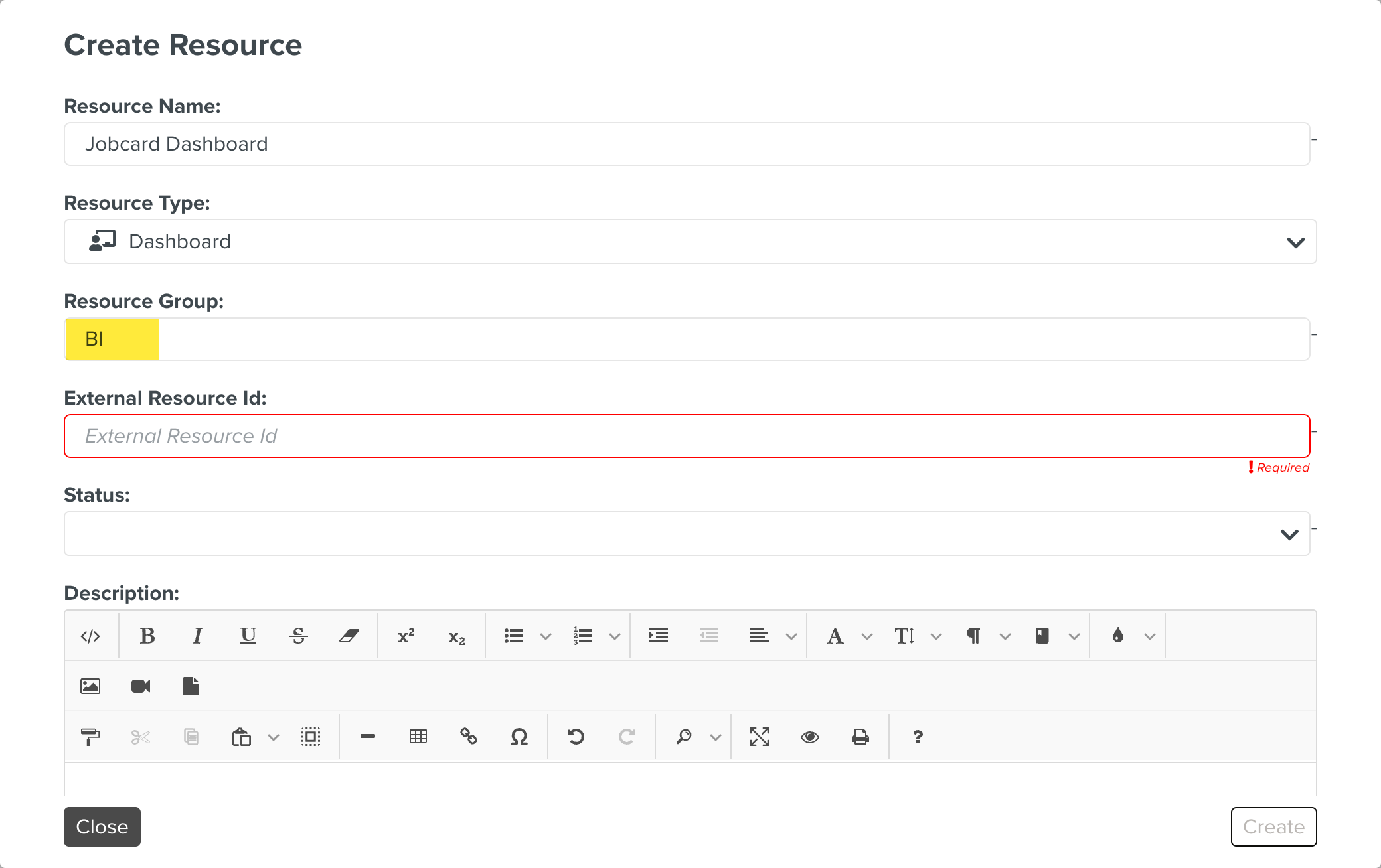
Enter the Resource Group.
[Mandatory] Enter the External Resource Id.
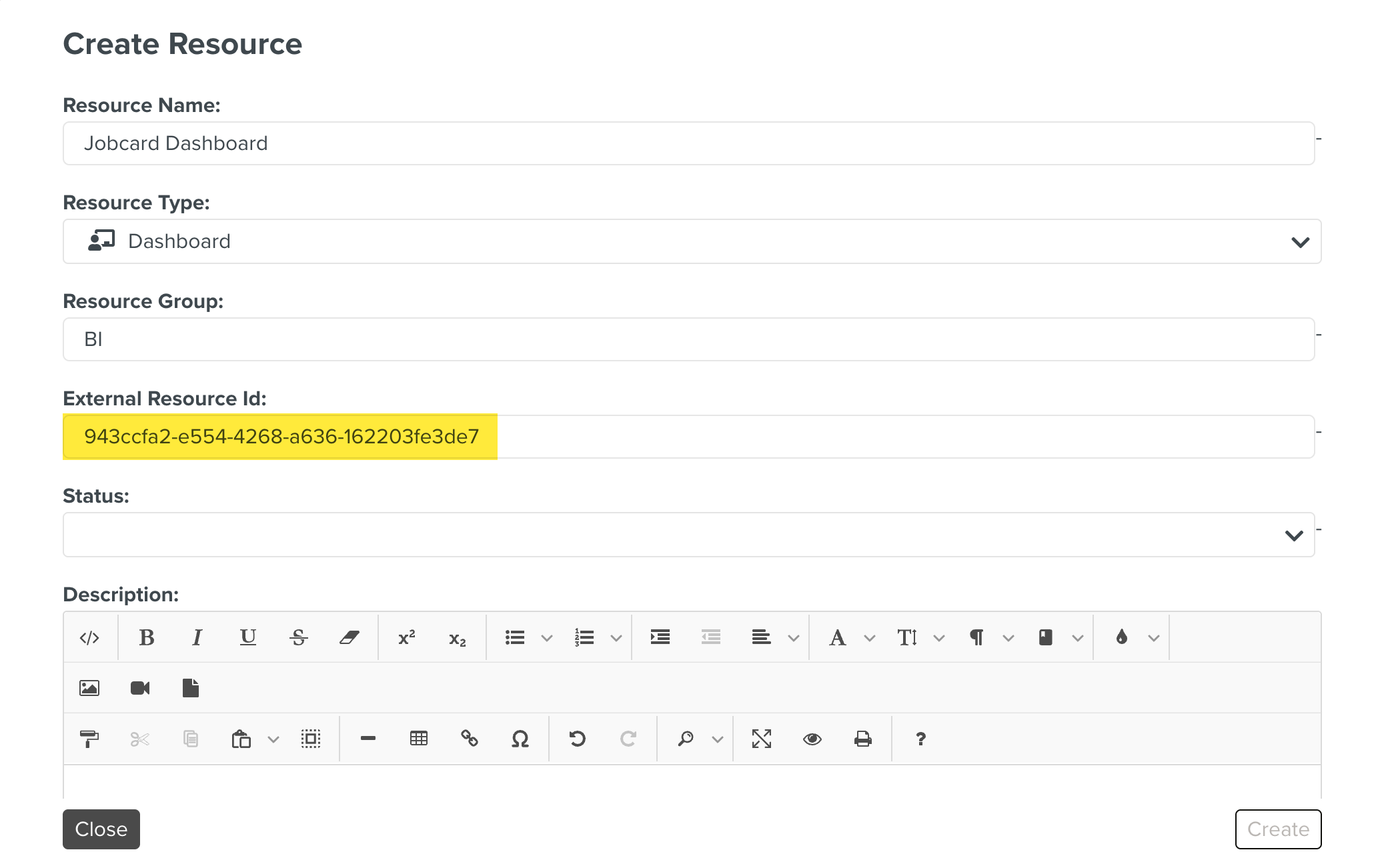
Please contact the FieldLogs support team to get the External Resource ID specific for your dashboard.
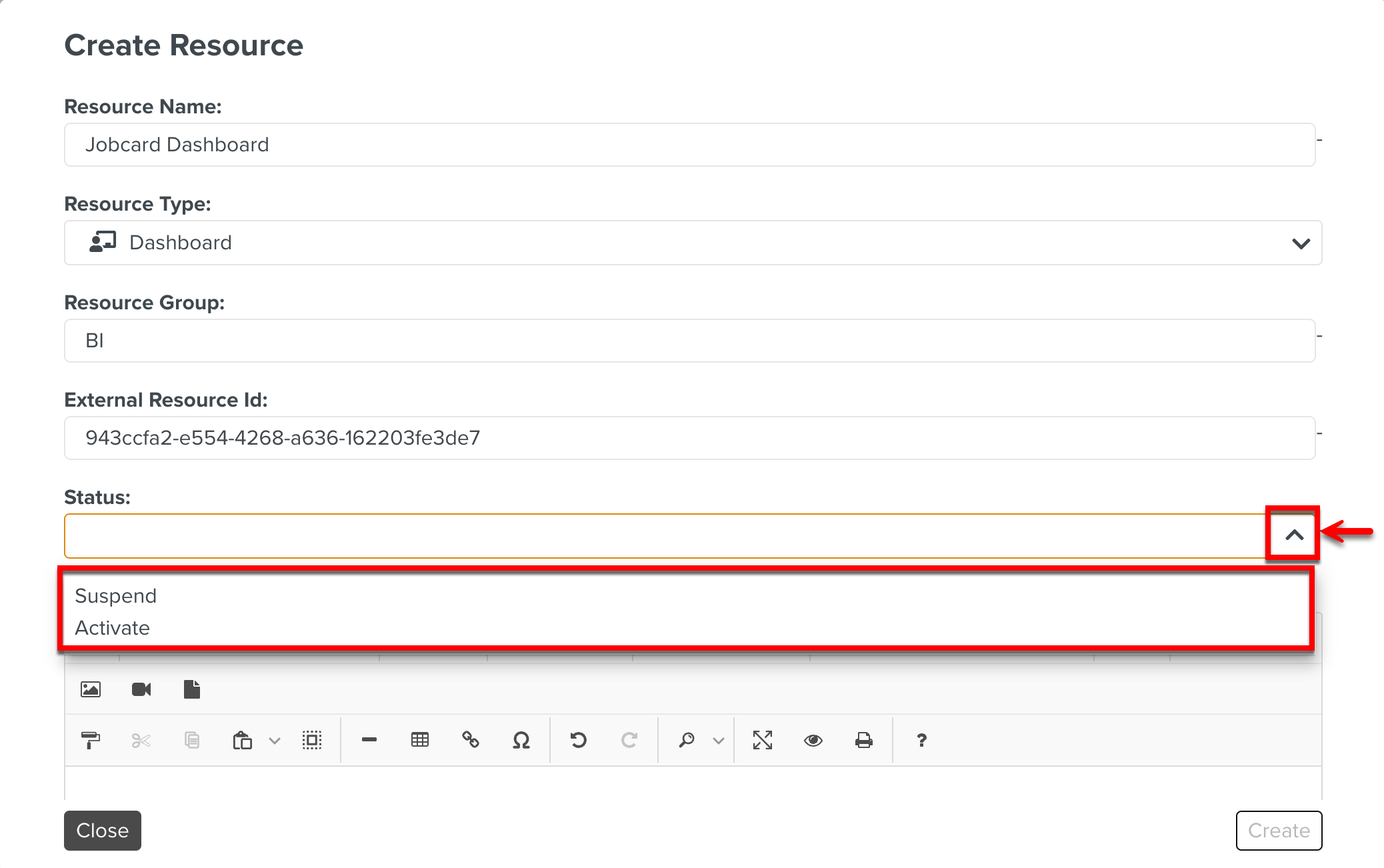
Select Activate.
Enter the description.
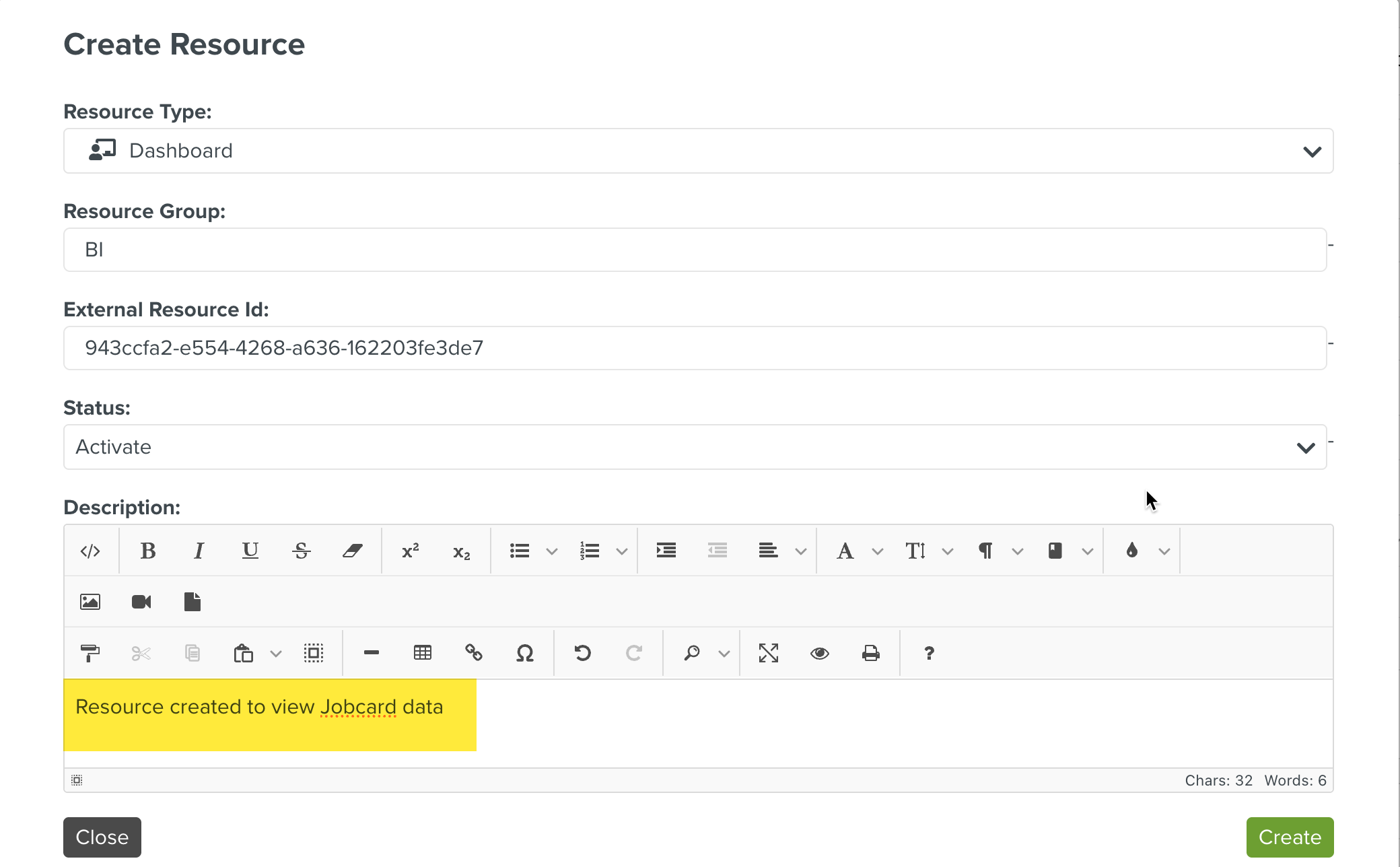
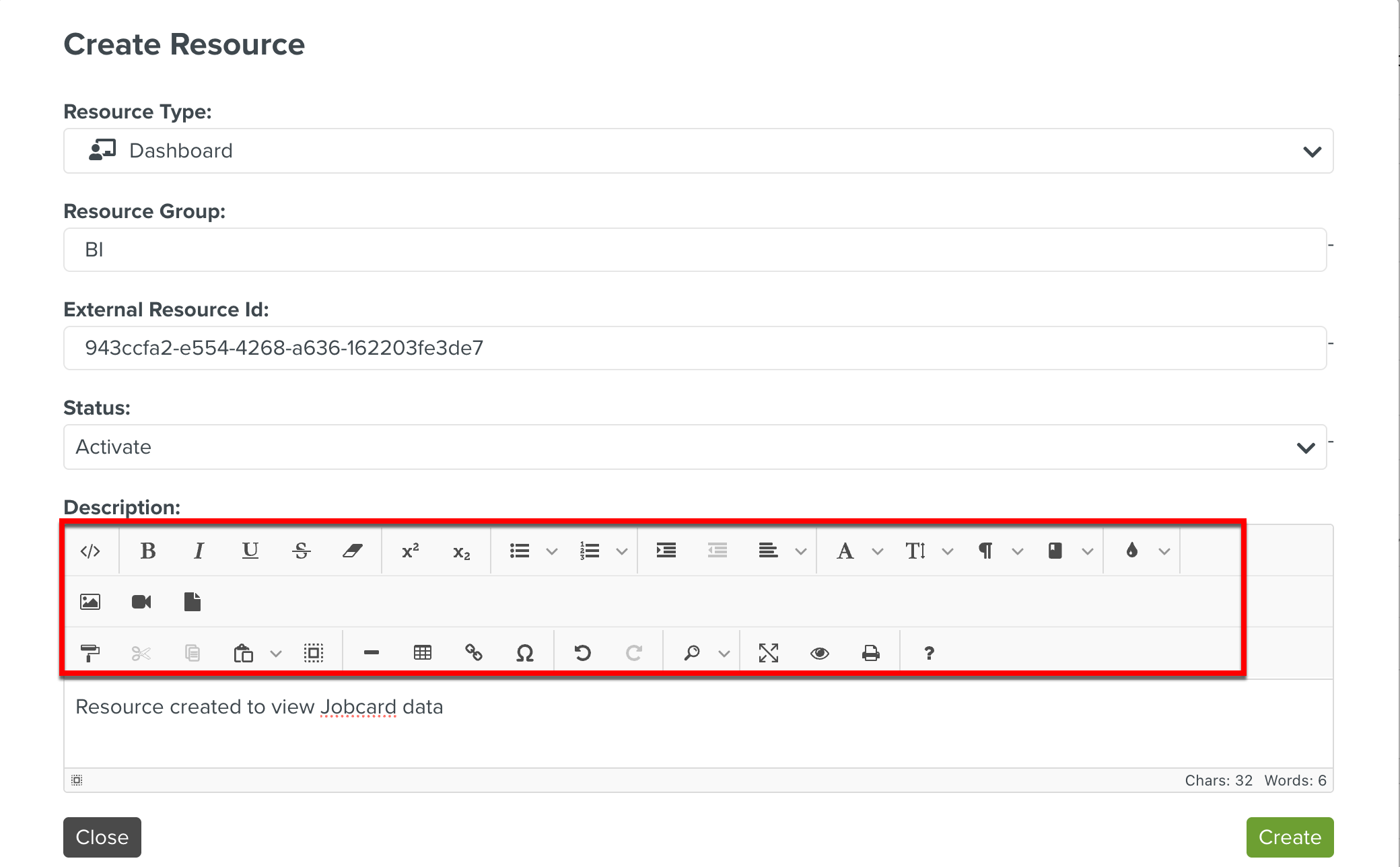
You can use a few in the example to show the effects of advanced editing.
Click
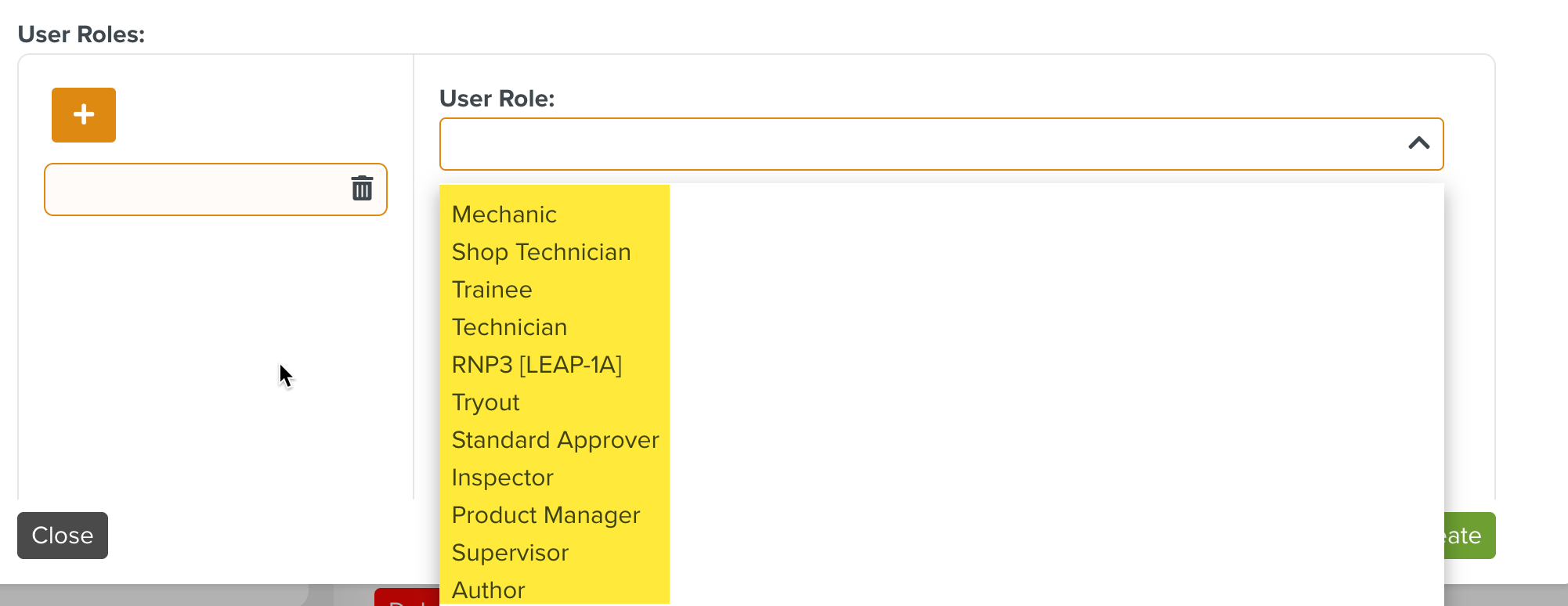
 to add User Roles to access the Dashboard. Only the users associated with the selected Role will have access to the dashboard.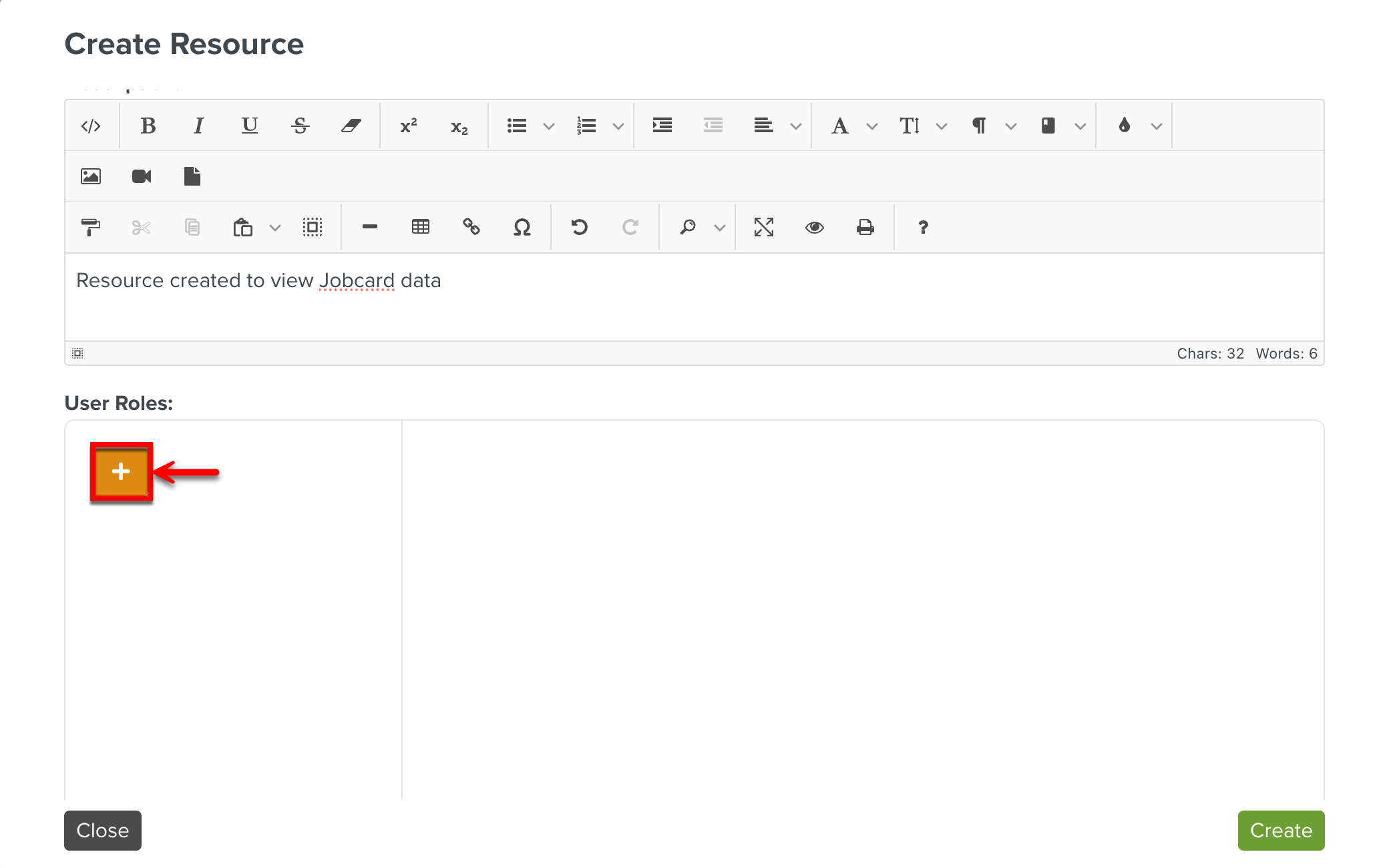
Select a User Role from the dropdown list.
Note
Ensure the users are associated to the appropriate User Roles and you select the correct User Role of the User.
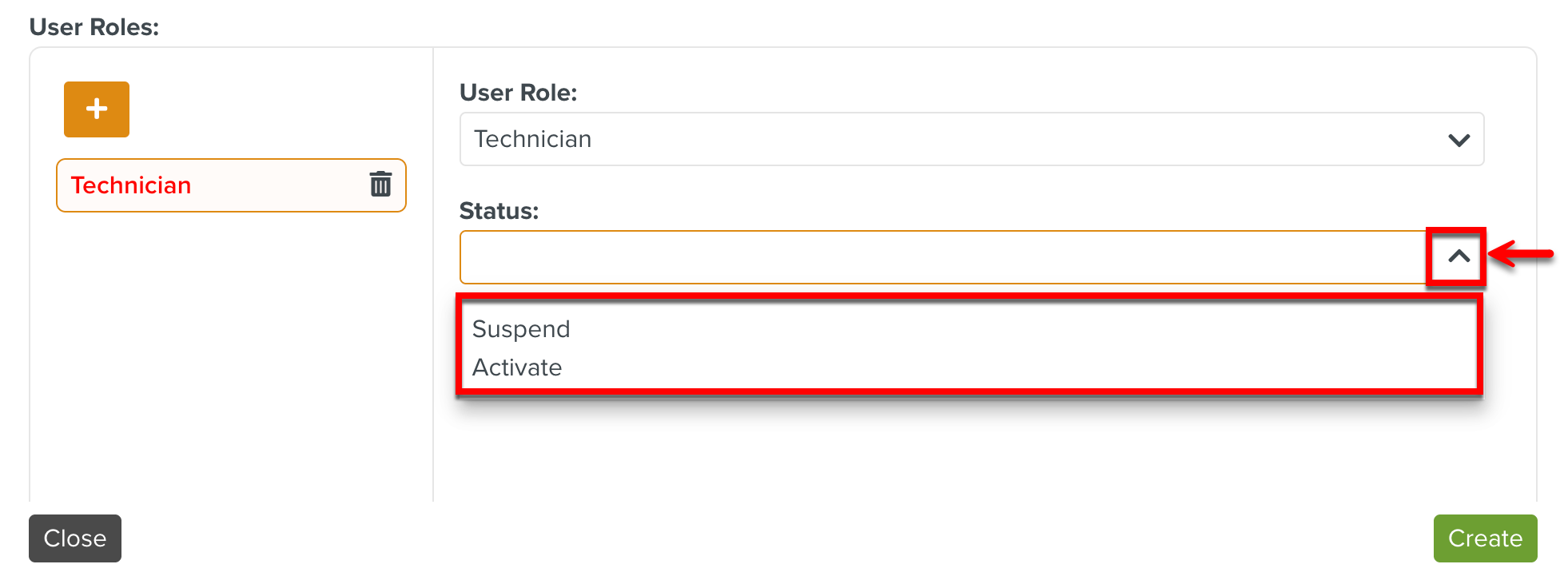
Select Activate.
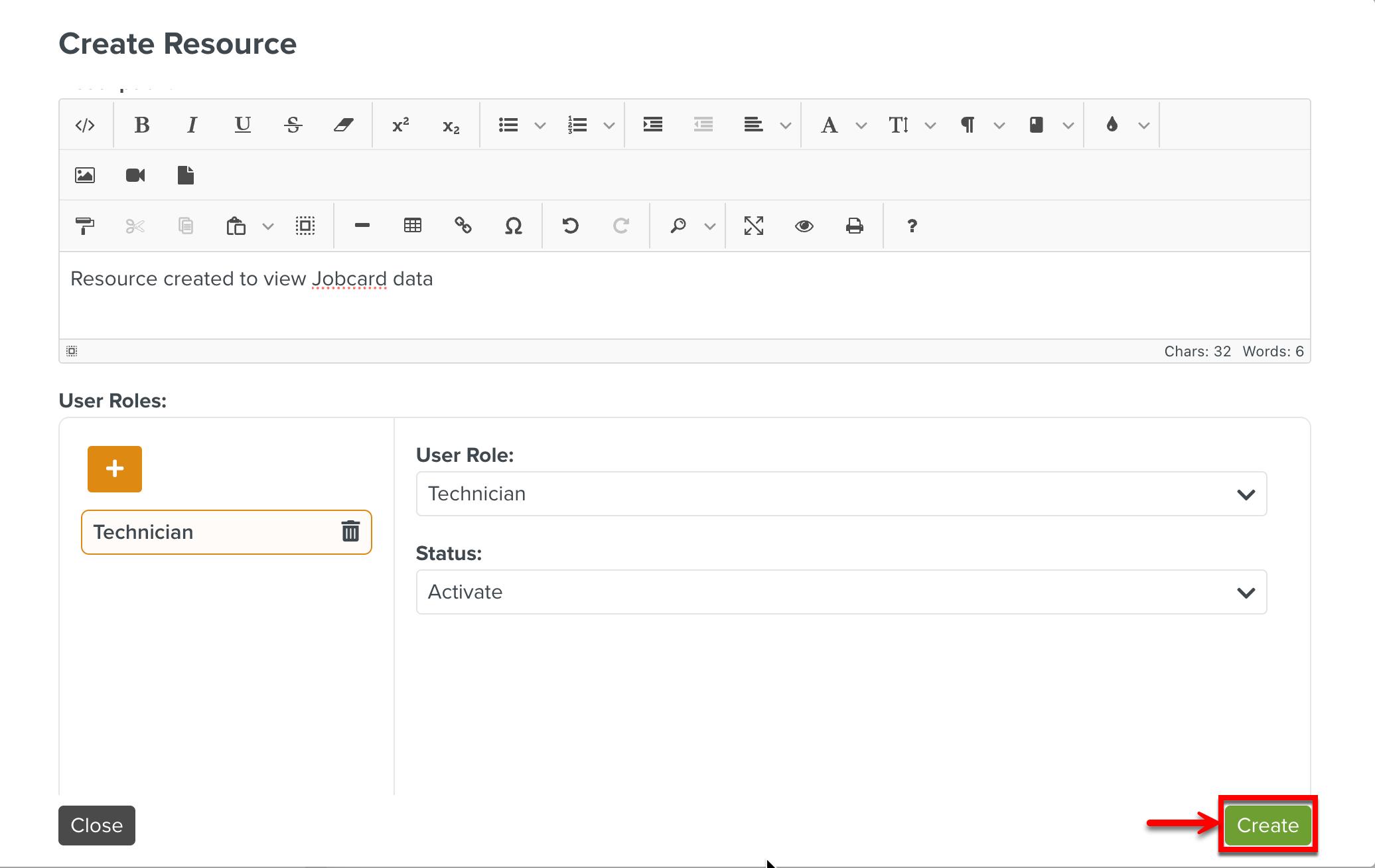
Click .
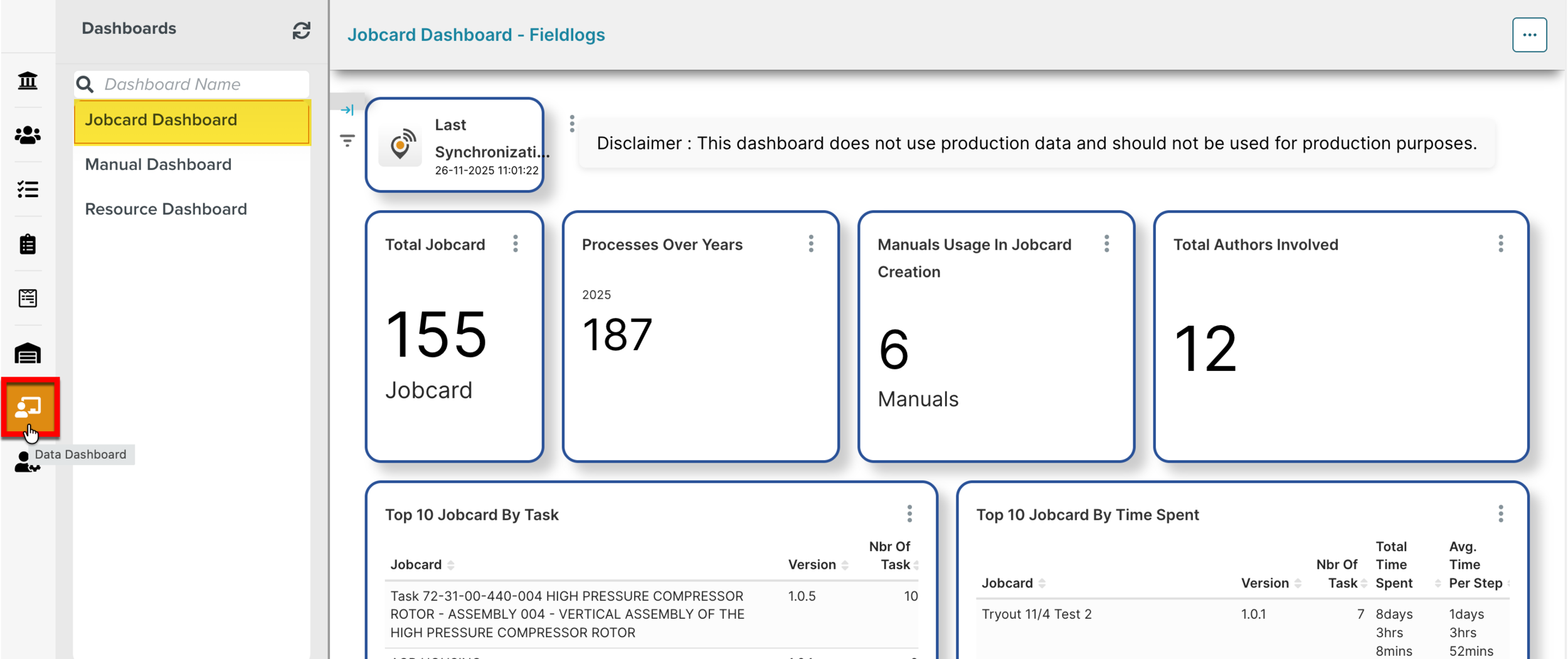
The Resource Jobcard Dashboard of Type Dashboard is integrated to FieldLogs and is available in the Data Dashboard section under .
 |
To remove the Jobcard Dashboard from the Data Dashboard, you can select the Status as Suspend shown in Step 7.