1 - Create a Task without a Task Identifier
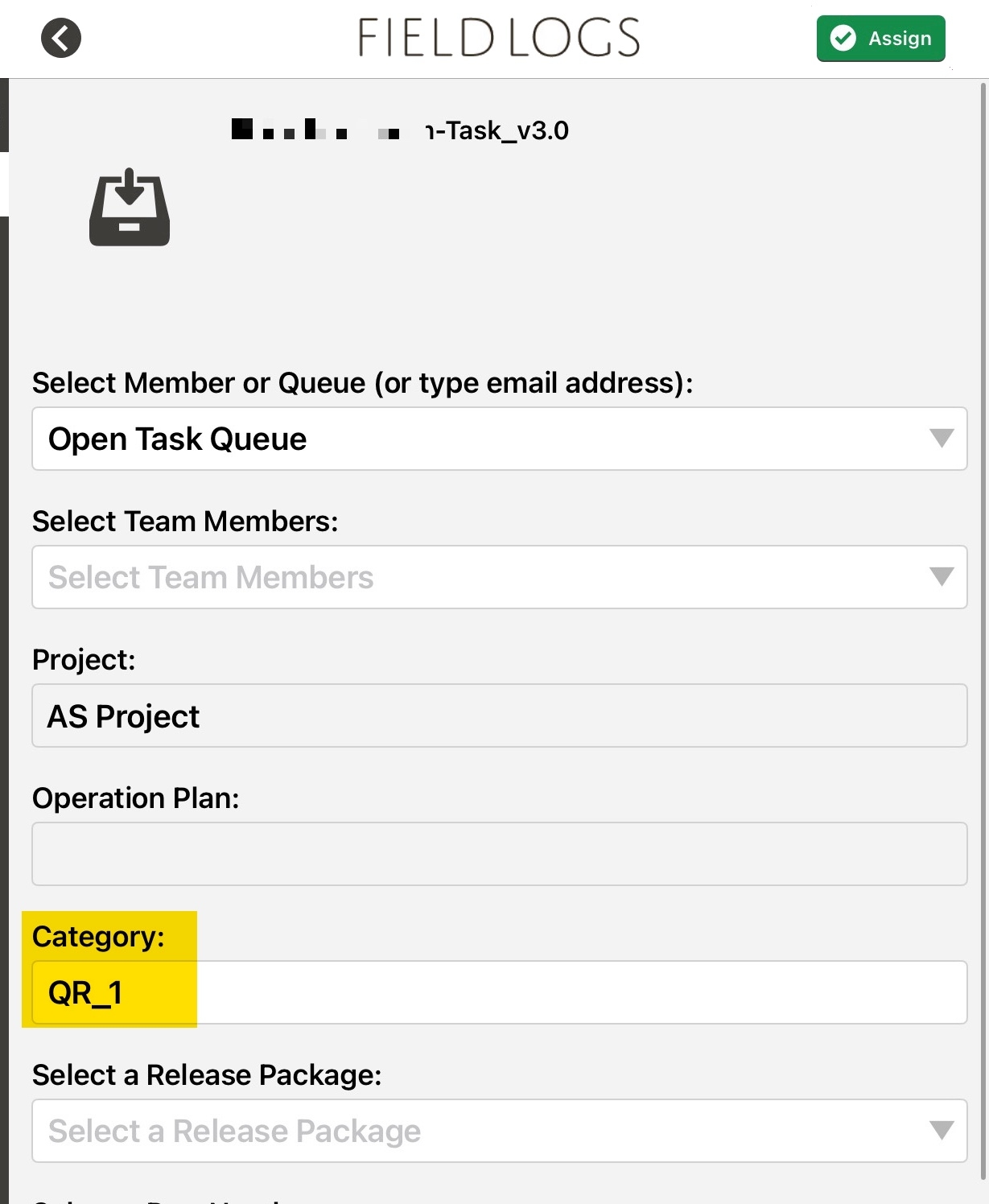
This QR code creates a Task without a Task identifier. When this QR code is scanned, the user is directed to the Assign Task page within the mobile application.
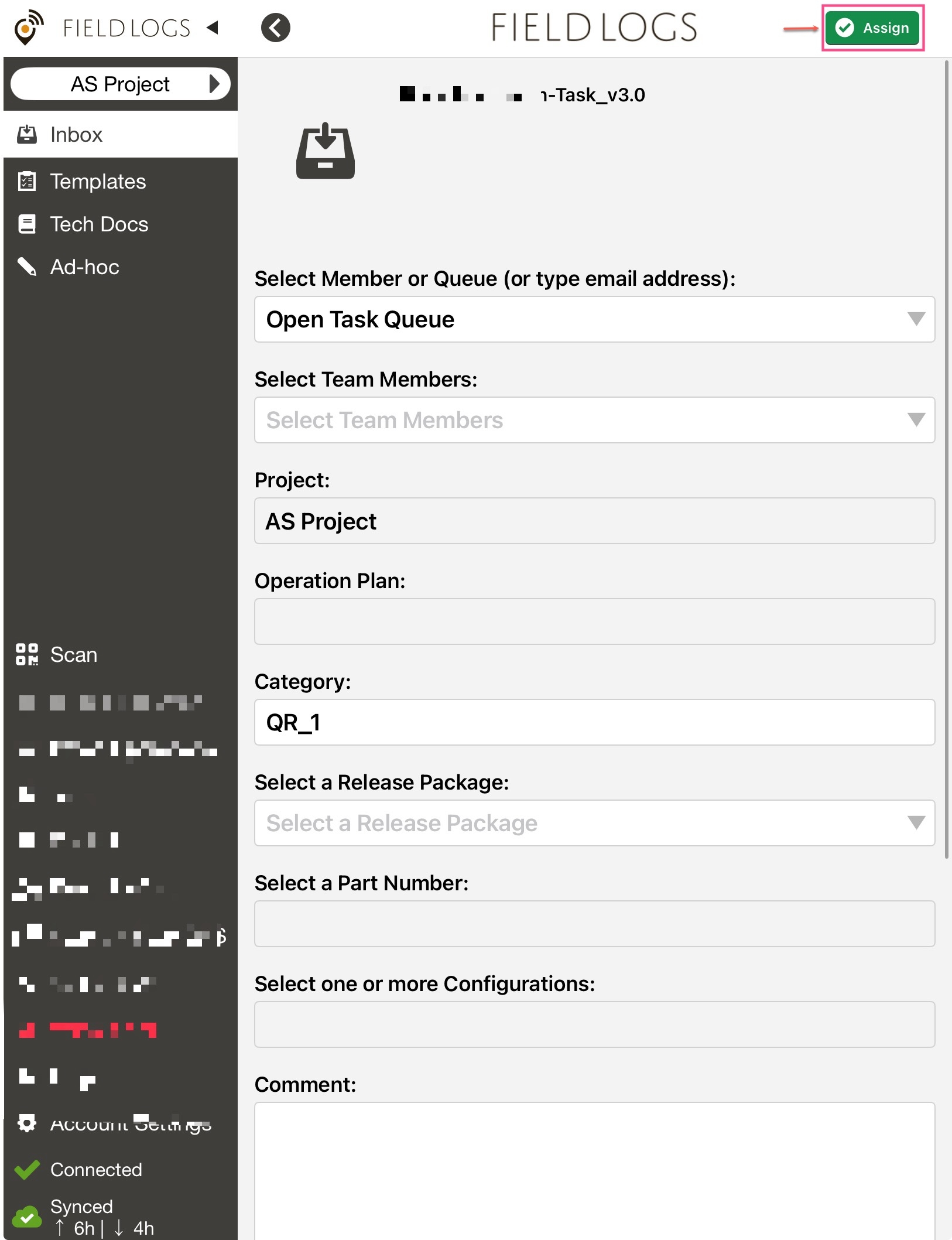 |
A sample JSON for this action is as follows:
{ "publishedId": "ABCD01", "action": "1", "projectId":"12345Id", "queueId": "12345 ", "category": "Operation 001" }
The attributes in the JSON are described below.
Attribute | Type | Required | Description | |
|---|---|---|---|---|
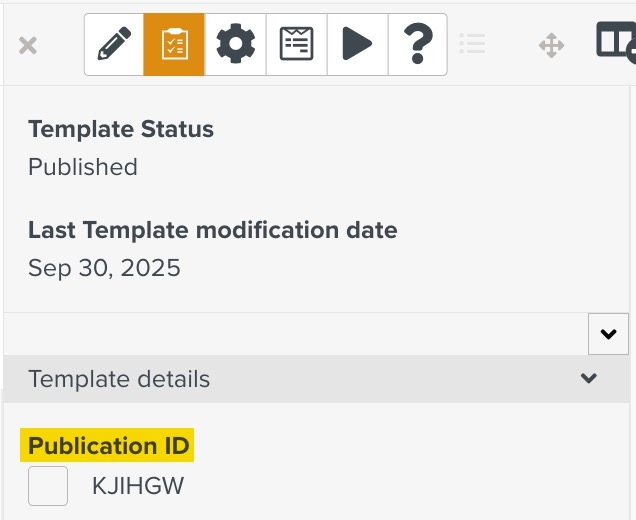
publishedID | String | Y | Publication ID of the Template
| |
action | Integer | Y | Takes the value "1" | |
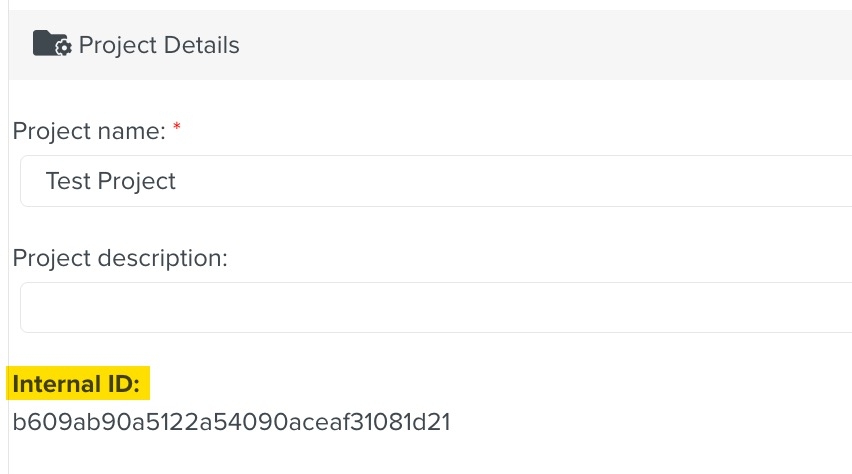
projectId | String | Y | Project ID of the created Task. (Default = Currently Selected Project)
| |
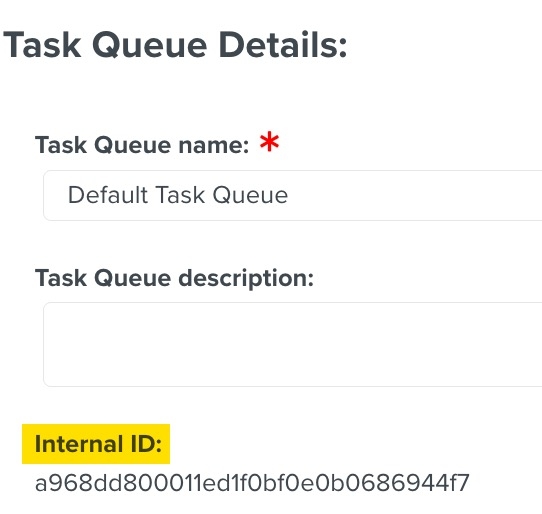
queueId | String | Y | Queue ID to which the Task is assigned. (Default = No Queue)
| |
category | String | N | You can enter any string here. It will appear as the category of the Task.
|