Viewing the History
Recently viewed Manuals and elements (Tasks, Subtasks, Page Blocks, etc.) can be viewed or revisited if required.
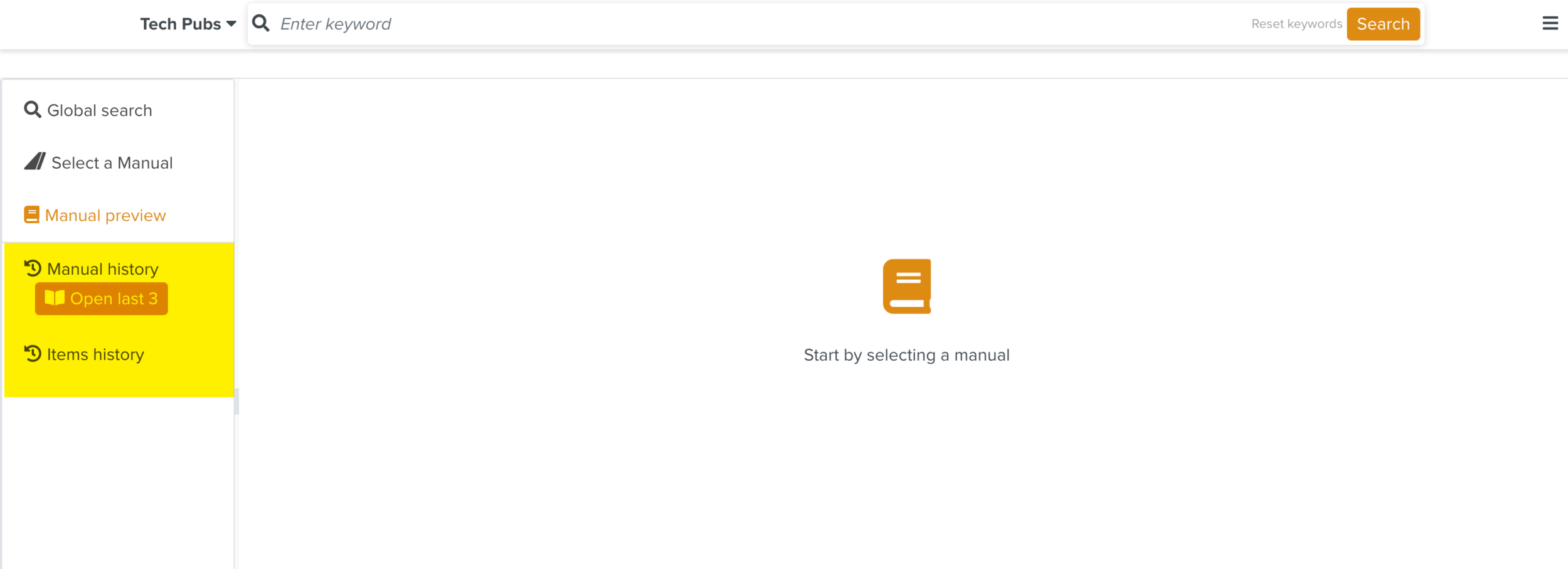 |
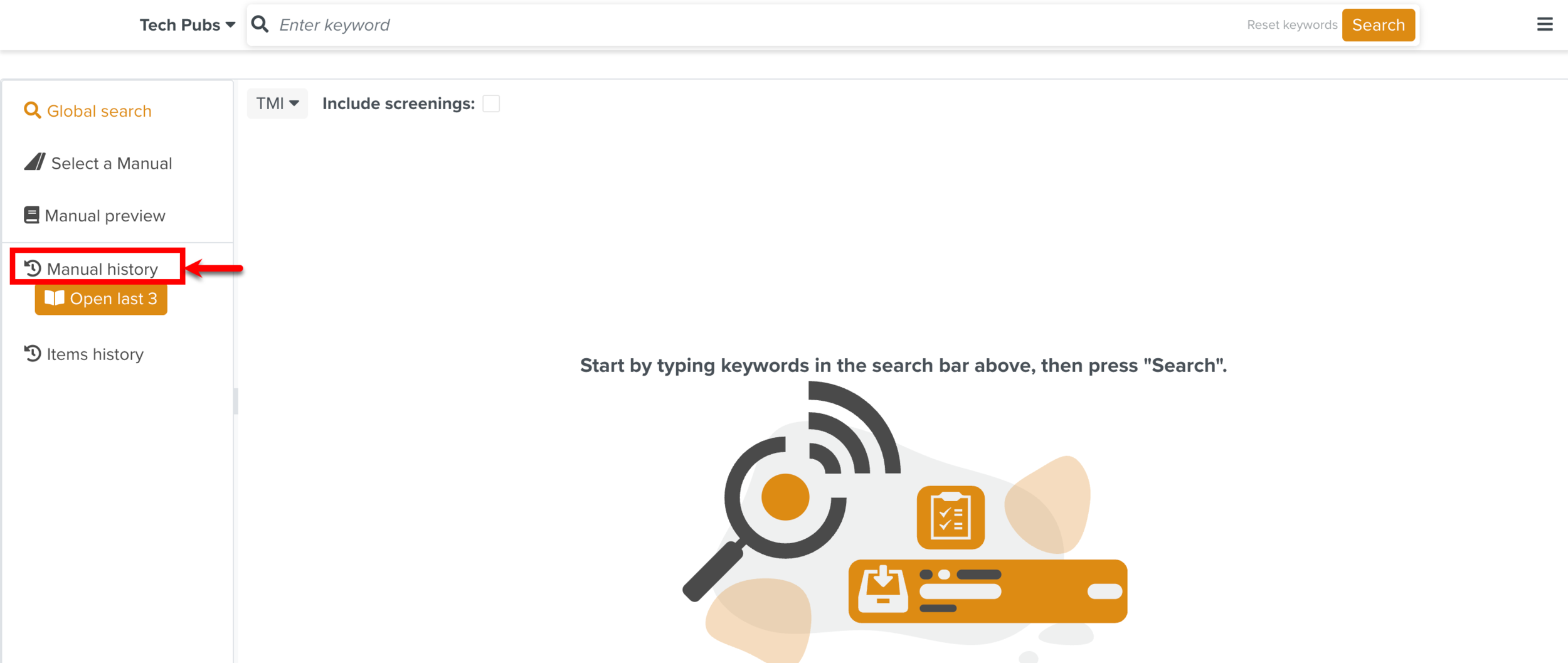
Clicking Manual history expands and collapses the list of previously viewed Manuals.
 |
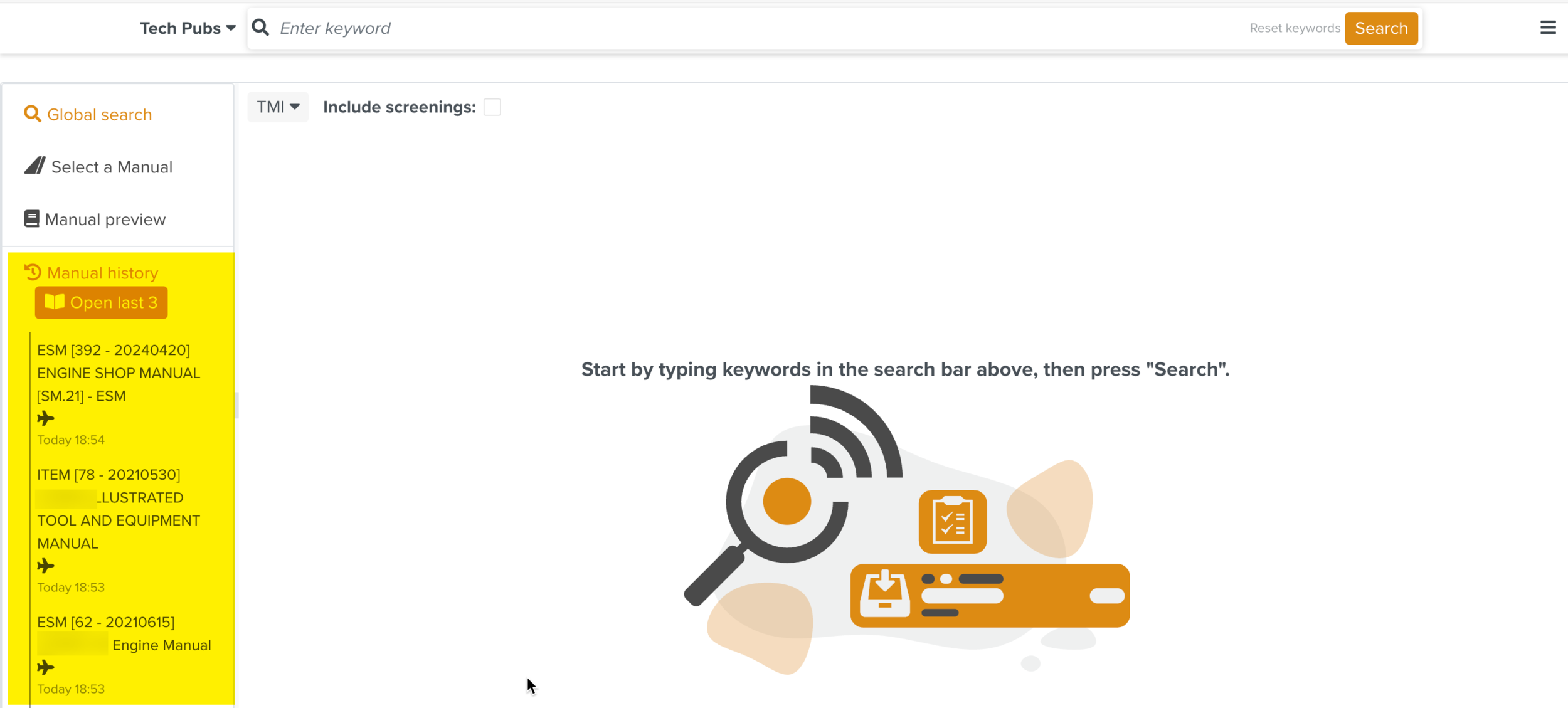 |
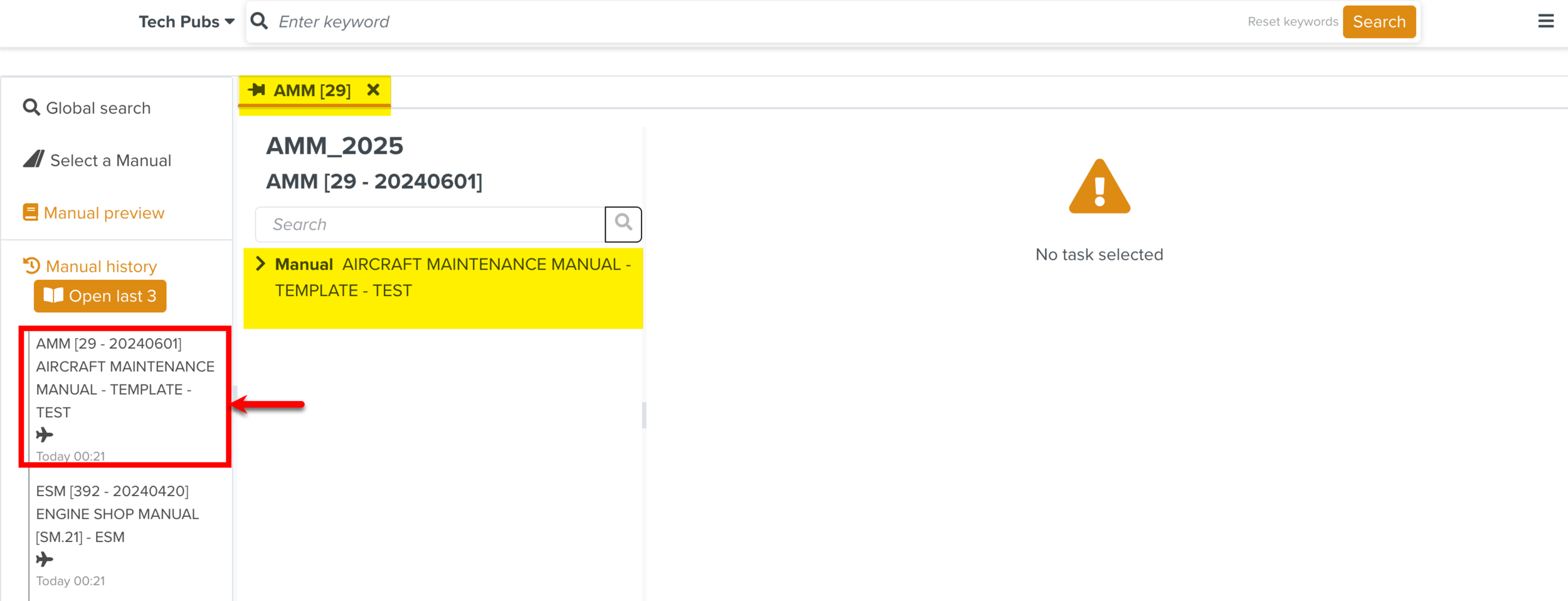
You can select any Manual from the displayed list.
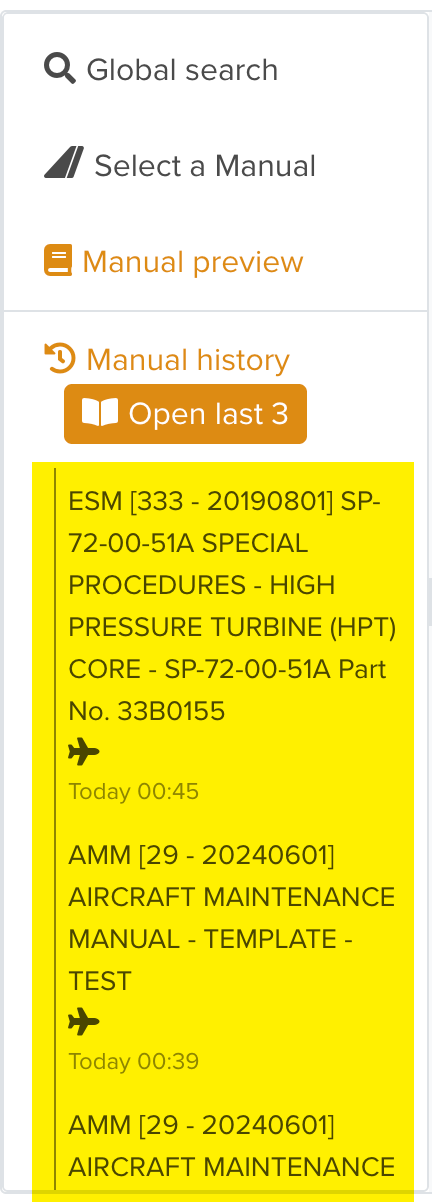 |
You can also click to open the last three Manuals that you viewed.
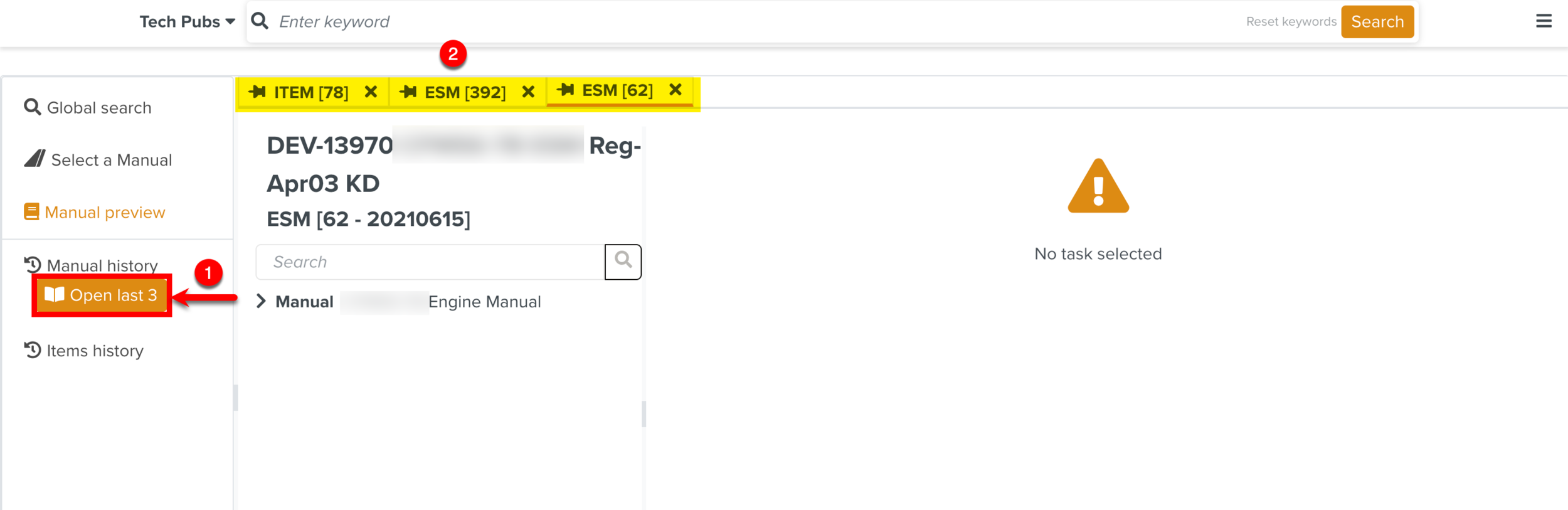 |
In the example below, the Aircraft Maintenance Manual is selected and the structure of the Manual appears in a separate tab. Expand the structure and select an element to view the content of the Manual.
 |
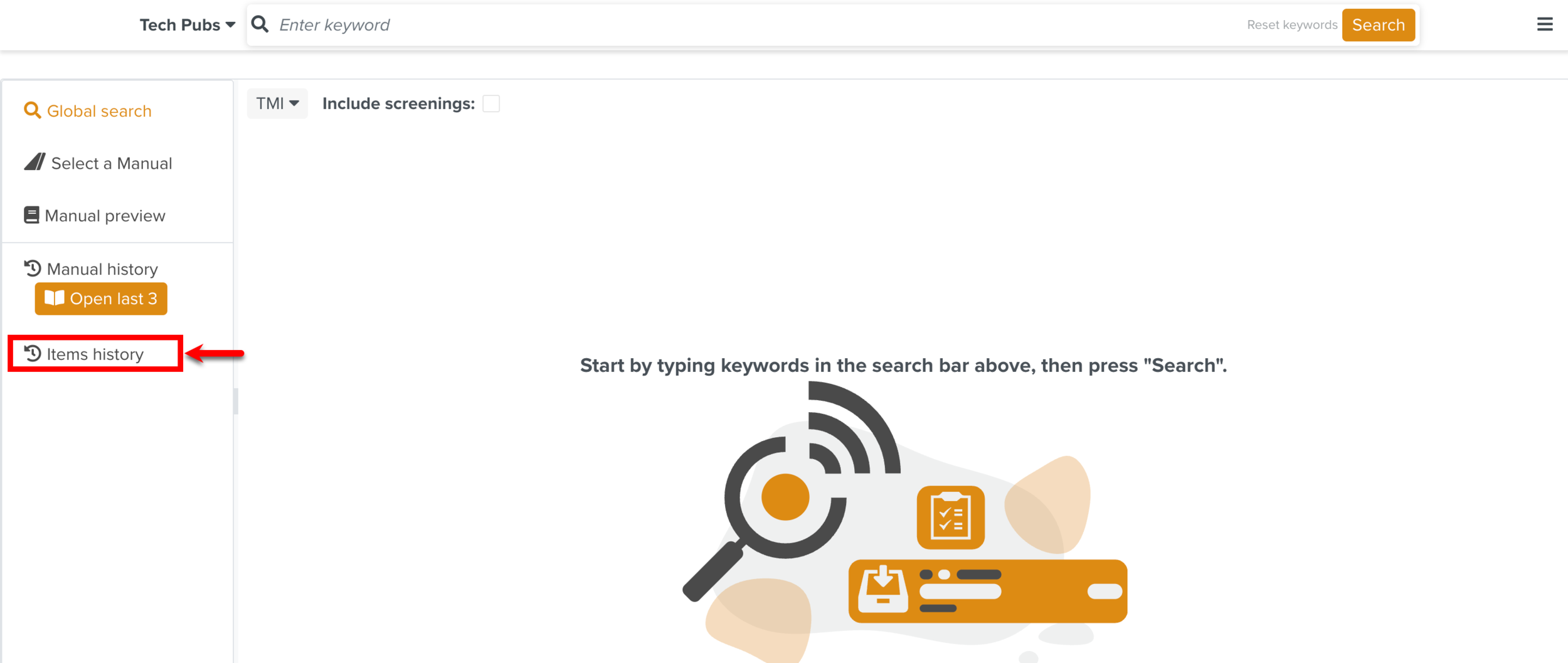
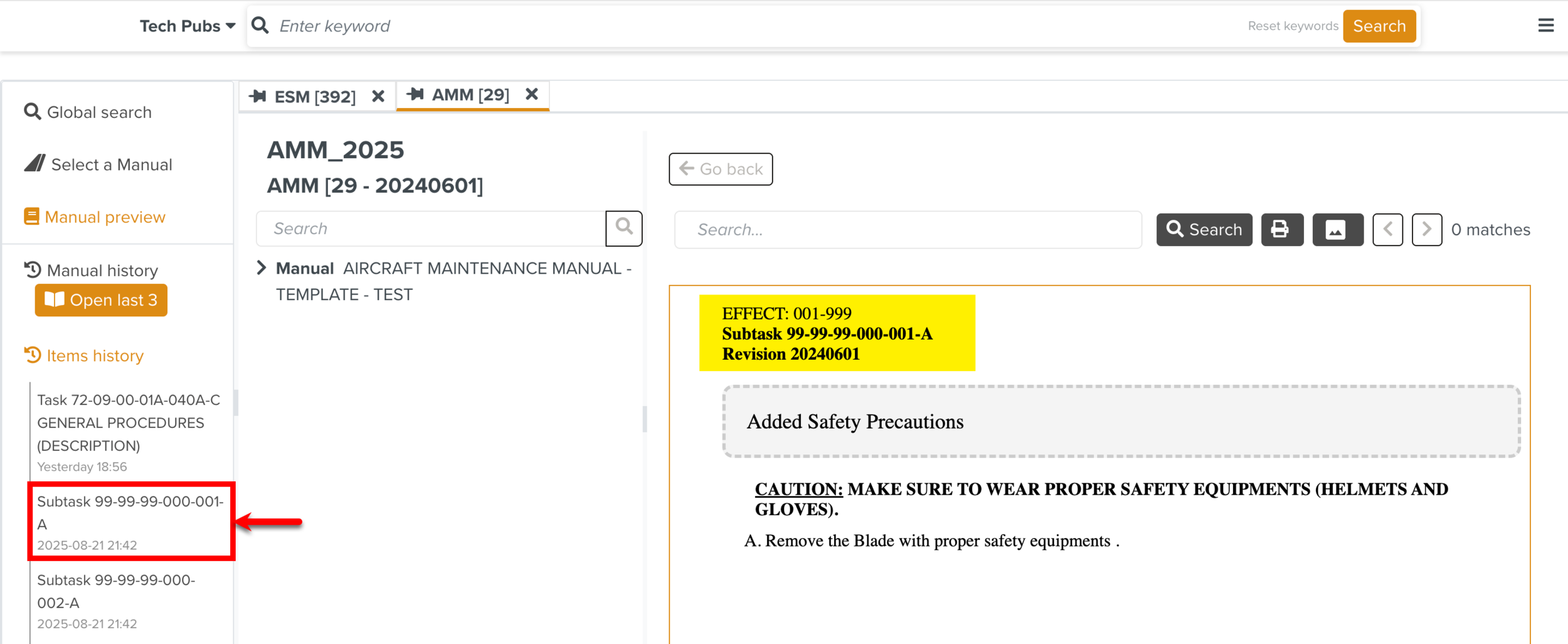
You can view the list of previously viewed Manual elements by clicking Items History.
 |
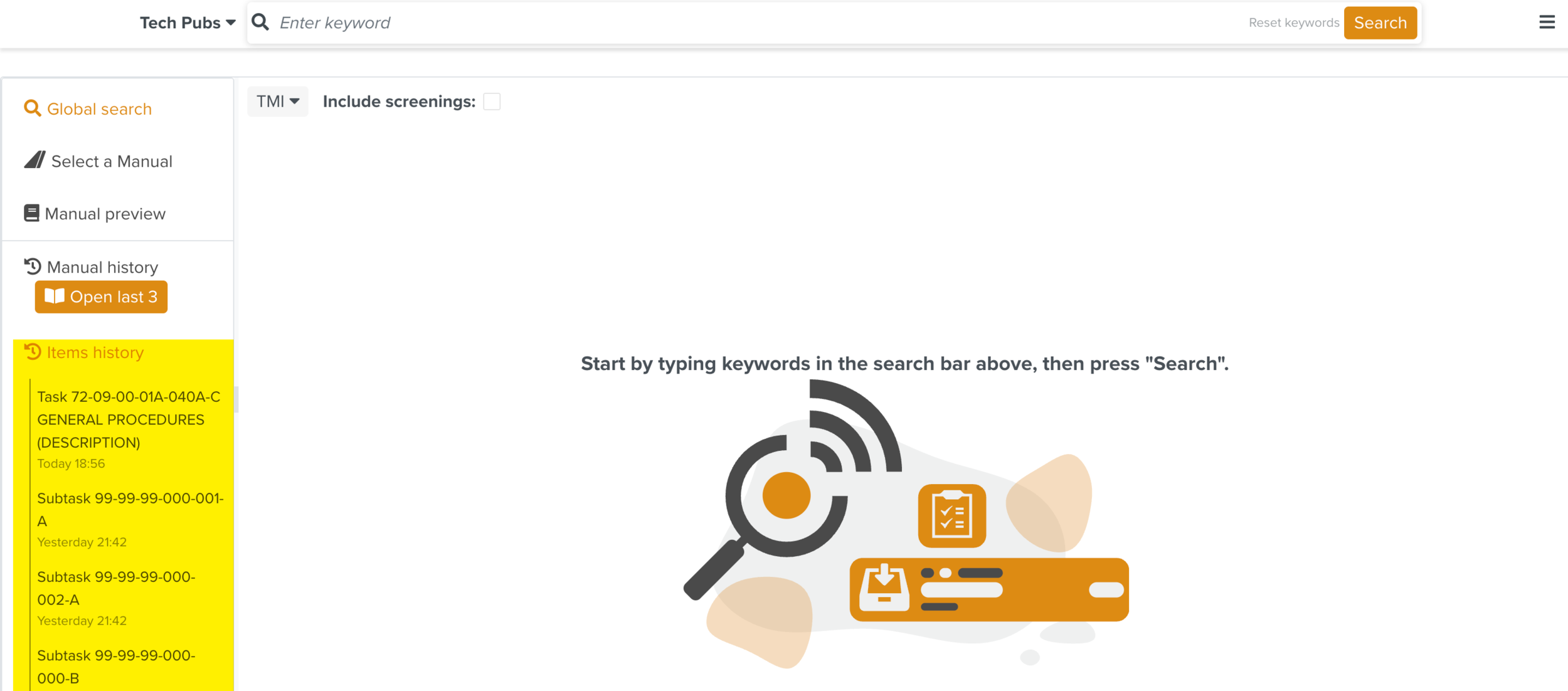 |
In the example below, a Page Block is selected and the content opens in the Manual Preview.
 |
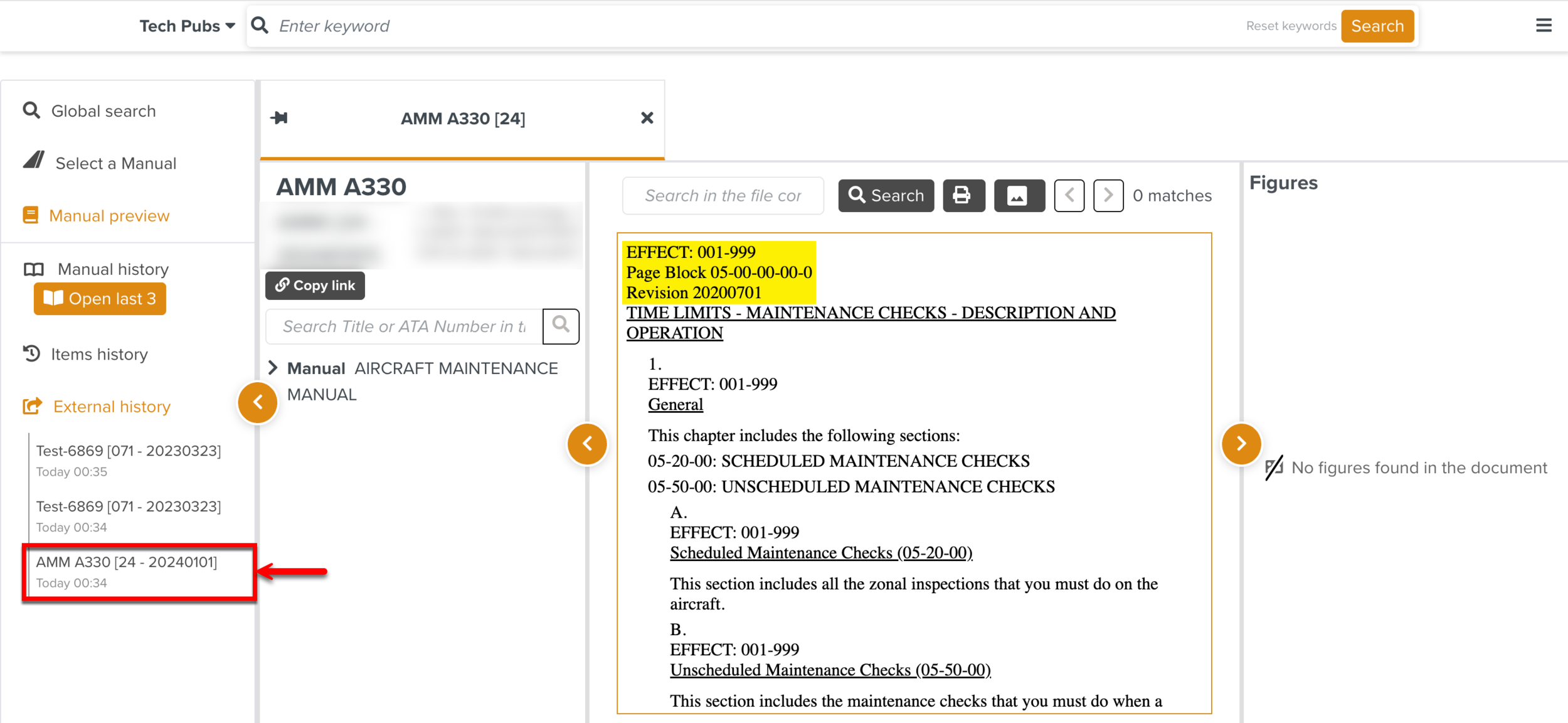
You can view the list of Manuals or elements that were opened using the shared link. When you share the copied link of the Manual or elements, the history of the items viewed using the shared link are recorded in the External history section.
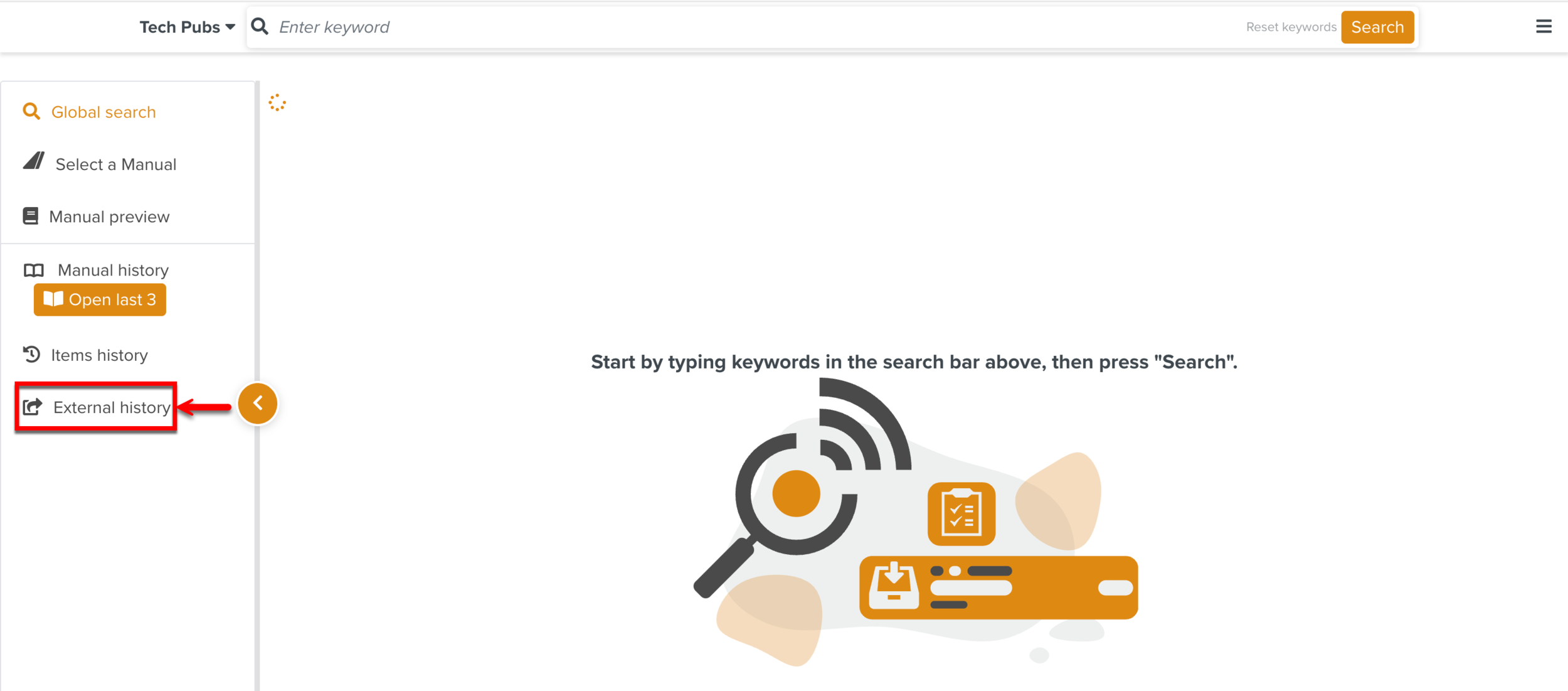

In the example below, a Page Block of a Manual viewed using the shared link is opened in the External history section.
 |